> ## Documentation Index
> Fetch the complete documentation index at: https://www.towbar.dev/llms.txt
> Use this file to discover all available pages before exploring further.

# Secrets from external services

> Import runtime secrets from one Infisical folder or Doppler config.

Use this option when Infisical or Doppler already owns the values. Configure the provider credentials in Towbar first: [Infisical setup](/docs/integrations/infisical) uses a machine identity, and [Doppler setup](/docs/integrations/doppler) uses a service token. Credentials stay in Towbar's protected configuration. The manifest selects which secrets to import without storing their values.

## Infisical

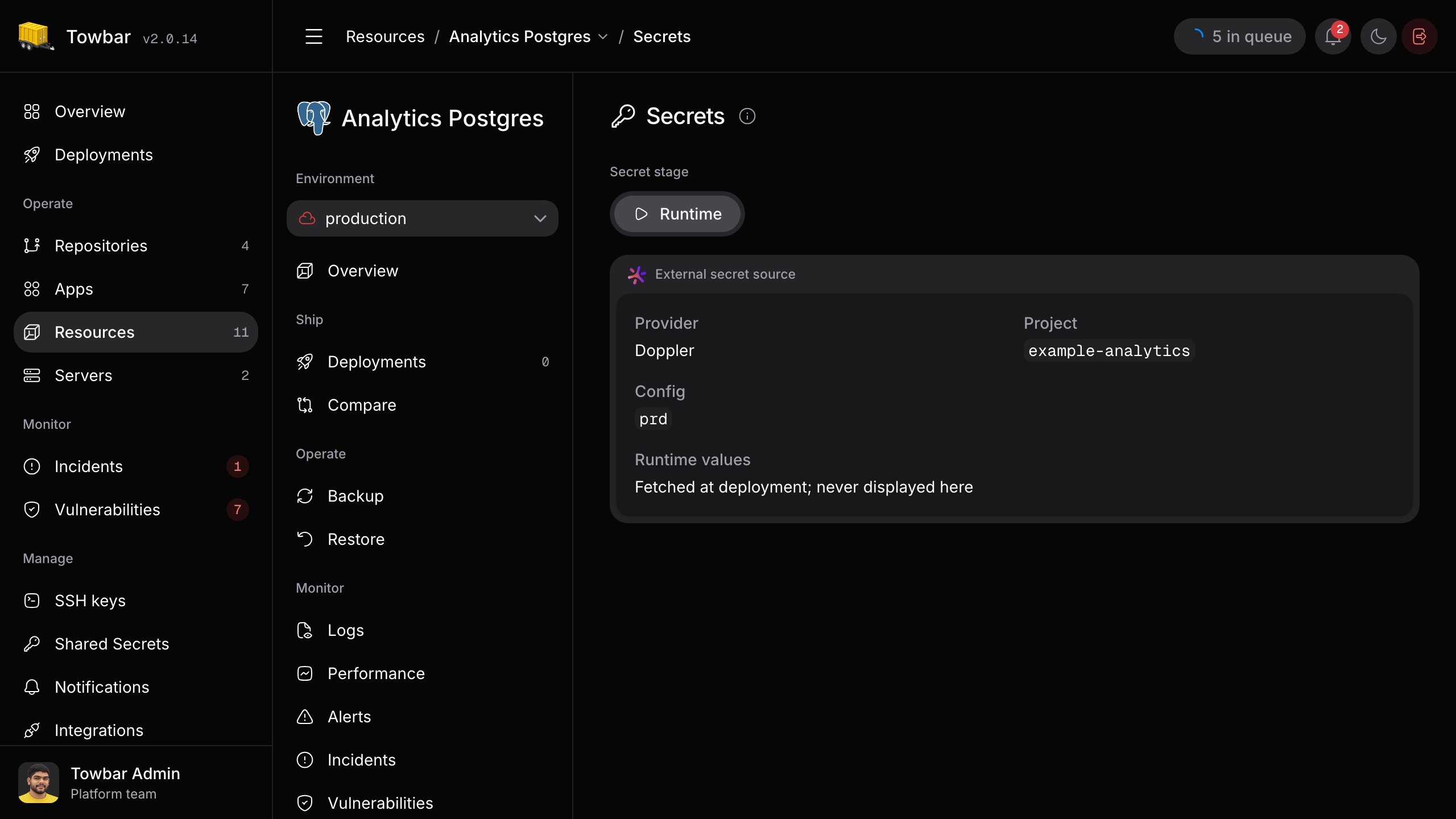
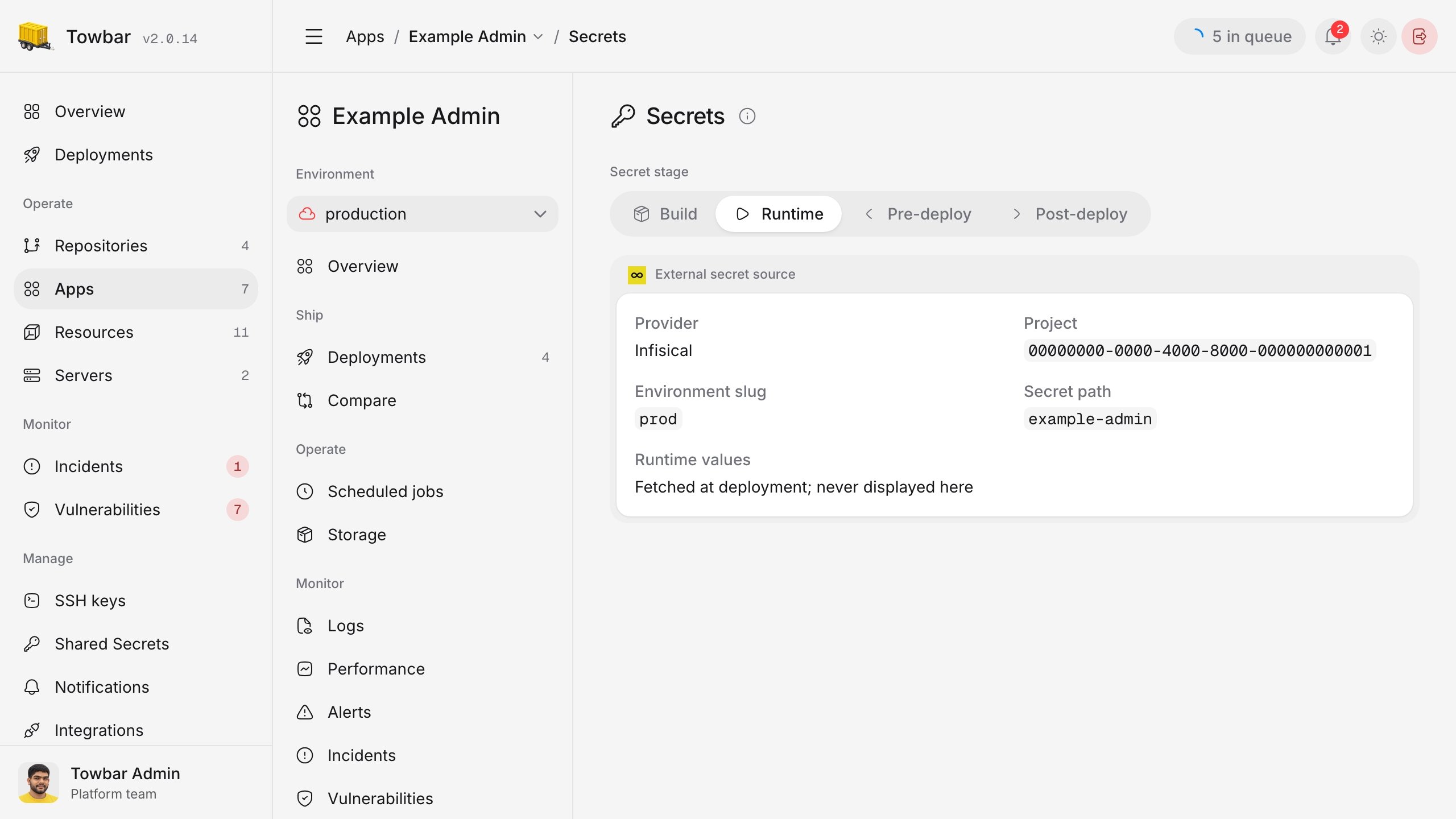
Set `project` to the Infisical project ID and, if needed, `environmentSlug` to the environment's slug. `secretPath` selects a folder within that environment.

```yaml title="In an app or resource manifest" theme={"system"}
externalSecrets:
  integration: infisical
  project: 6354f023-12c7-4ce1-b860-750b38e1a3ef
  environmentSlug: prod
  secretPath: infisical-postgres
```

Towbar imports every secret directly in the selected folder under its Infisical key name; child folders are not included. `environmentSlug` and `secretPath` are optional. If omitted, Towbar uses the `prod` environment and its root folder. The machine identity needs read access to the chosen project, environment, and folder.

<div className="towbar-doc-screenshot">
  <div className="towbar-product-light">
    <img src="https://mintcdn.com/avgeek/ZrgSAT-2GykKNP2g/assets/release-v2/app-external-secrets-light.jpg?fit=max&auto=format&n=ZrgSAT-2GykKNP2g&q=85&s=b51e95206a4127014e40e7edb5729134" alt="An application's Secrets page showing its Infisical project, environment slug, and secret path without revealing values." width="2560" height="1440" loading="lazy" data-path="assets/release-v2/app-external-secrets-light.jpg" />
  </div>

  <div className="towbar-product-dark">
    <img src="https://mintcdn.com/avgeek/ZrgSAT-2GykKNP2g/assets/release-v2/app-external-secrets-dark.jpg?fit=max&auto=format&n=ZrgSAT-2GykKNP2g&q=85&s=72a9719d53242efffc895bf493c3201e" alt="An application's Secrets page showing its Infisical project, environment slug, and secret path without revealing values." width="2560" height="1440" loading="lazy" data-path="assets/release-v2/app-external-secrets-dark.jpg" />
  </div>

  <p>
    An app's Runtime Secrets page shows the Infisical source selected by its
    manifest. Secret values remain with Infisical until deployment.
  </p>
</div>

## Doppler

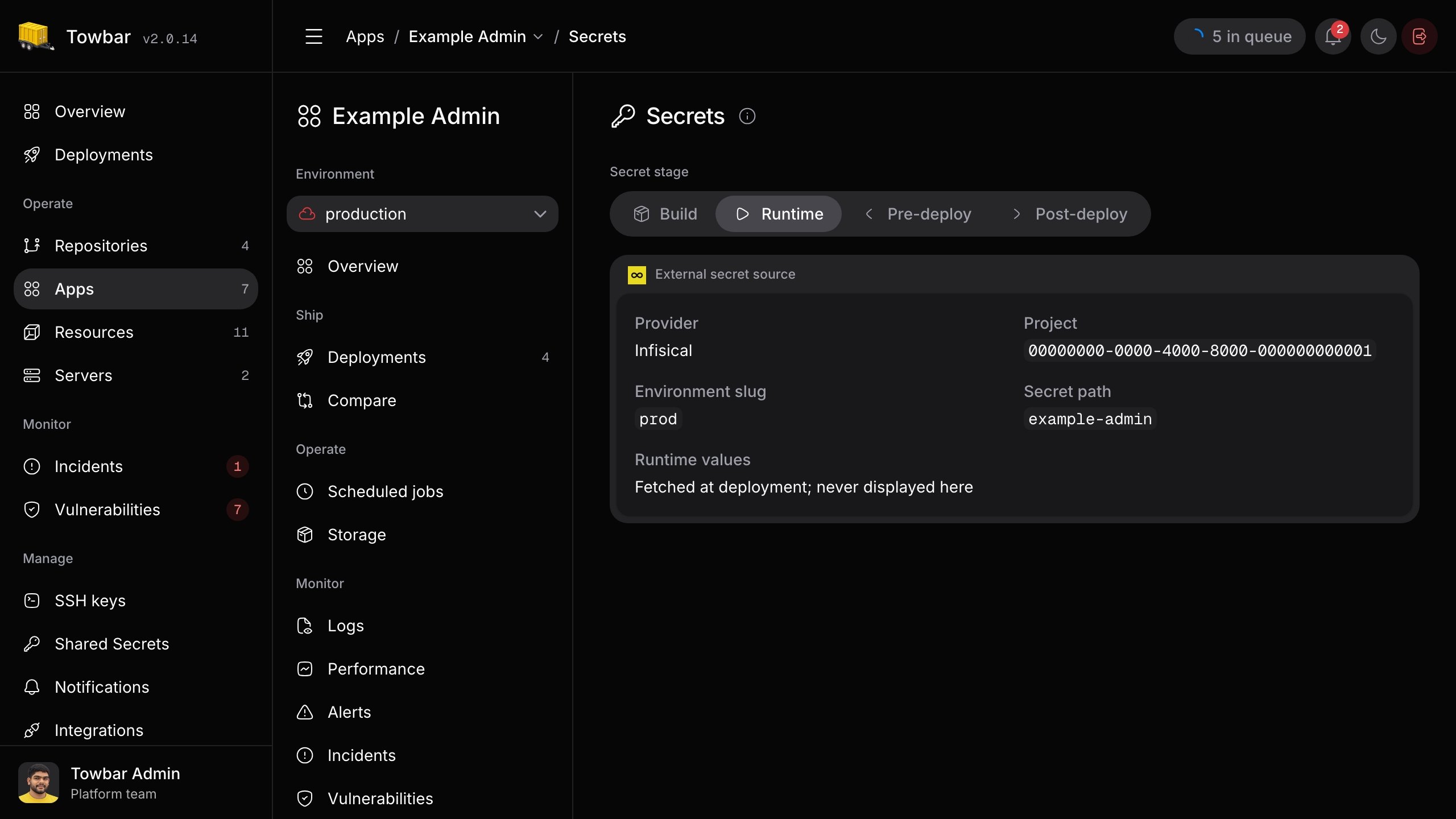
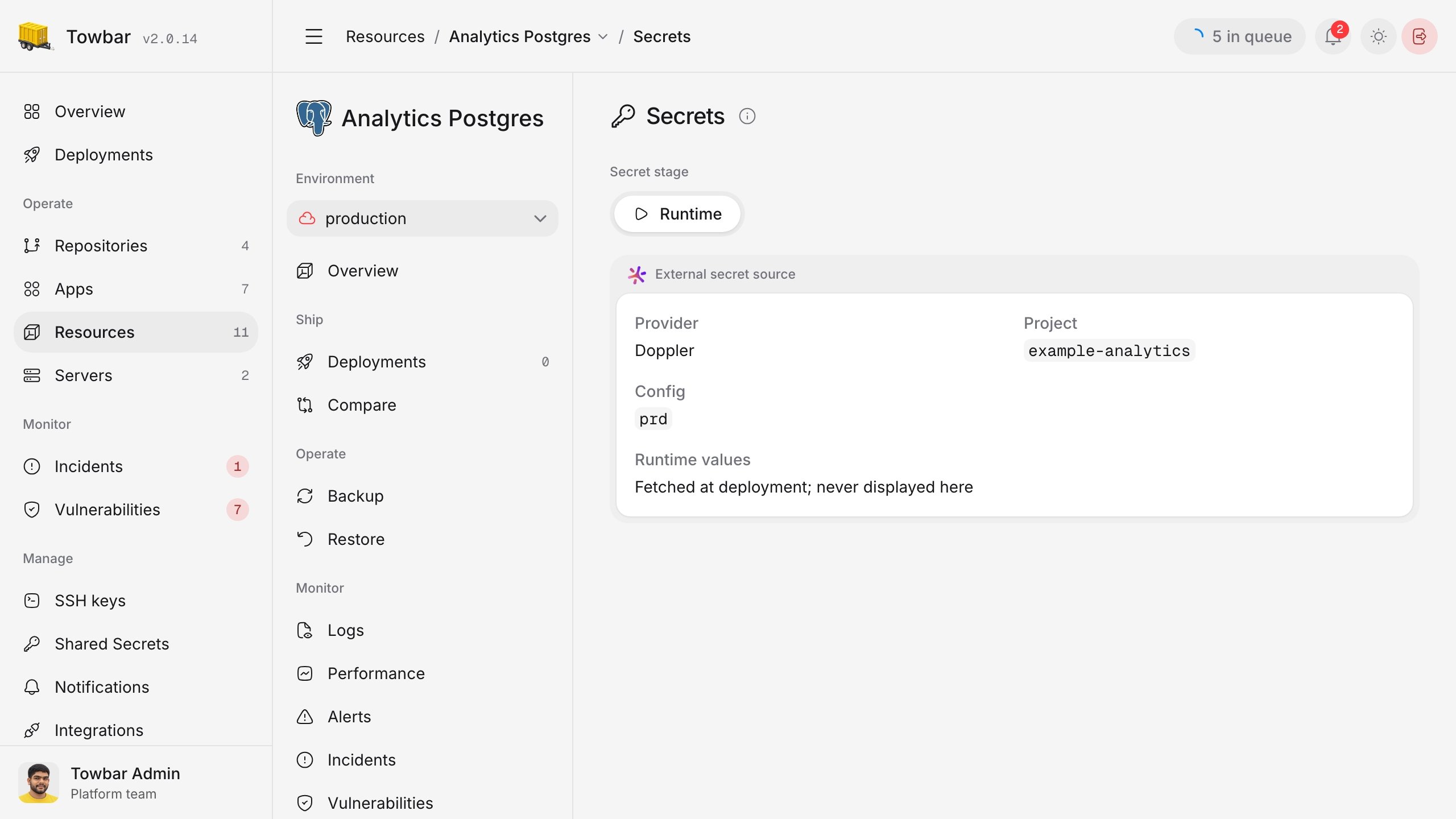
Set `project` to the Doppler project slug. `config` selects the config whose secrets you want to import.

```yaml title="In an app or resource manifest" theme={"system"}
externalSecrets:
  integration: doppler
  project: example-api
  config: prd
```

Towbar imports every secret in the selected config under its Doppler key name. `config` is optional when the configured service token is already bound to the intended config. Doppler has no folder path in this manifest form.

<div className="towbar-doc-screenshot">
  <div className="towbar-product-light">
    <img src="https://mintcdn.com/avgeek/ku_FRs3Y_hExNJat/assets/release-v2/resource-external-secrets-light.jpg?fit=max&auto=format&n=ku_FRs3Y_hExNJat&q=85&s=4ab573c0a00dd6ec8b5c76e34c5f738f" alt="A resource's Secrets page showing its Doppler project and config without revealing values." width="2560" height="1440" loading="lazy" data-path="assets/release-v2/resource-external-secrets-light.jpg" />
  </div>

  <div className="towbar-product-dark">
    <img src="https://mintcdn.com/avgeek/ku_FRs3Y_hExNJat/assets/release-v2/resource-external-secrets-dark.jpg?fit=max&auto=format&n=ku_FRs3Y_hExNJat&q=85&s=db411fda5fe017a43fab01b73f3edf32" alt="A resource's Secrets page showing its Doppler project and config without revealing values." width="2560" height="1440" loading="lazy" data-path="assets/release-v2/resource-external-secrets-dark.jpg" />
  </div>

  <p>
    A resource's Runtime Secrets page shows the Doppler source selected by its
    manifest. Secret values remain with Doppler until deployment.
  </p>
</div>

## Deploy with an external source

Sync the manifest, then deploy the workload. External values are resolved at deployment and supplied as **runtime** variables for apps, resources, and Compose workloads. They are not supplied to builds or deployment hooks; use [Towbar-managed secrets](/docs/secrets/towbar) for those stages.

You can also list required variable names under `secrets.runtime`. Towbar verifies those names after importing the external values. Deployment stops if a required name is missing, the provider cannot be reached or authorized, the selected scope is empty, or a name collides with a Towbar-managed value. A changed or disappeared external value also stops a deployment in progress. Test access with a non-production workload before relying on it in production.