> ## Documentation Index
> Fetch the complete documentation index at: https://www.towbar.dev/llms.txt
> Use this file to discover all available pages before exploring further.

# Secrets in Towbar

> Declare secret names in Git, save values in Towbar, and reuse workspace values when needed.

Use Towbar-managed secrets when you want to enter values directly in the dashboard. The manifest contains only variable names; Towbar stores their values separately.

## Choose when a value is used

The stage controls when Towbar supplies a value. Declare only the stages your app needs:

| Stage       | Slug         | Available to                  | Example                                               |
| ----------- | ------------ | ----------------------------- | ----------------------------------------------------- |
| Build       | `build`      | Supported image-build steps   | A package registry token used while building an image |
| Runtime     | `runtime`    | The running container         | A database URL or application API key                 |
| Pre-deploy  | `preDeploy`  | A configured pre-deploy hook  | A credential needed for a migration                   |
| Post-deploy | `postDeploy` | A configured post-deploy hook | A token used by a release notification command        |

Resources support **runtime** secrets only. Hook values are supplied only when that hook is configured. External-service imports use runtime only; see [Secrets from external services](/docs/secrets/external).

## Declare and save a secret

Add the names an app needs to its manifest. For example, an app that only needs values while running declares `runtime`:

```yaml title=".towbar/apps/api.app.yml" theme={"system"}
secrets:
  runtime:
    - DATABASE_URL
    - API_TOKEN
```

Sync the repository. Then open **App → Settings → Secrets**, choose the environment and Runtime stage, enter `DATABASE_URL` and `API_TOKEN`, and click **Save**. For a resource, use **Resource → Settings → Secrets**. Newly declared keys appear unset; they must have a value before deployment. A missing value blocks deployment, not repository sync.

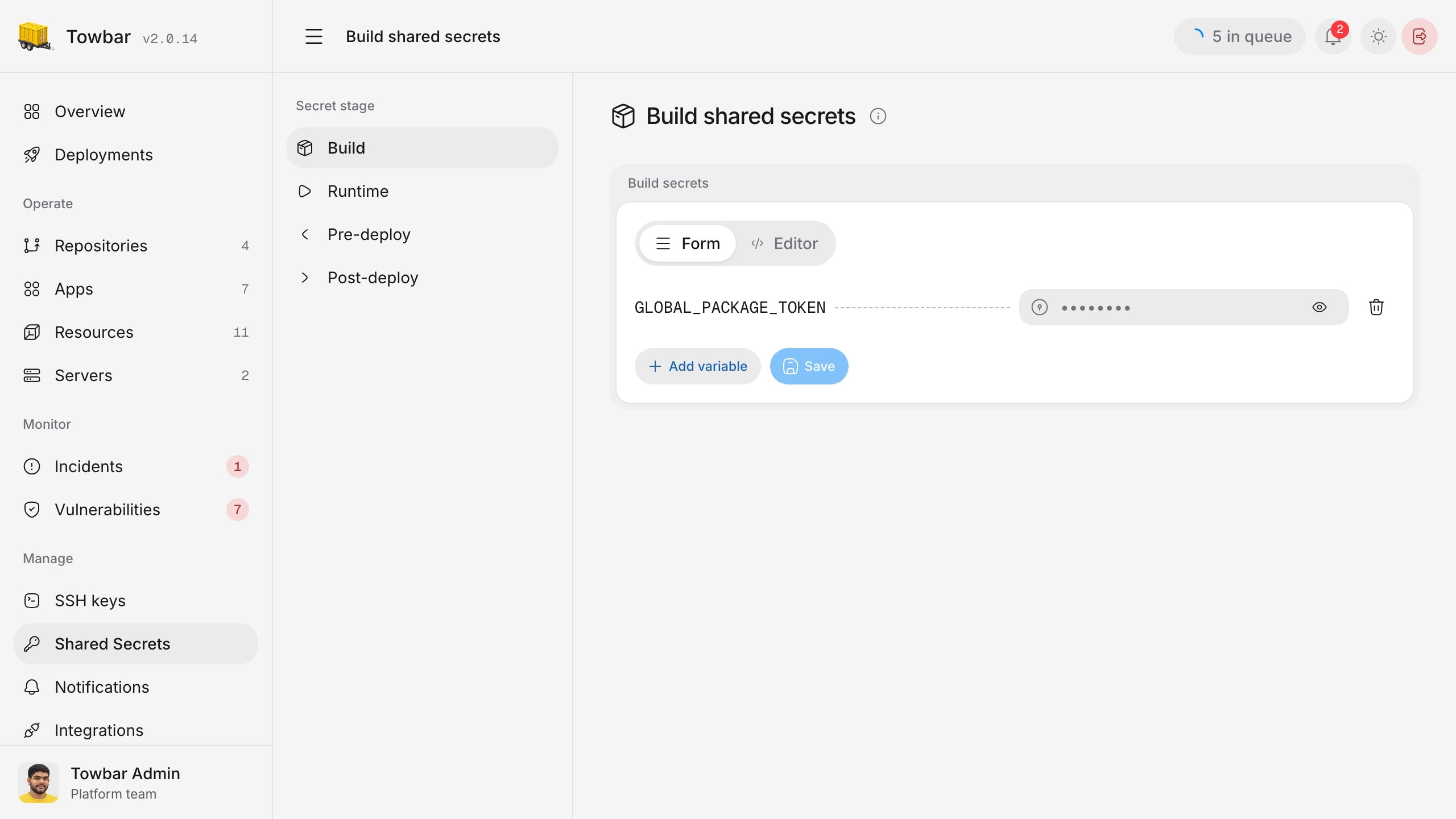
<div className="towbar-doc-screenshot">
  <div className="towbar-product-light">
    <img src="https://mintcdn.com/avgeek/ZrgSAT-2GykKNP2g/assets/release-v2/app-runtime-secrets-light.jpg?fit=max&auto=format&n=ZrgSAT-2GykKNP2g&q=85&s=9f929060237a5649ead088371a97f397" alt="An app's Runtime Secrets screen in Towbar with two saved values masked." width="2560" height="1440" loading="lazy" data-path="assets/release-v2/app-runtime-secrets-light.jpg" />
  </div>

  <div className="towbar-product-dark">
    <img src="https://mintcdn.com/avgeek/ZrgSAT-2GykKNP2g/assets/release-v2/app-runtime-secrets-dark.jpg?fit=max&auto=format&n=ZrgSAT-2GykKNP2g&q=85&s=e58409b2973ed21f5382f9a774ee4f09" alt="An app's Runtime Secrets screen in Towbar with two saved values masked." width="2560" height="1440" loading="lazy" data-path="assets/release-v2/app-runtime-secrets-dark.jpg" />
  </div>

  <p>
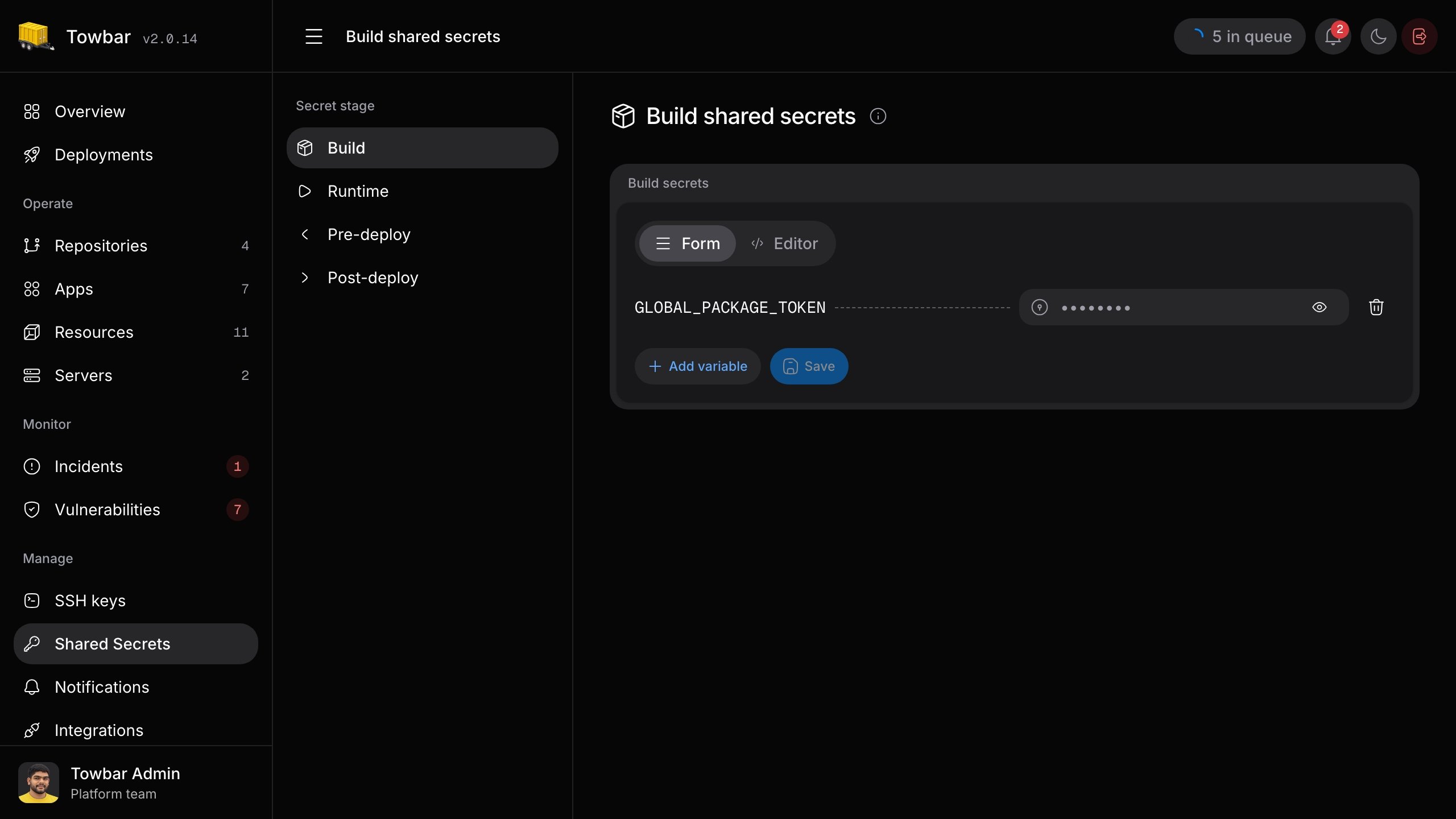
    The Runtime stage for an example app. Saved values stay masked until
    revealed by an authorized Admin.
  </p>
</div>

Use **Form** to edit one value at a time. Stored values are masked until an authorized Admin reveals them with the eye icon; reveal a masked value before editing it. The **Editor** tab lets an Admin work with `KEY=value` lines for the selected stage. It accepts quoted values, comments, and multiline quoted strings. An unchanged value stays saved. Removing a declared key from the manifest removes its saved value on the next successful sync of that environment.

## Reuse a shared value

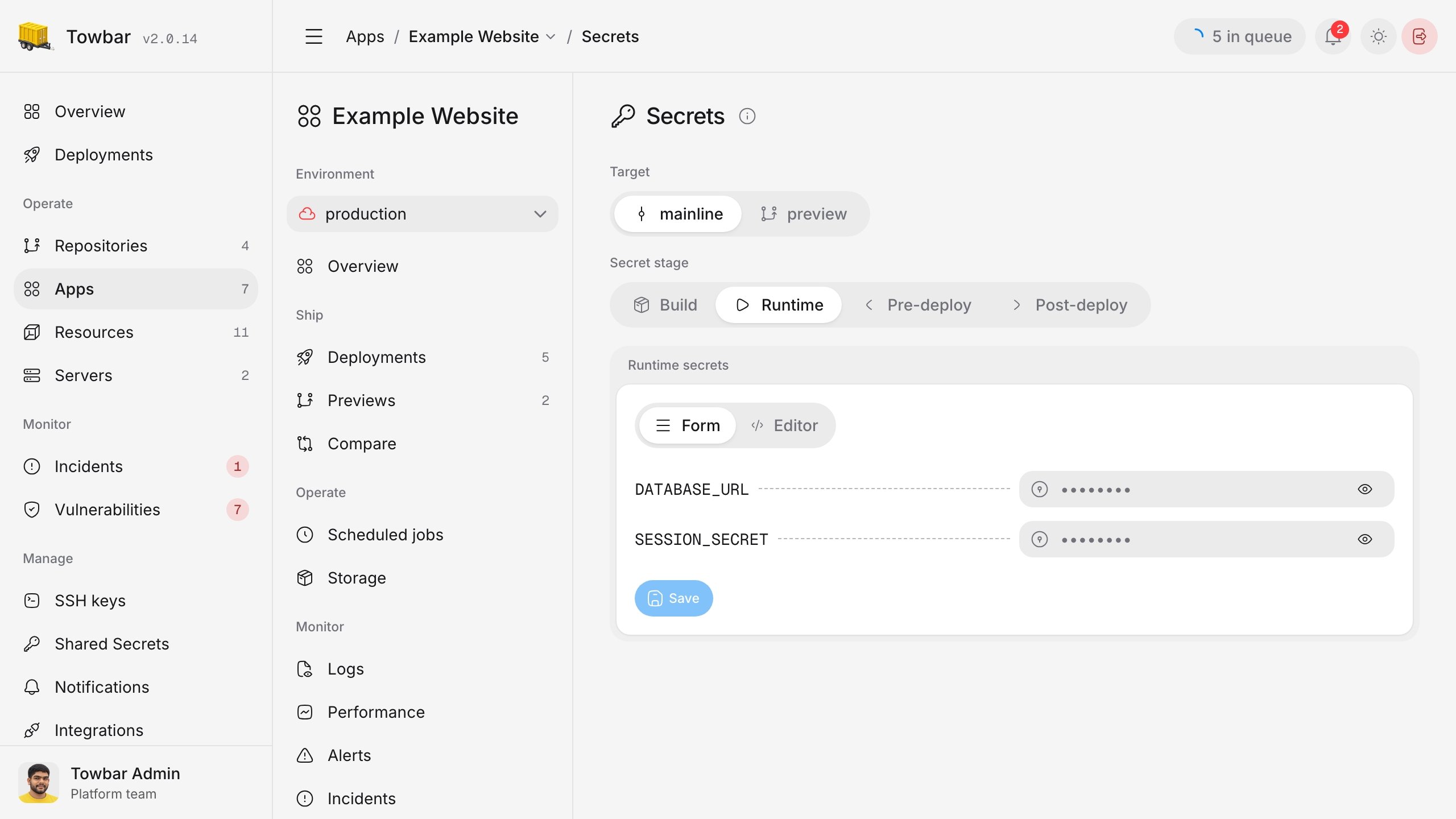
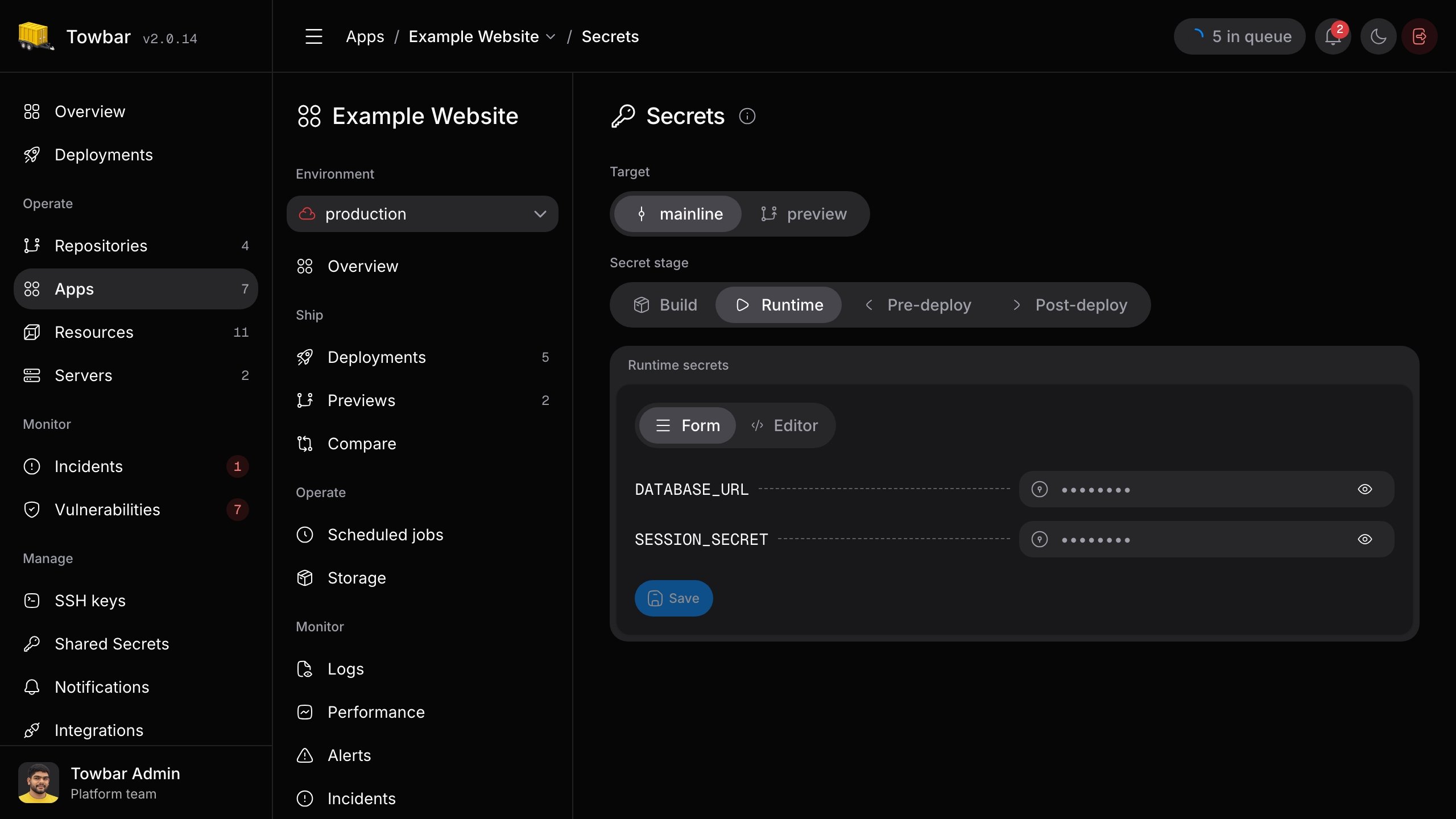
If several workloads need the same value, save it once under **Manage → Shared secrets** for the appropriate stage. Keep `API_TOKEN` declared in each workload manifest, then set its workload value to a reference:

```text title="App → Settings → Secrets → Runtime" theme={"system"}
API_TOKEN="{{globals.API_TOKEN}}"
```

The reference reads the workspace Runtime value for `API_TOKEN` when the workload runs. Shared values are **not** injected into workloads automatically. A reference can also appear within a larger value, such as `Bearer {{globals.API_TOKEN}}`. A missing reference stops deployment. Shared values are stage-specific but available across environments, including previews, so use distinct workspace keys when environments need different credentials.

Only an authorized Admin can reveal a saved value. Hovering over a visible `{{globals.KEY}}` expression can preview its referenced shared value; hovering over a variable name does not reveal a secret.
<div className="towbar-doc-screenshot">
  <div className="towbar-product-light">
    <img src="https://mintcdn.com/avgeek/ylQA6qTjzIsIRICB/assets/release-v2/shared-secrets-light.jpg?fit=max&auto=format&n=ylQA6qTjzIsIRICB&q=85&s=cfe6405b1eb7ff2bb927868917a97440" alt="Shared secret names remain visible while saved values are masked." width="2560" height="1440" loading="lazy" data-path="assets/release-v2/shared-secrets-light.jpg" />
  </div>

  <div className="towbar-product-dark">
    <img src="https://mintcdn.com/avgeek/ylQA6qTjzIsIRICB/assets/release-v2/shared-secrets-dark.jpg?fit=max&auto=format&n=ylQA6qTjzIsIRICB&q=85&s=d6ea1003b5db53d4aed1a4604dc9227c" alt="Shared secret names remain visible while saved values are masked." width="2560" height="1440" loading="lazy" data-path="assets/release-v2/shared-secrets-dark.jpg" />
  </div>
</div>

## Apply changes

**Save** does not restart a container or queue a deployment. Deploy the app or resource after saving to use the new values. Build-stage changes require a new build; runtime changes require a replacement deployment. Preview app values are isolated from persistent environments. Changing a database password in Towbar does not change the password inside an existing database, so coordinate that rotation with the database itself before redeploying consumers.