Open-Source
Git-native PaaS
Deploy anything to servers you own, defined via Git repositories.Previews, monitoring and batteries included.
Deploy from Git
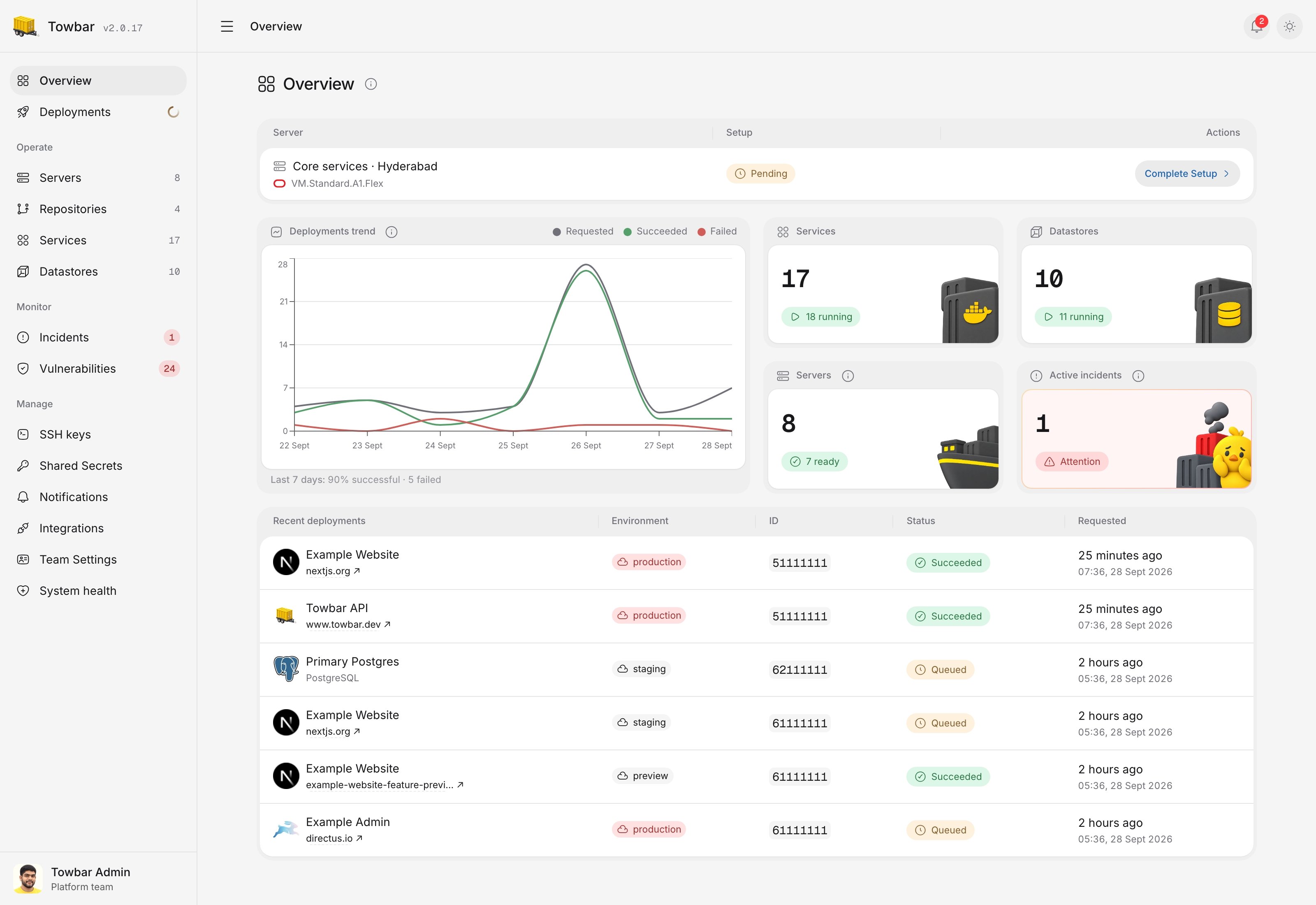
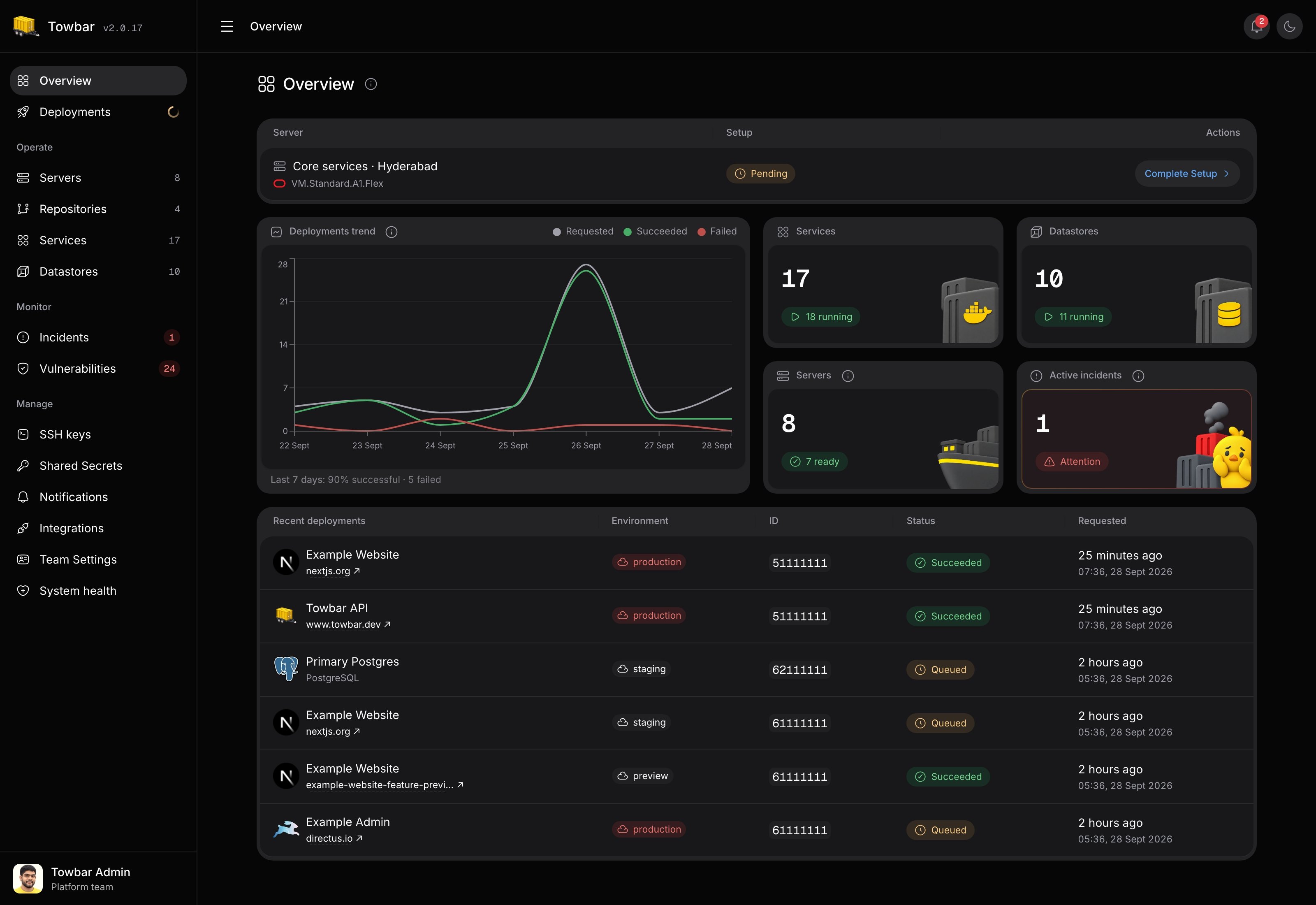
Keep deployment configuration alongside your code. Build on your servers and preview changes before merging.
Explore deployments →Run Services and Datastores
Deploy Dockerfile Services, PostgreSQL, Redis, and container images with persistent storage.
Explore Datastores →Monitor your workloads
Track health and resource usage. Receive deployment and operational alerts in Slack or email.
Explore monitoring →How it works
From repository to running service.
Bring the code and servers. Towbar connects the deployment workflow around them.
- 01
Install Towbar
Run the control plane on an Ubuntu host and complete the guided workspace setup.
- 02
Connect Git and a server
Authorize GitHub or GitLab, add an SSH key, and let Towbar prepare the deployment host.
- 03
Deploy and operate
Map branches to environments, deploy reviewed manifests, and follow health from one place.
Your infrastructure
Keep control without rebuilding the platform.
Host Towbar yourself and run applications on servers you choose. Configuration stays reviewable in Git while operational data stays available in the dashboard.
Explore self-hosting →Your servers stay yours
Register supported Ubuntu hosts over SSH and decide where every Service or Datastore runs.
Git records the intended state
Review Service, Datastore, domain, and environment changes alongside the code.
Operations remain visible
Follow deployments, logs, metrics, incidents, backups, and vulnerability findings in Towbar.
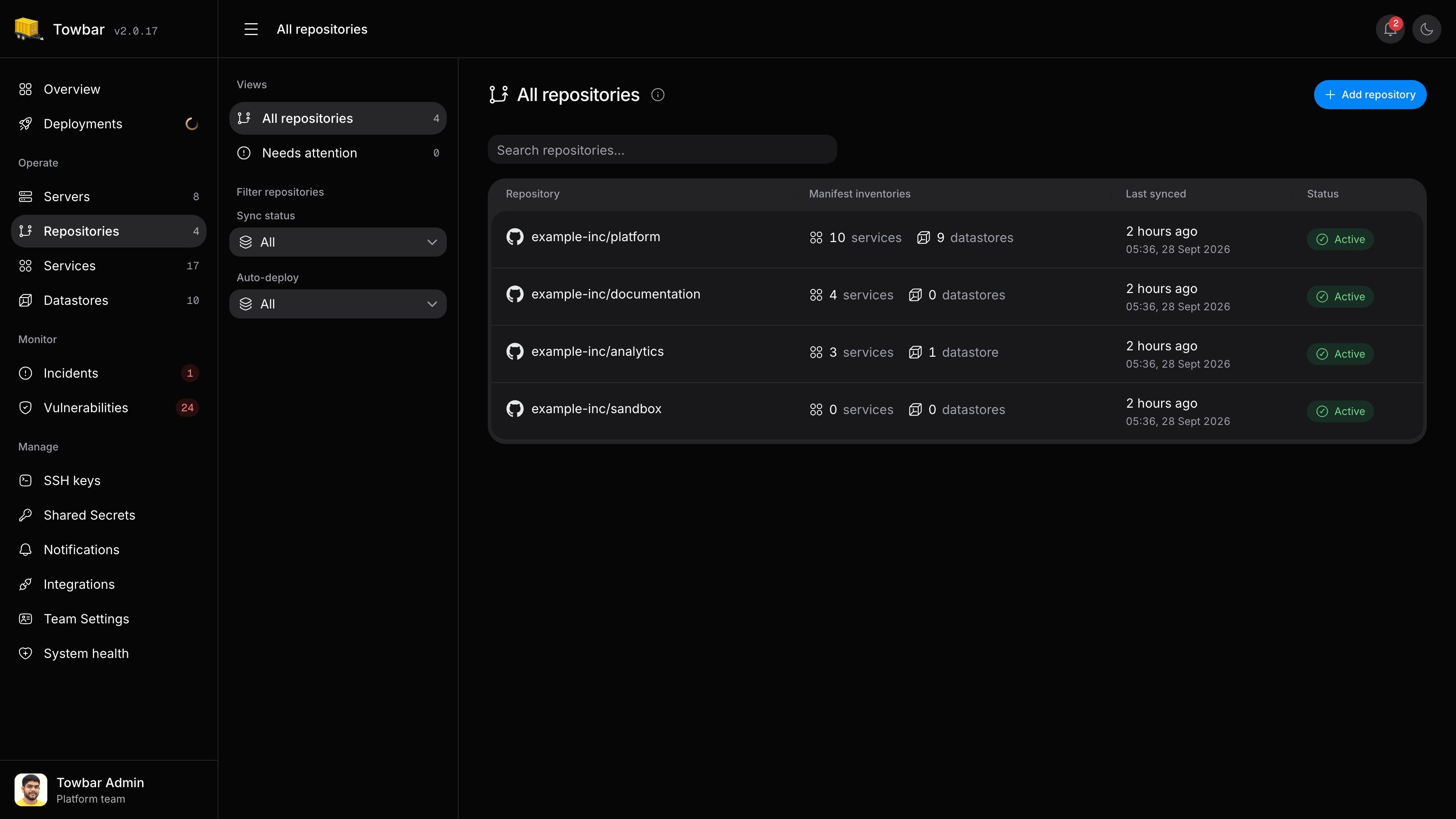
Repositories
Your repository is the starting point.
Connect a GitHub repository or GitLab project and define Services and Datastores in YAML. Map production, staging, or other environments to branches in Towbar. Review configuration in Git and choose which workloads deploy automatically.
Explore repositories →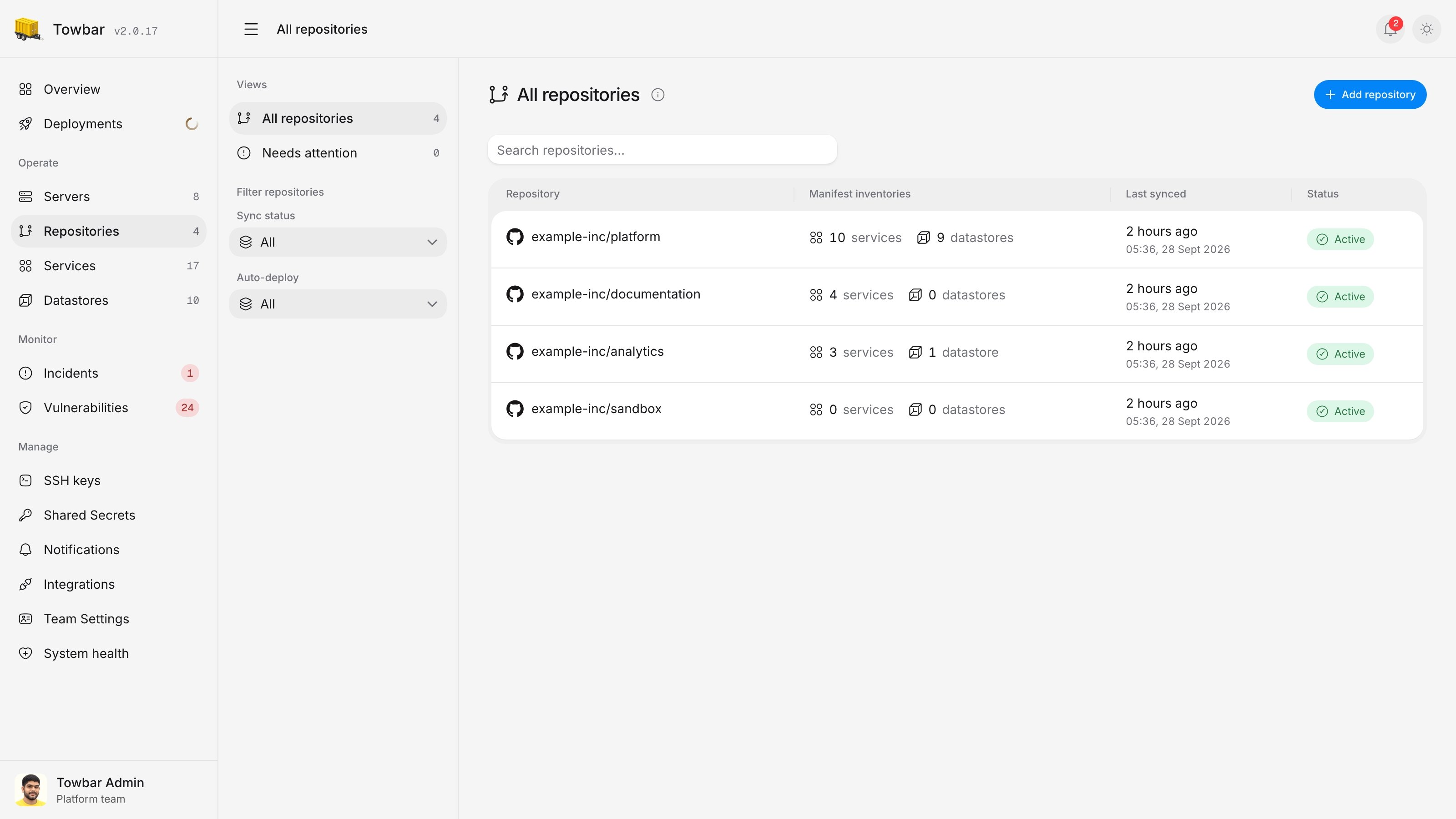
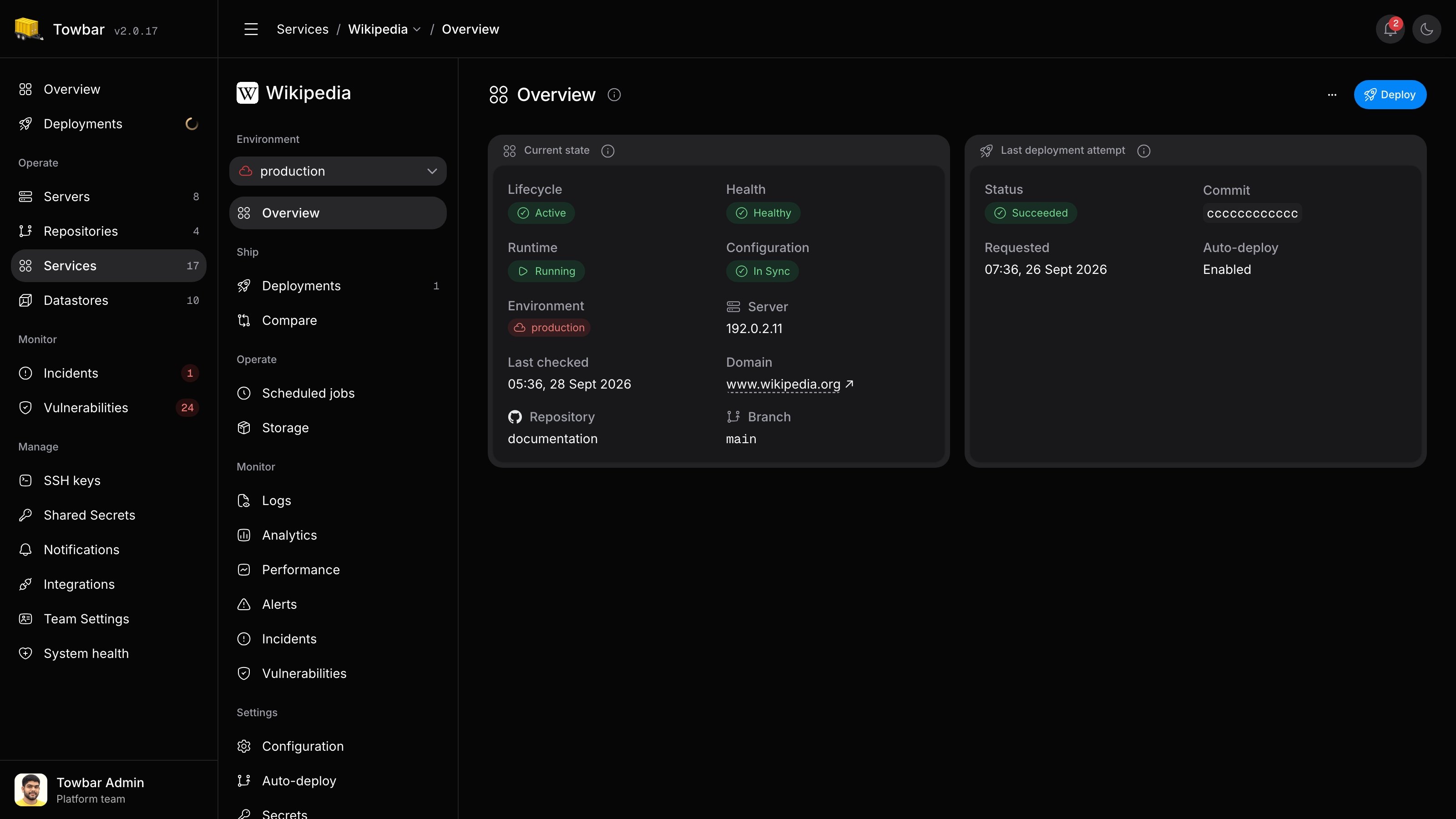
Services
From Dockerfile to running service.
Build on your own server and check each release before it takes traffic. Set domains and resource limits, inspect logs, and follow deployment health from the Service page.
Explore Services →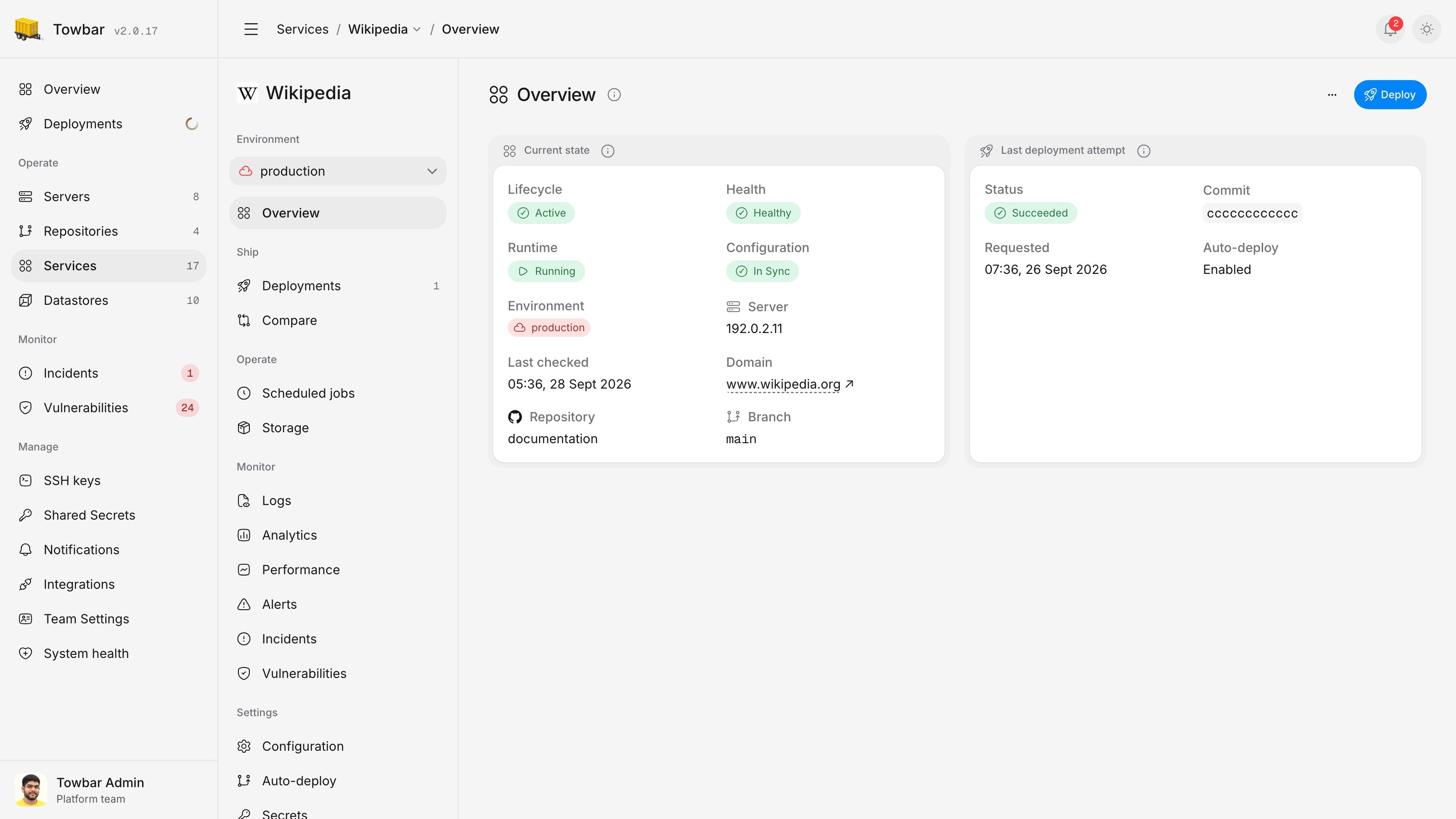
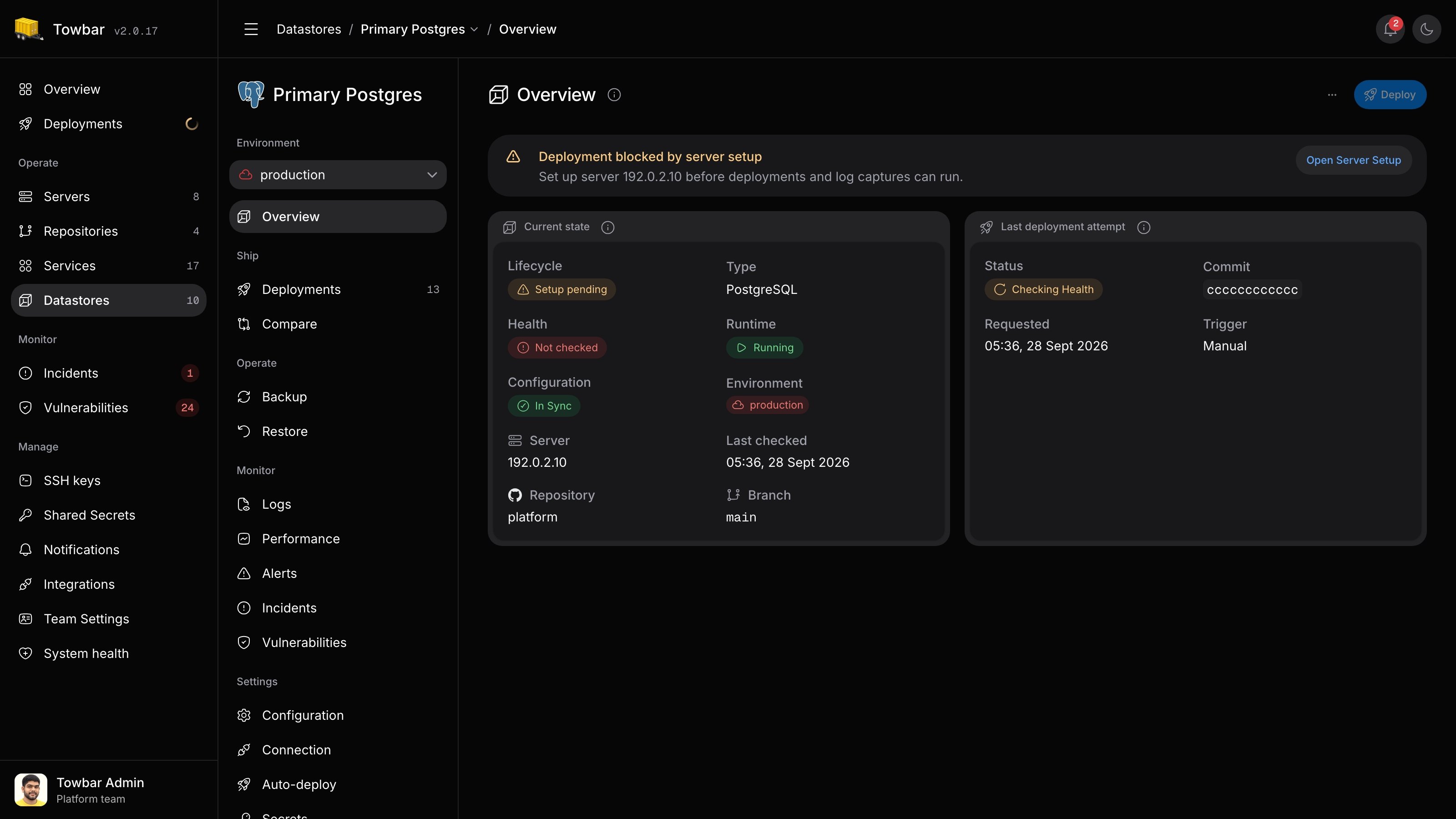
Datastores
Databases with managed recovery.
Run PostgreSQL, Redis, and other supported engines alongside your Services. Keep data in persistent volumes, connect privately, and schedule backups to S3 or Google Cloud Storage.
Explore Datastores →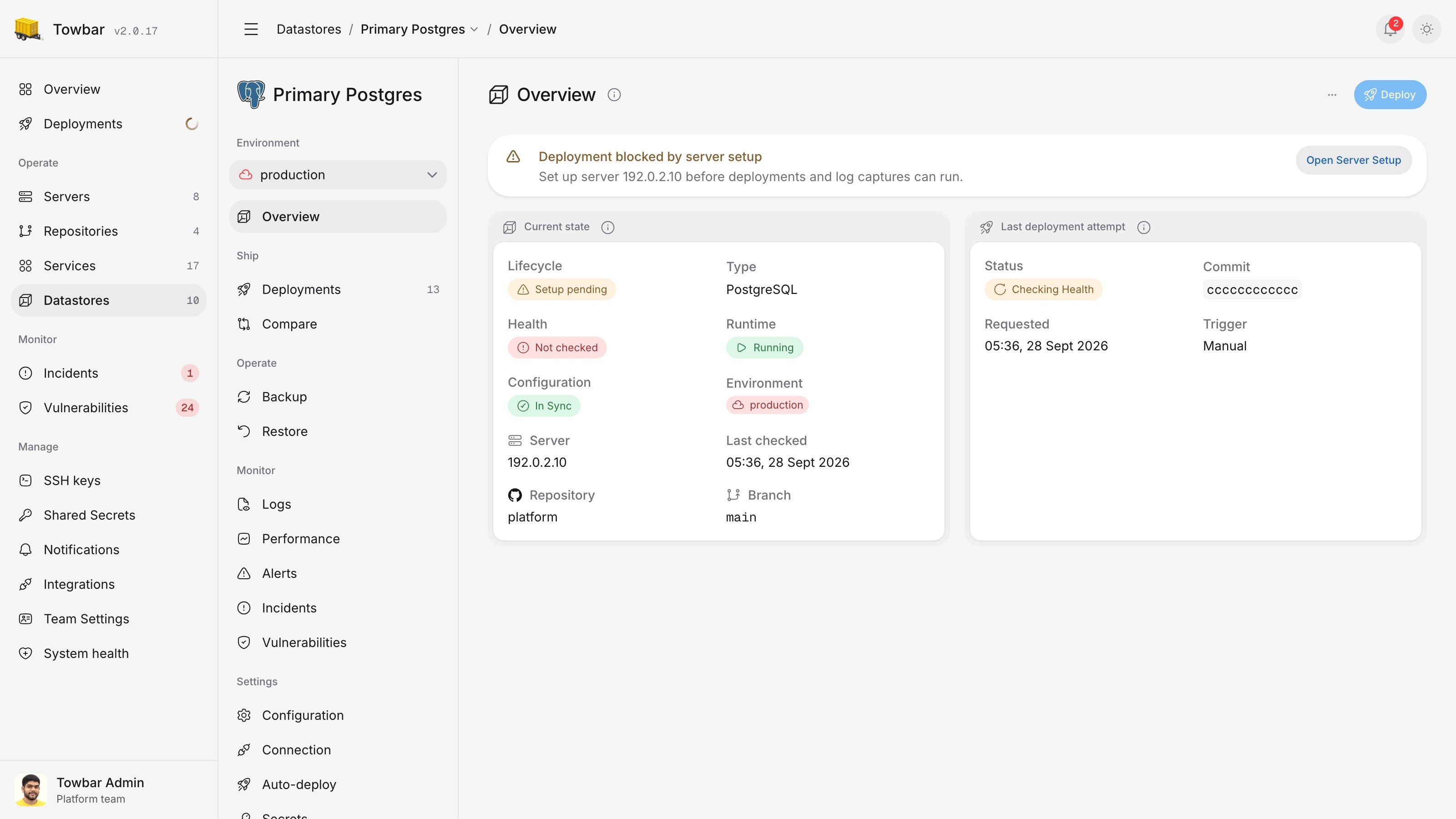
Servers
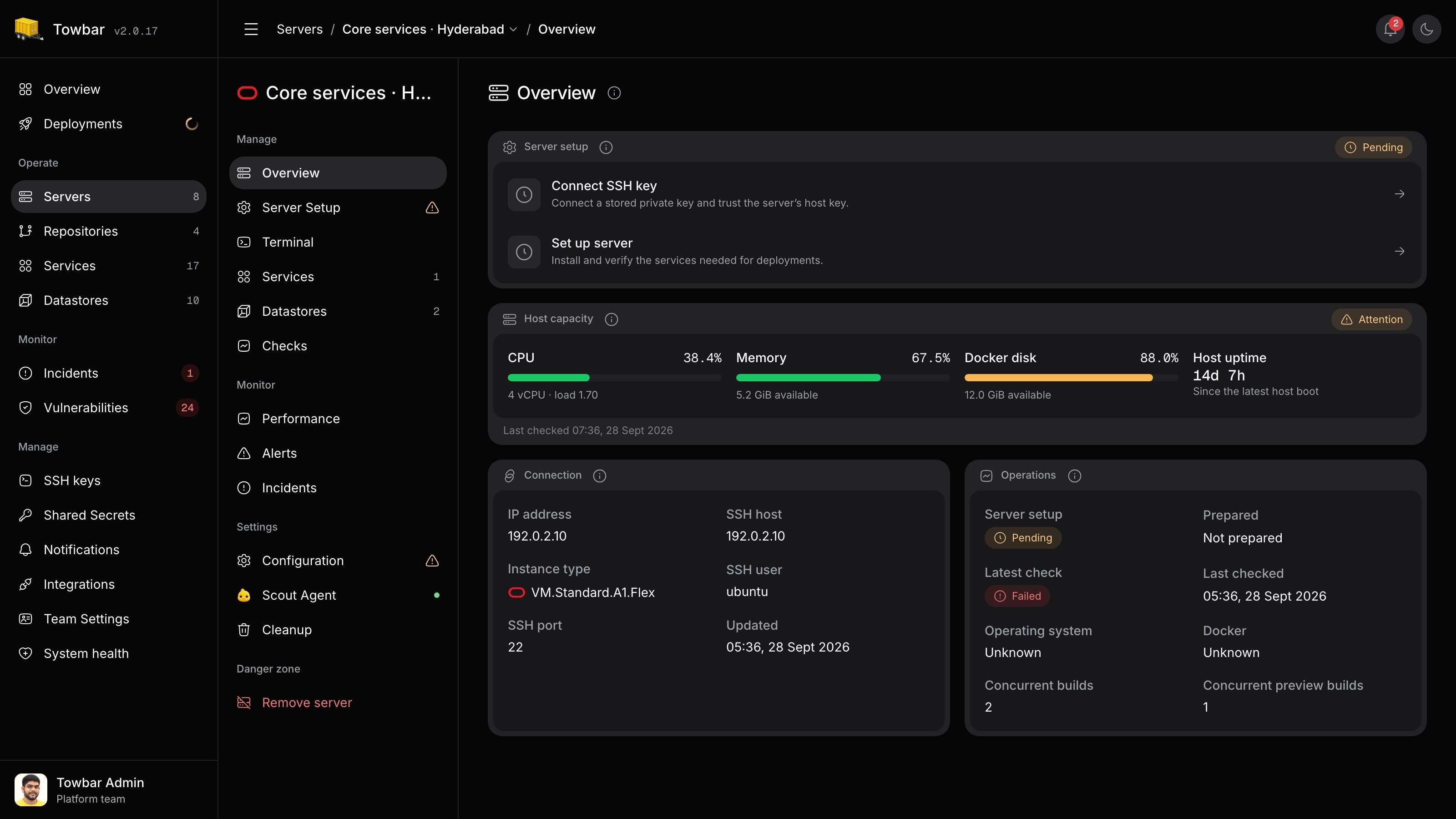
Your servers. A clear view of capacity.
Bring your Ubuntu hosts and prepare them for deployments through Towbar. See CPU, memory, and disk usage, review host health, and control how many builds run at once.
Explore servers →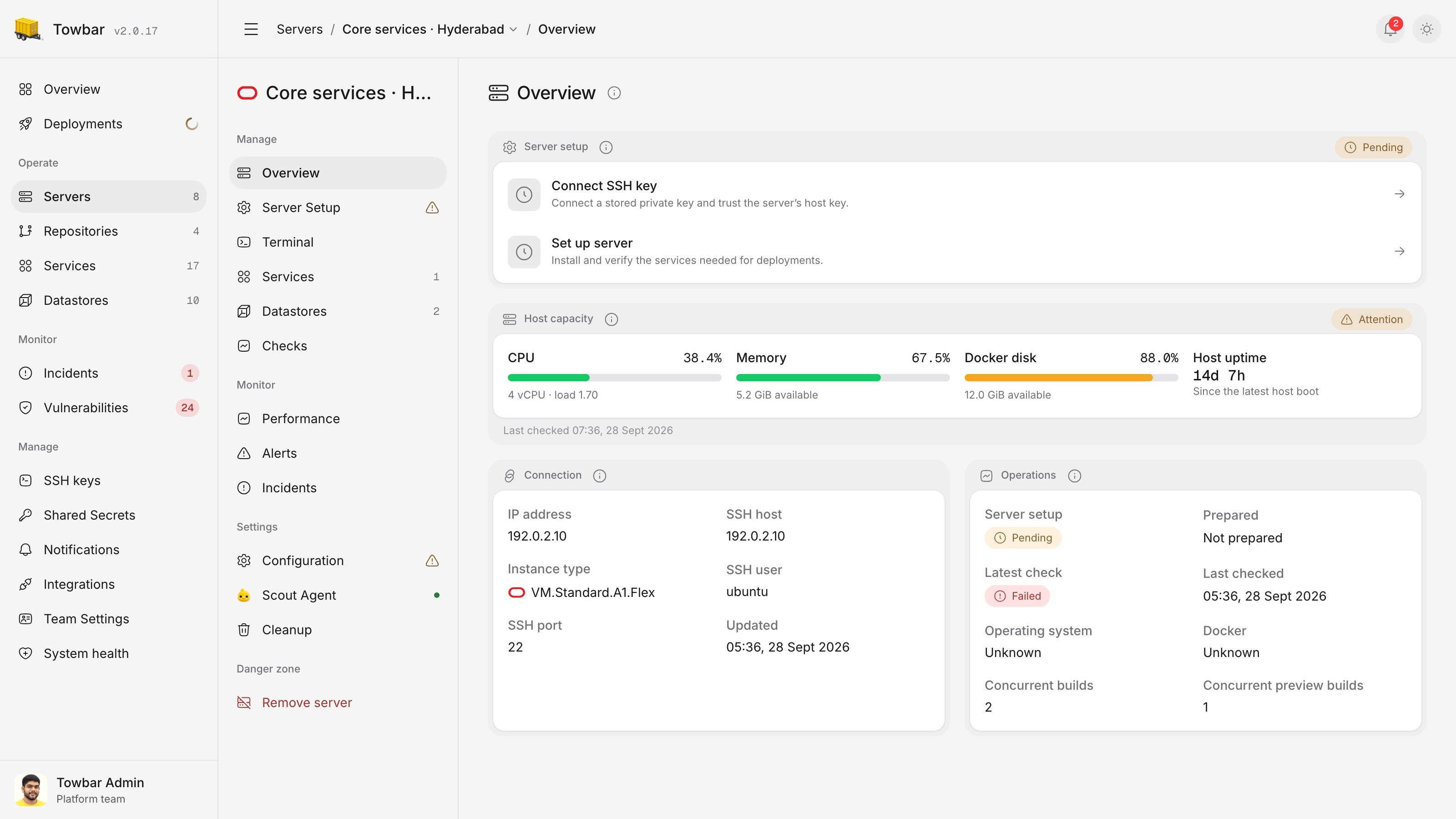
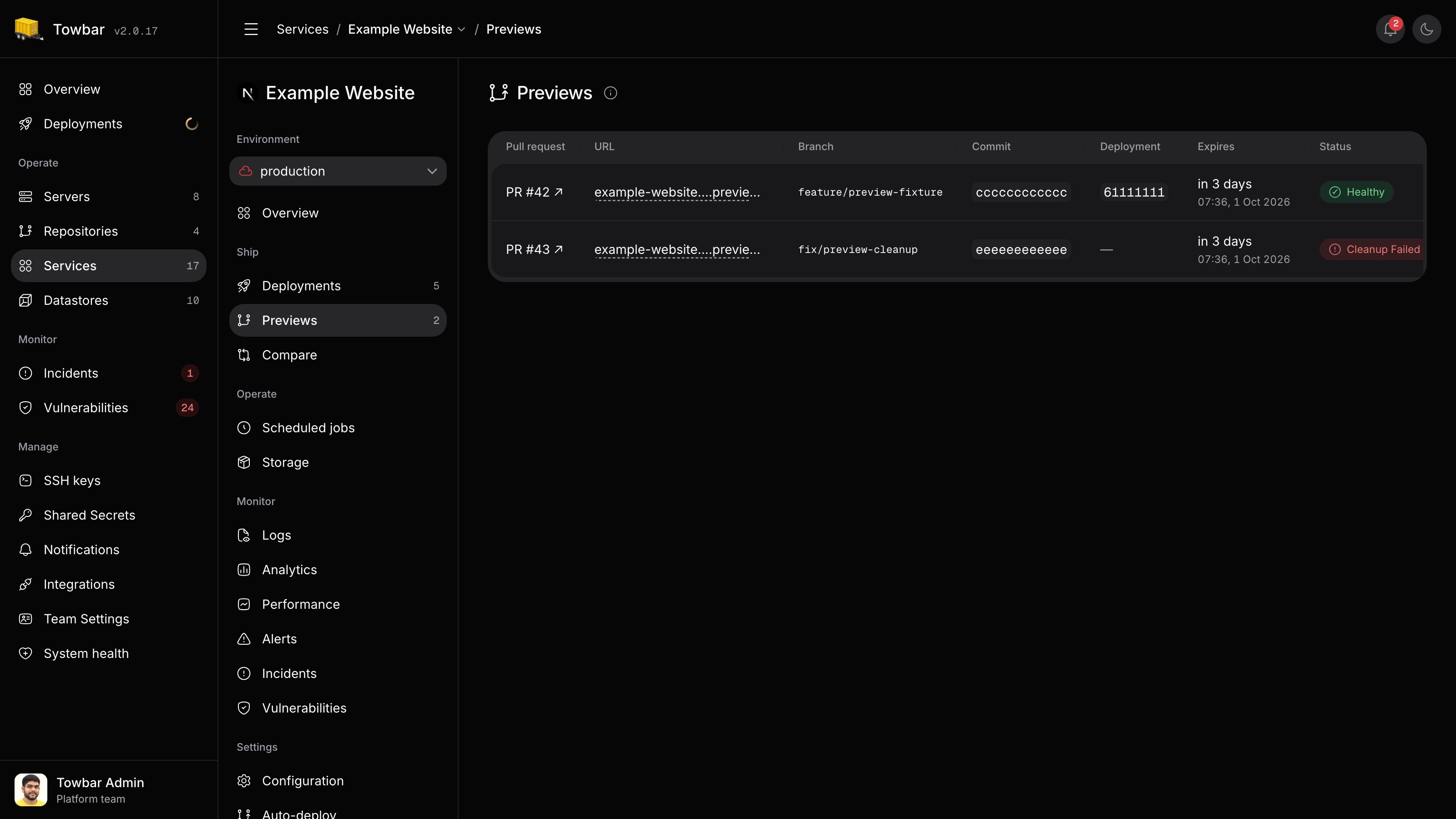
Preview Deployments
See the change before you merge.
Give pull requests their own Service environment and a stable URL to share. Use separate preview secrets, follow each deployment, and let Towbar clean up environments when pull requests close or merge.
Explore previews →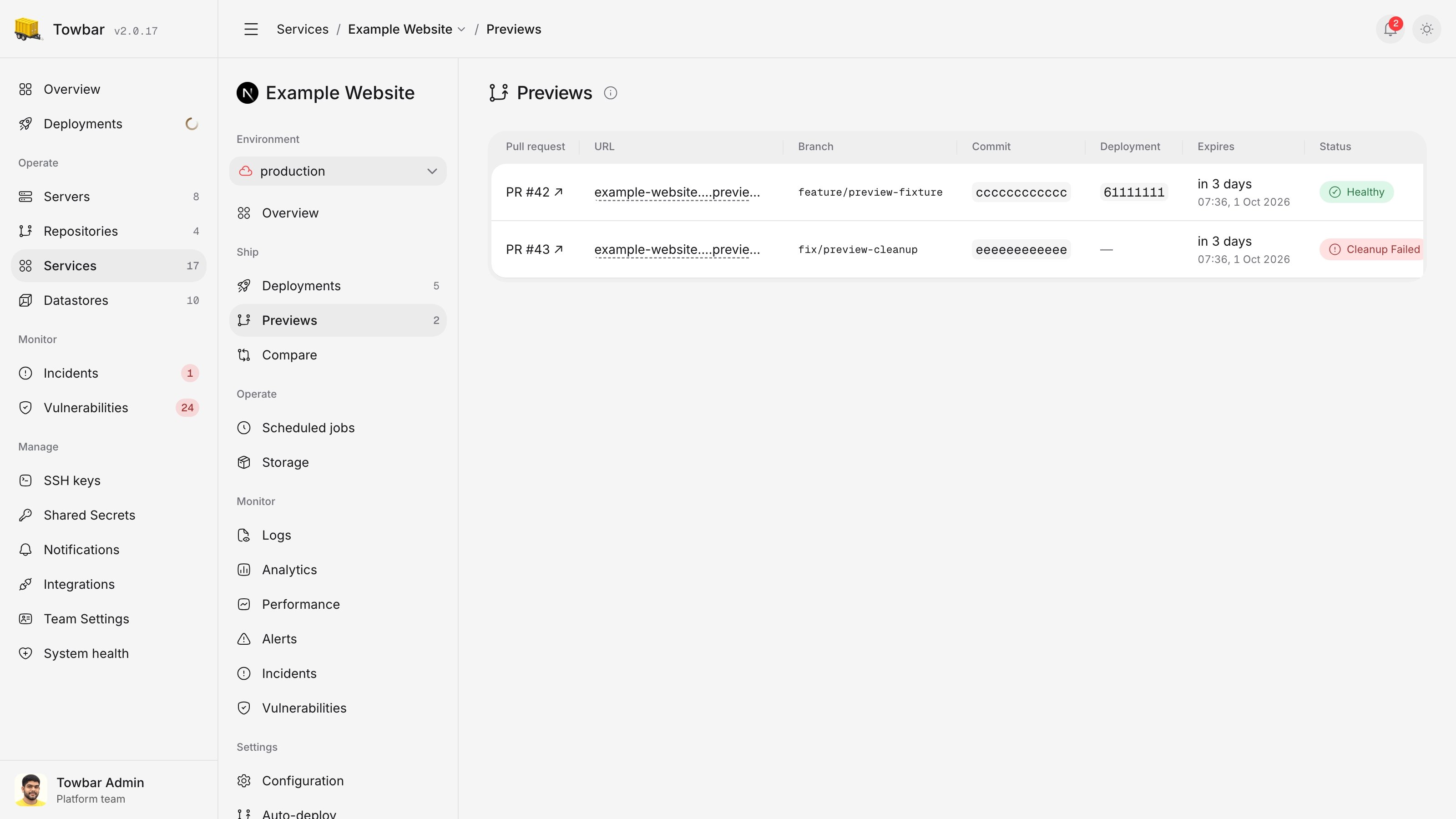
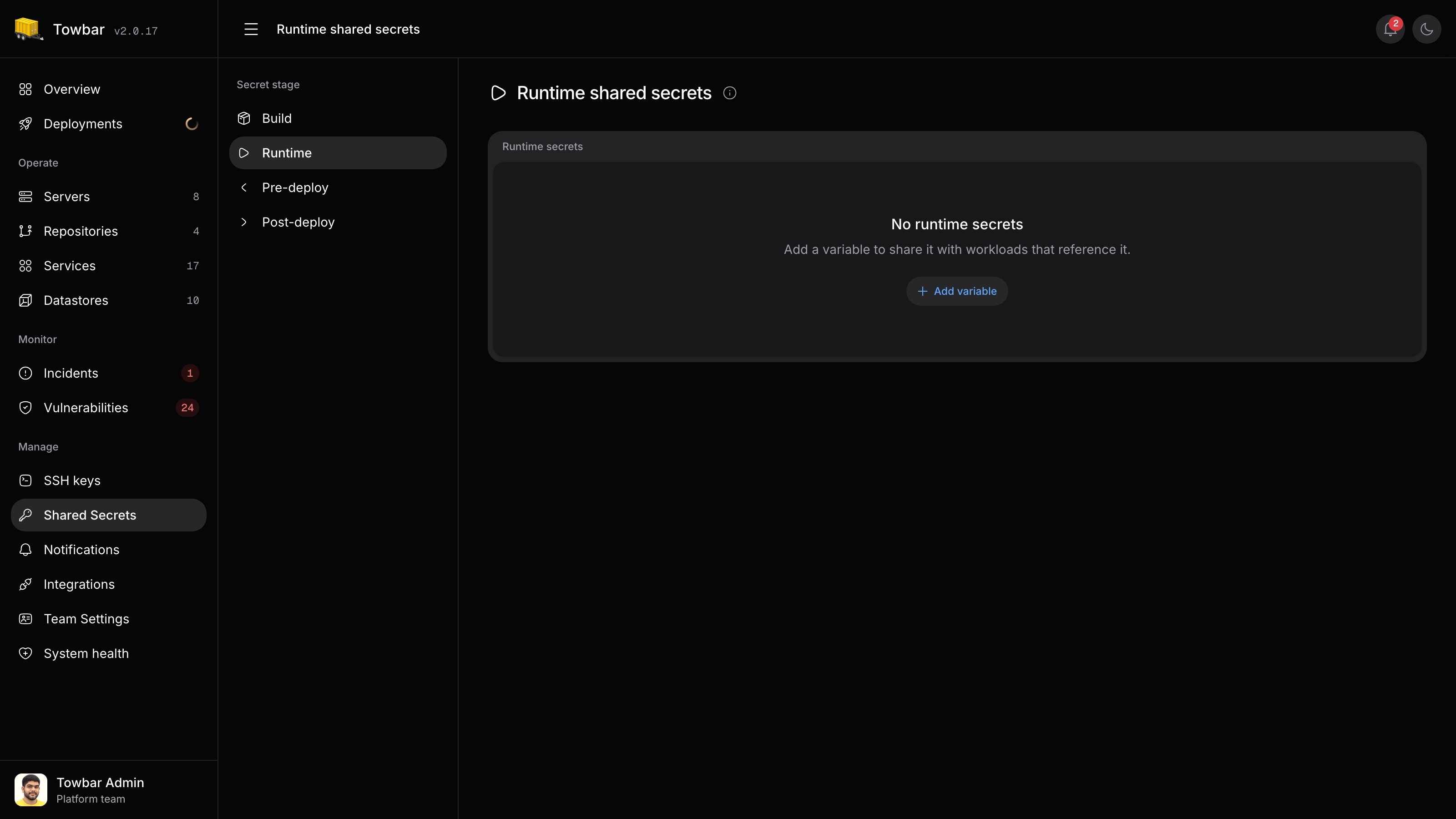
Secret Management
Keep credentials out of Git.
Store encrypted secrets at workspace or workload scope. Reference workspace values explicitly. Admins can reveal values and use the File editor; Members can submit replacements without revealing existing values. Keep Service values separate for each environment and preview.
Explore secrets →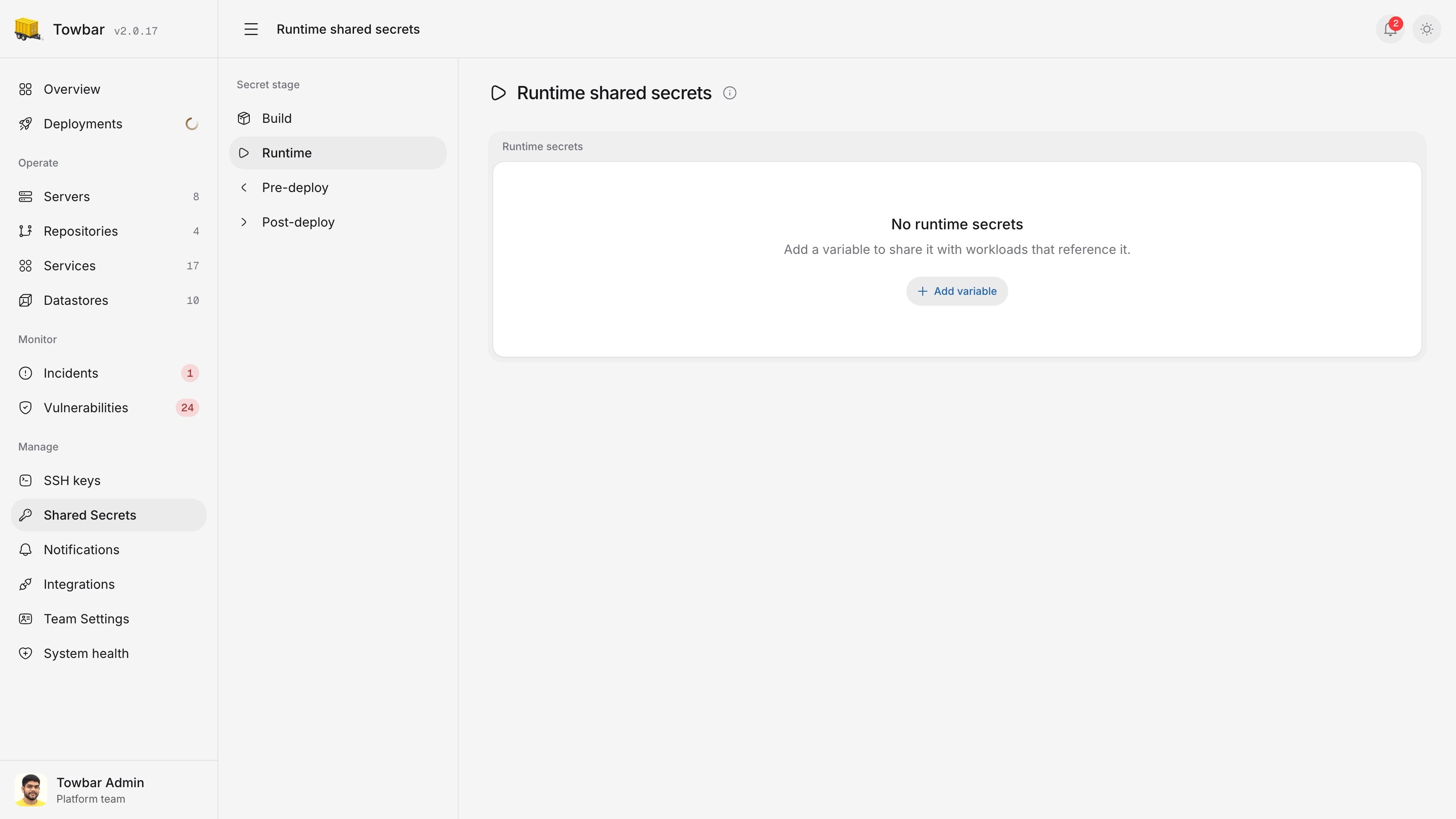

Meet Scout Agent.
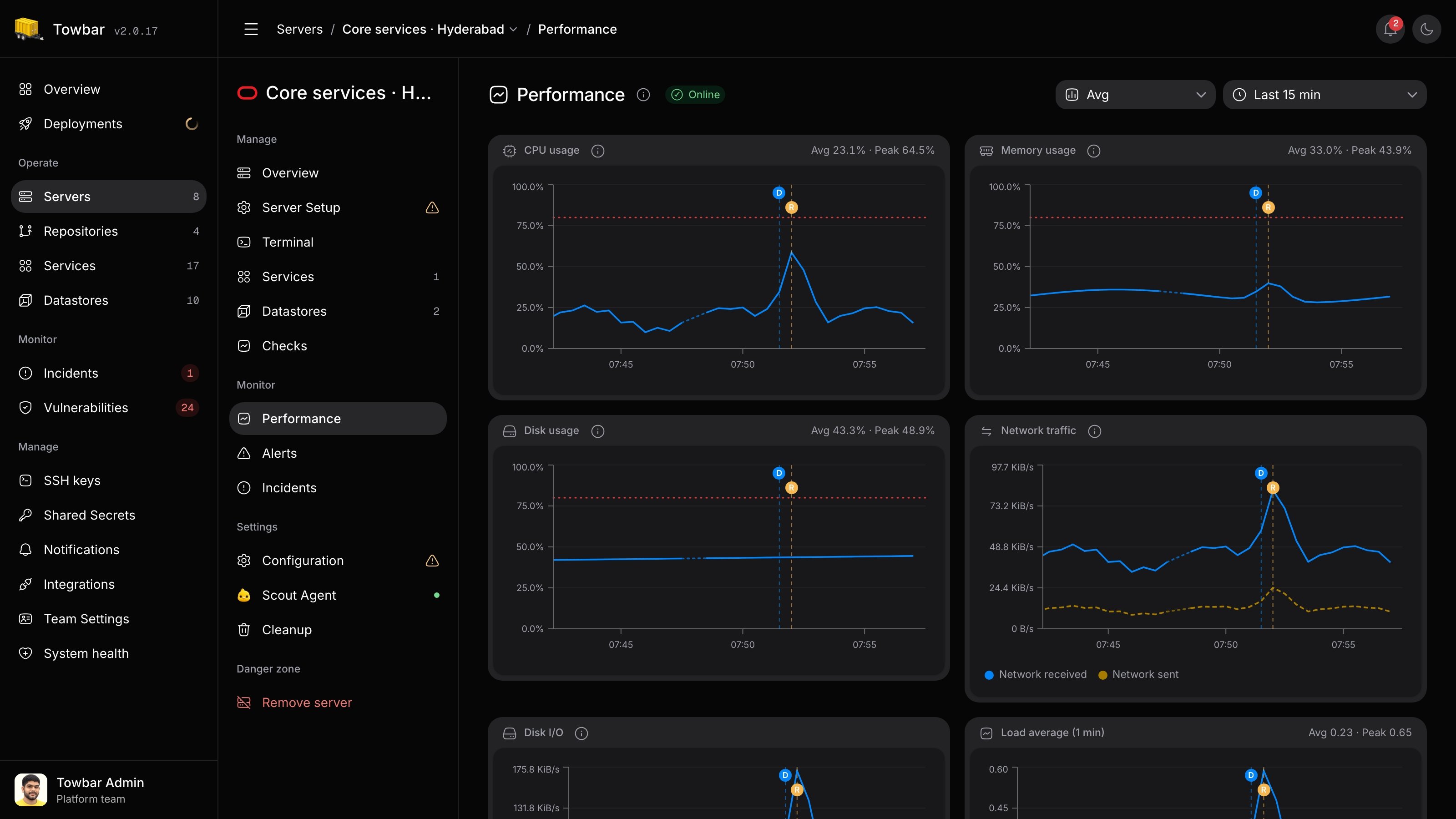
Your server’s monitoring companion. Follow CPU, memory, disk, and network usage across your servers, Services, and Datastores, with updates every 30 seconds.
Explore Scout Agent →Performance monitoring
See what changed, and when.
Follow CPU, memory, disk, and network history across your servers, Services, and Datastores. Select an entity in the sidebar, zoom into a time range, and use deployment and restart markers to investigate changes.
Explore monitoring →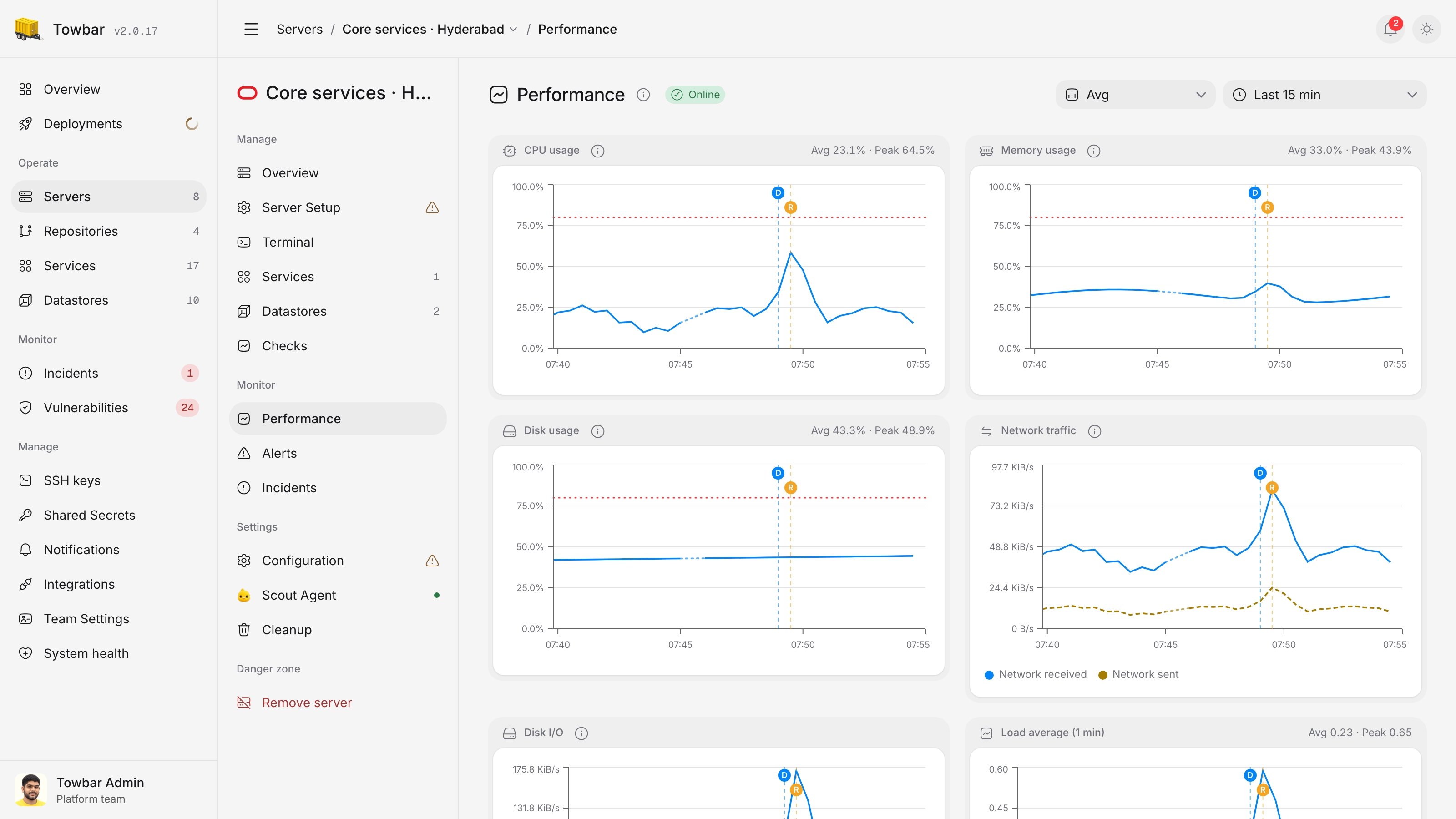
Alerts and incidents
Know what needs your attention.
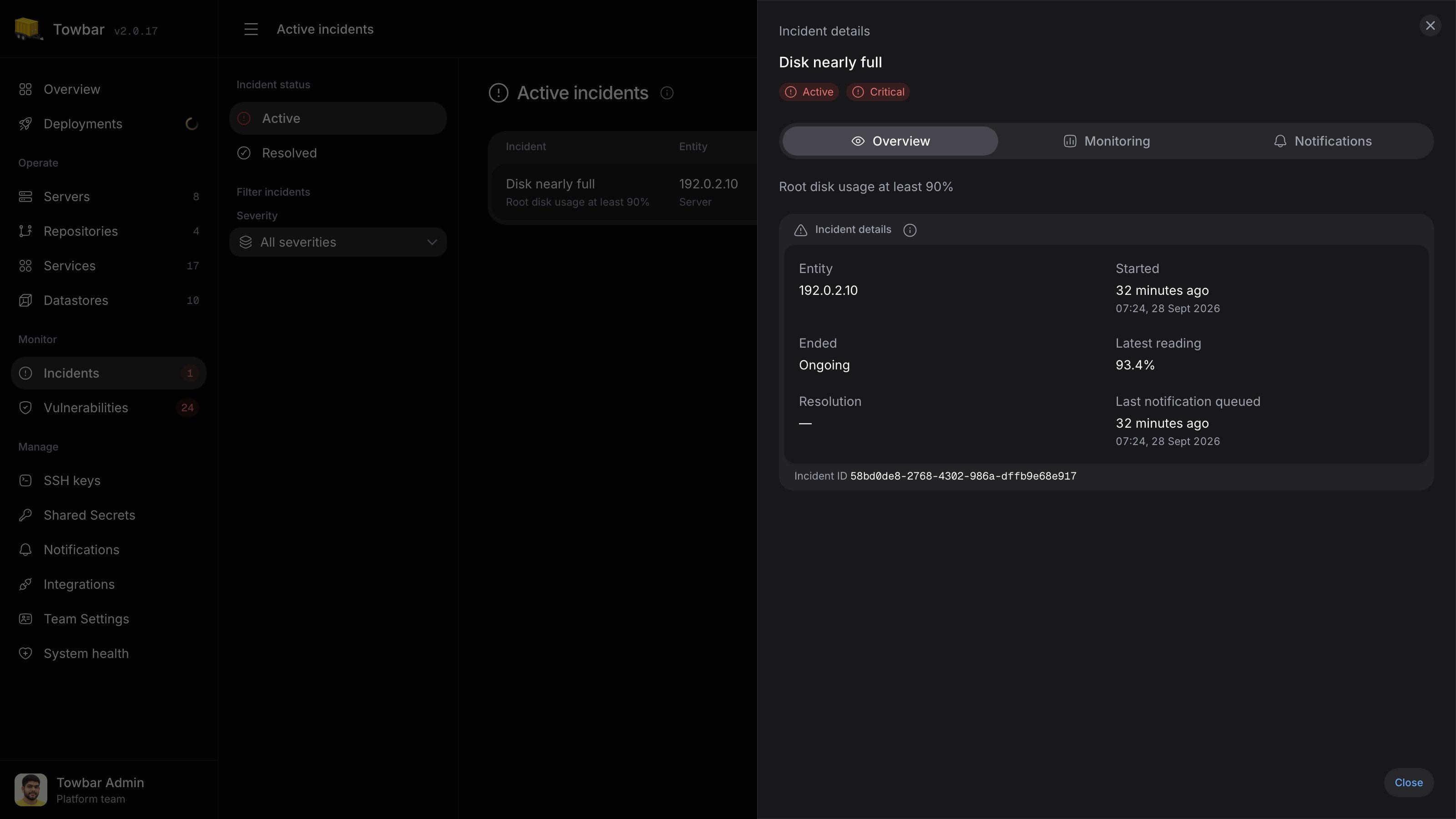
Set metric thresholds or public HTTP checks and receive Slack or email notifications when they fire. Review active and resolved incidents with their measurements and delivery history. Mute notifications during maintenance while incident tracking continues.
Explore alerting →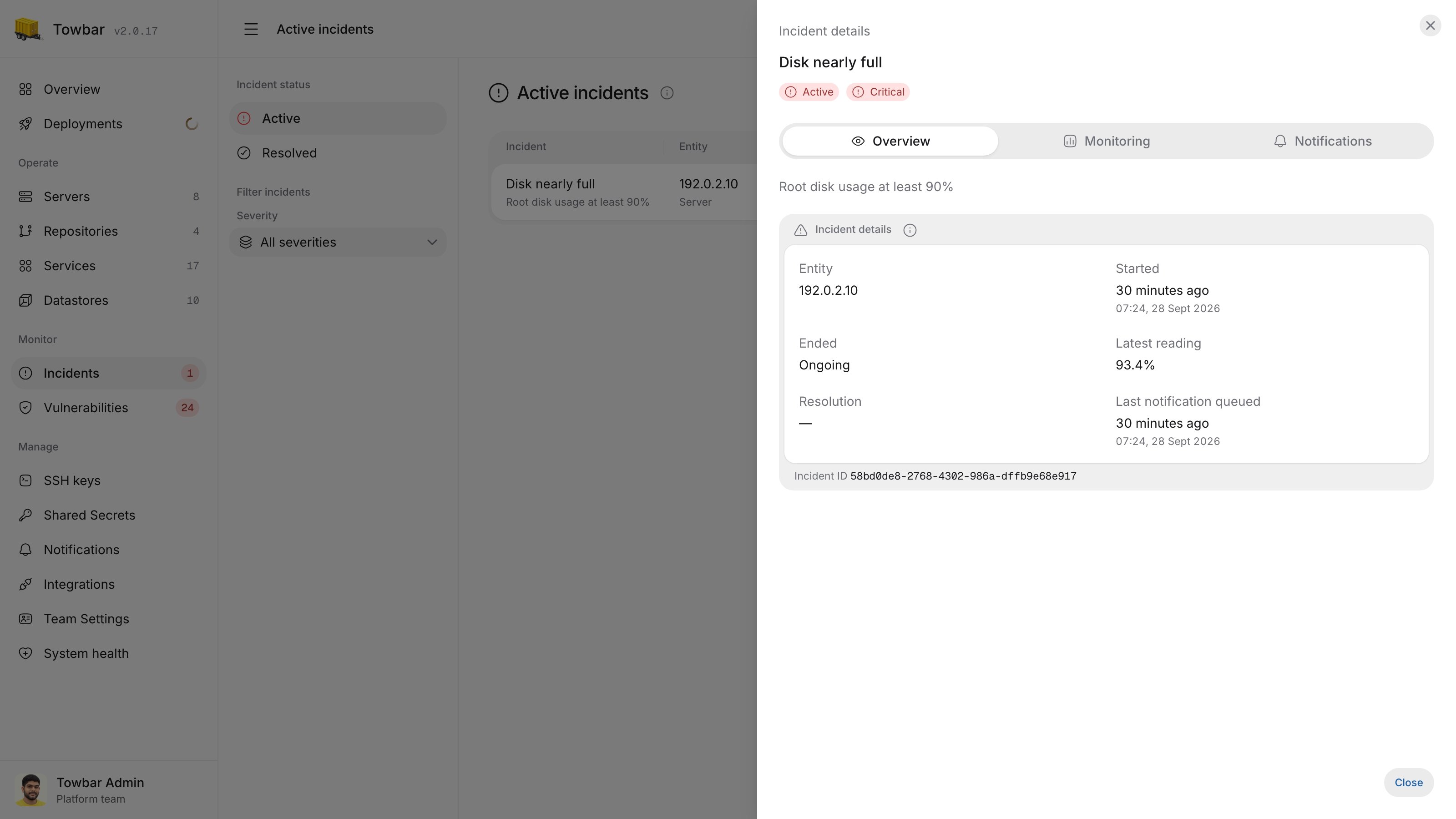
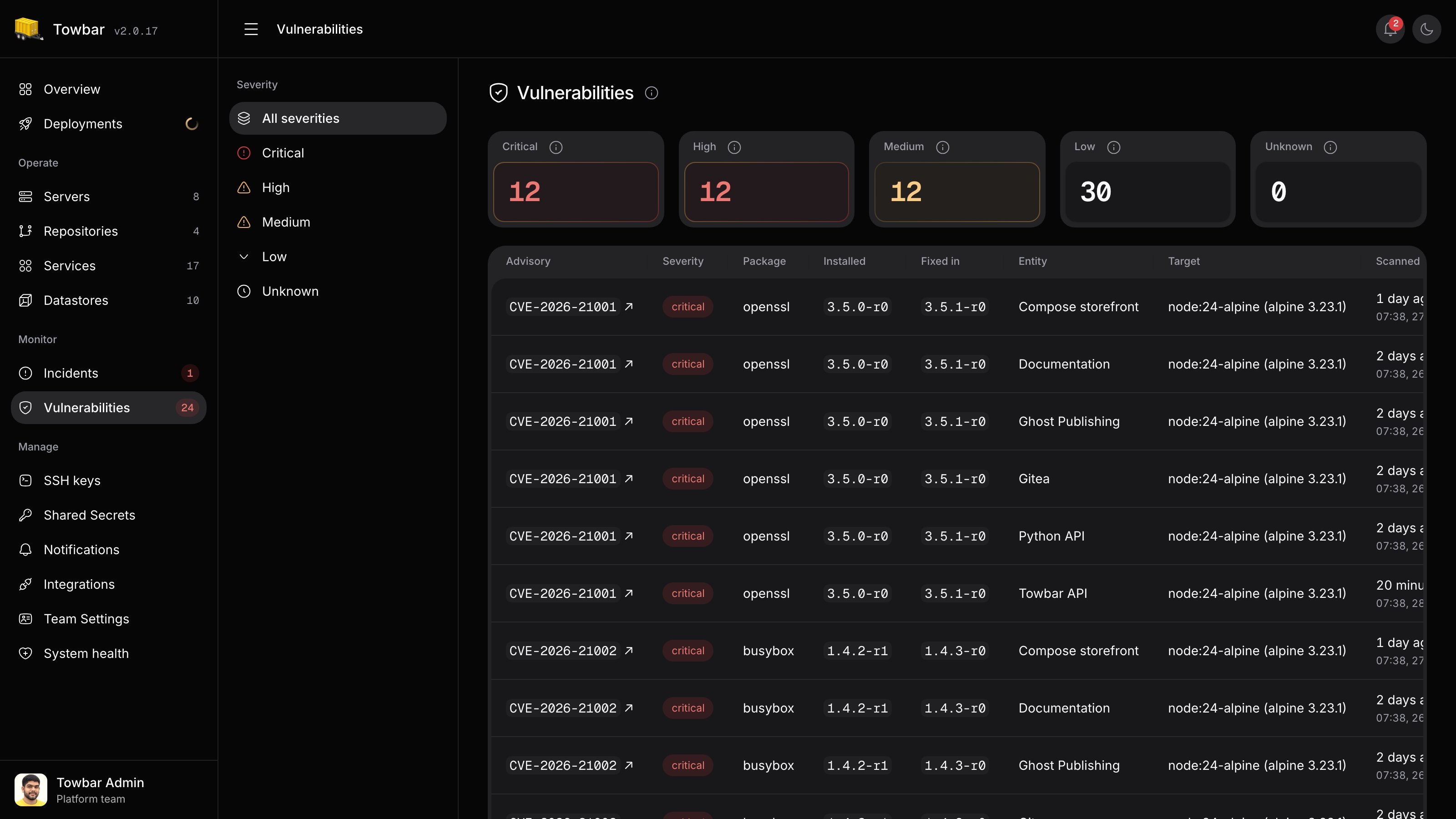
Vulnerability scanning
Inspect the image you deployed.
Opt Services into image scanning after successful deployments. Filter findings by severity, inspect affected packages and available fixes, and follow each finding back to its deployment. Scan results include their freshness and stay separate from deployment health.
Explore vulnerability scanning →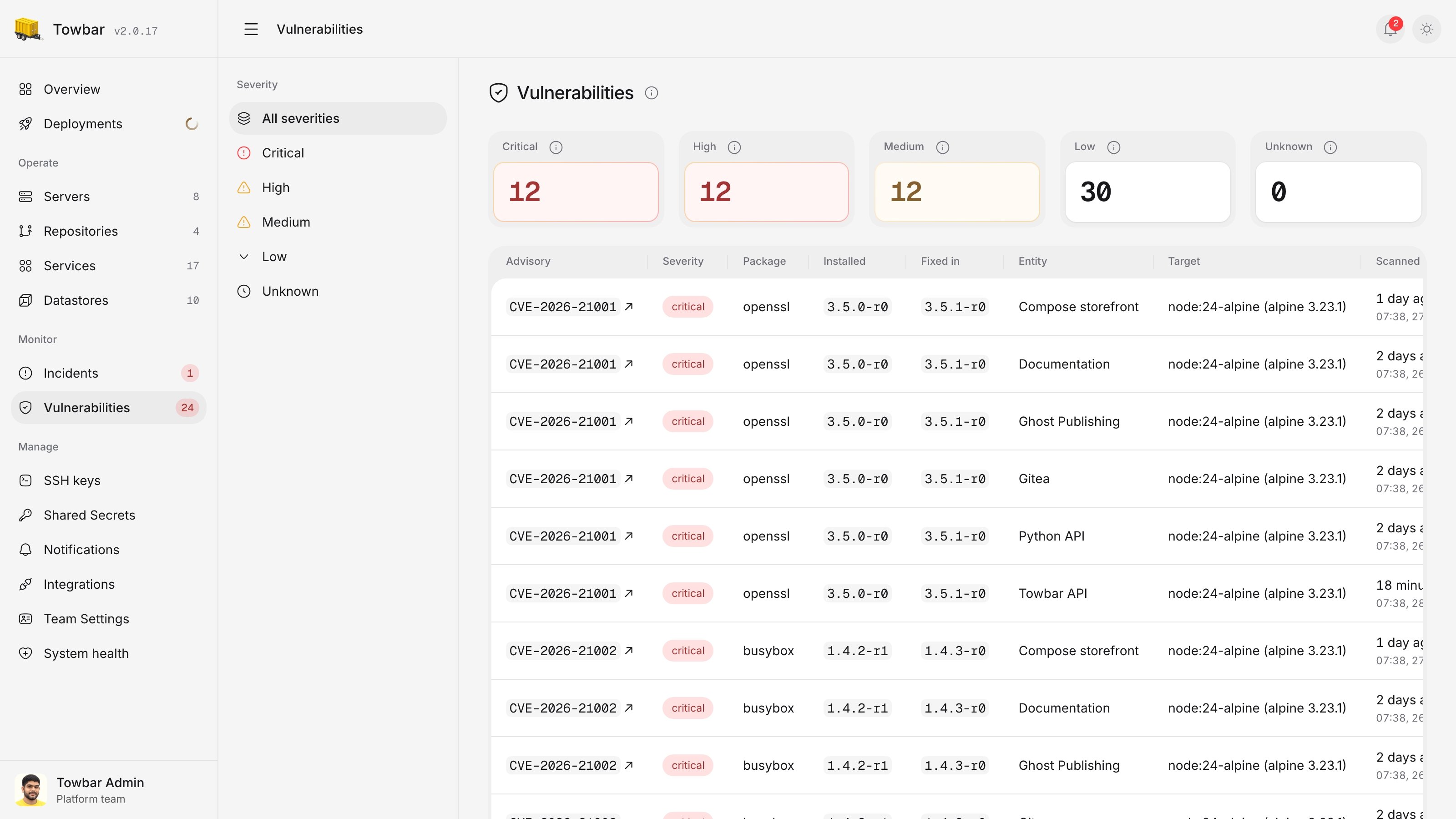
Team access
Give each person the access they need.
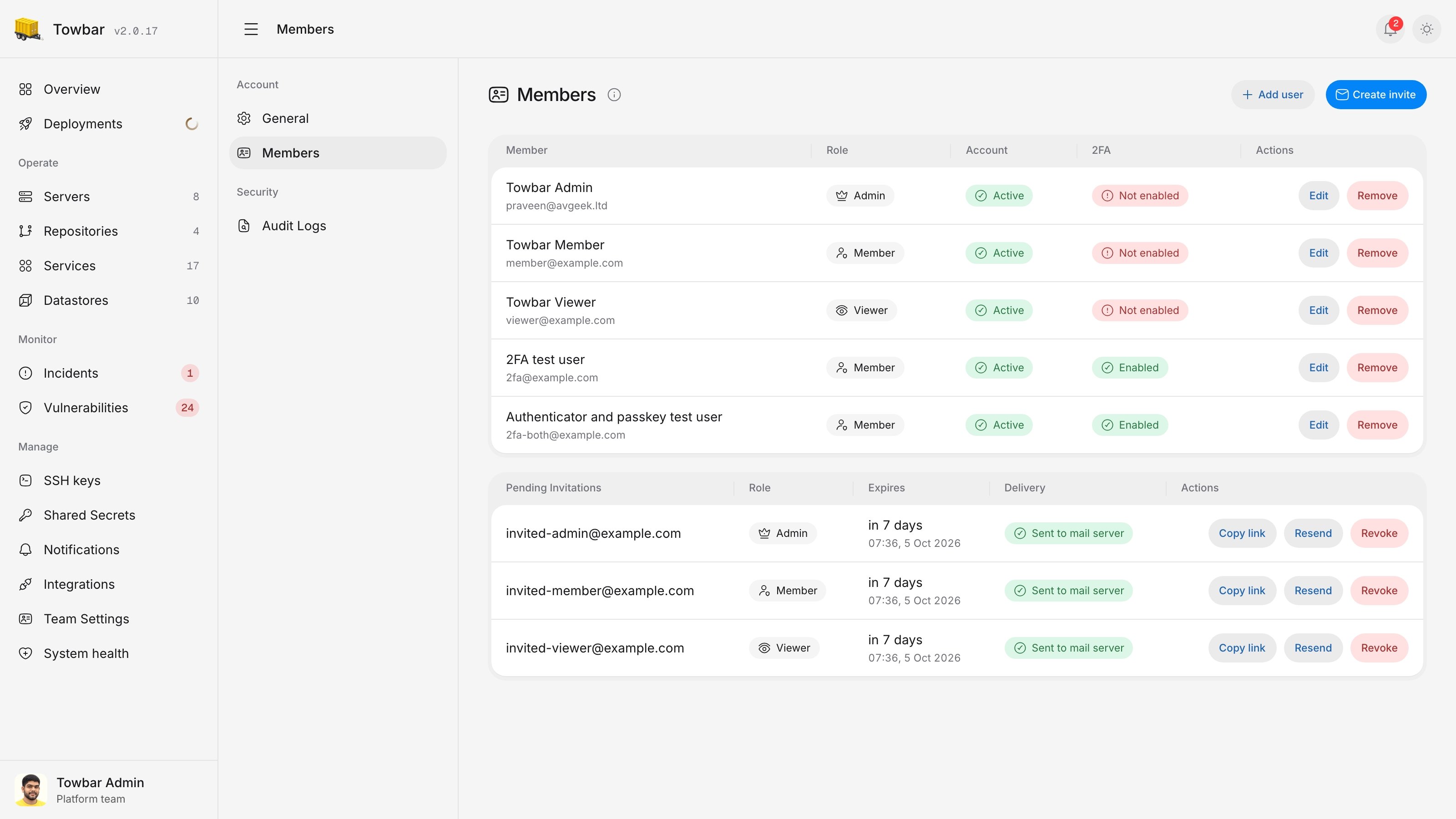
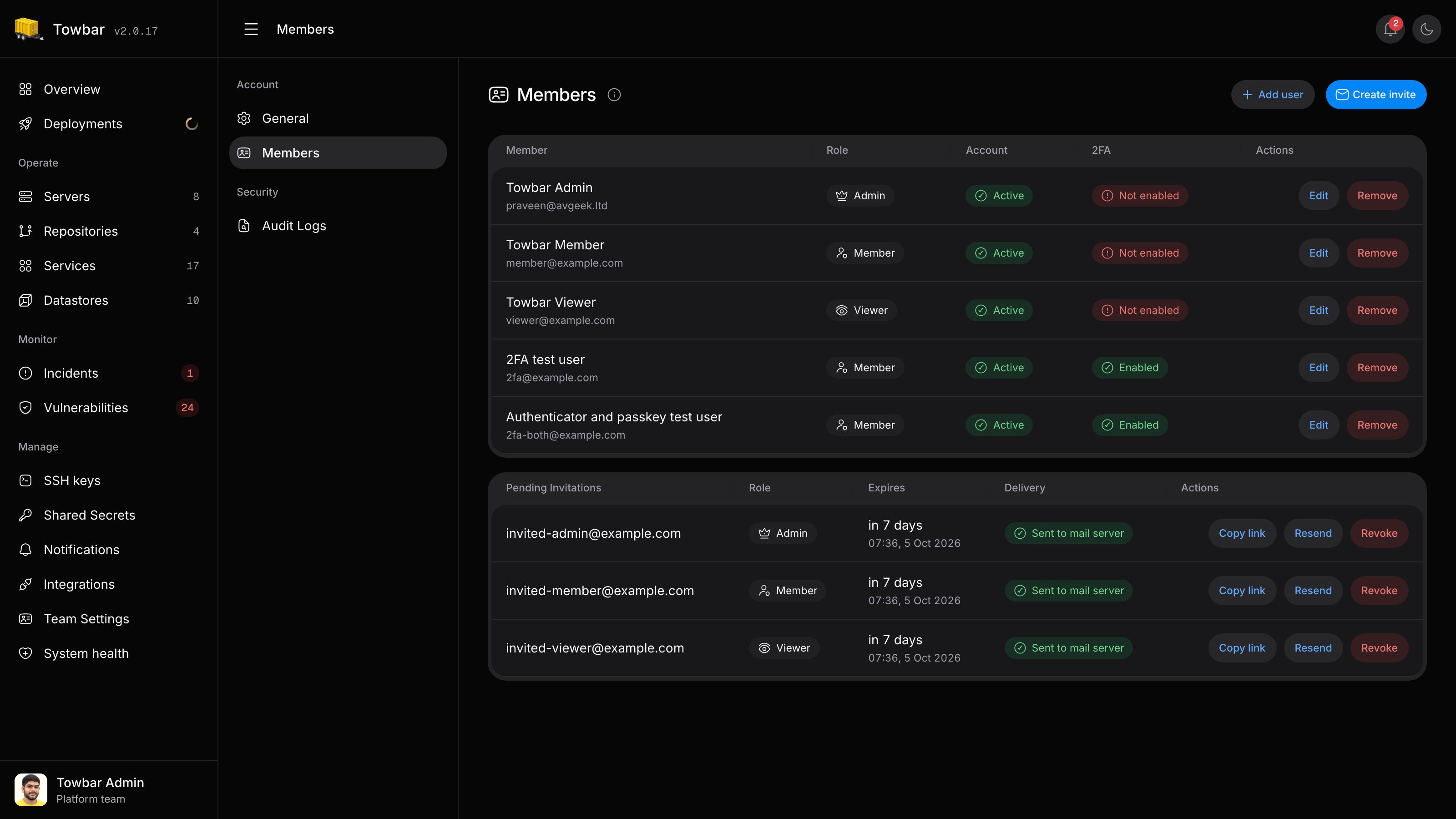
Invite your team as Admins, Members, or Viewers. Secure accounts with passkeys or an authenticator app. Use personal keys for individual scripts and team keys for shared automation, with the same permission limits in the API and MCP.
Explore team settings →