
/etc/towbar/towbar.yml
sudo towbar config validate and sudo towbar restart, then open Manage → Notifications → Webhook push. Towbar displays the label and hostname, not the full URL or secrets. Select Deployments, Backup & Restore, and Alerts & Incidents for each endpoint. New endpoints start with no subscriptions.
Verify the receiver
Towbar POSTs JSON withx-towbar-timestamp and x-towbar-signature-256: sha256=<hex digest>. The receiver should calculate HMAC-SHA256 over <timestamp>.<exact raw request body> using its signing secret, compare the digest in constant time, and reject stale timestamps. Verify before parsing or acting on the event. Use Test in Towbar and inspect the receiving service and delivery history.
Towbar rejects credentials embedded in URLs, custom ports, private-network destinations, redirects, and reserved delivery-header overrides. If an endpoint fails, check HTTPS reachability, the exact URL path, receiver response, header values, and signature verification. Changing a URL or secret requires YAML validation and restart. Keep the endpoint ID stable when rotating a secret so its subscription remains attached.
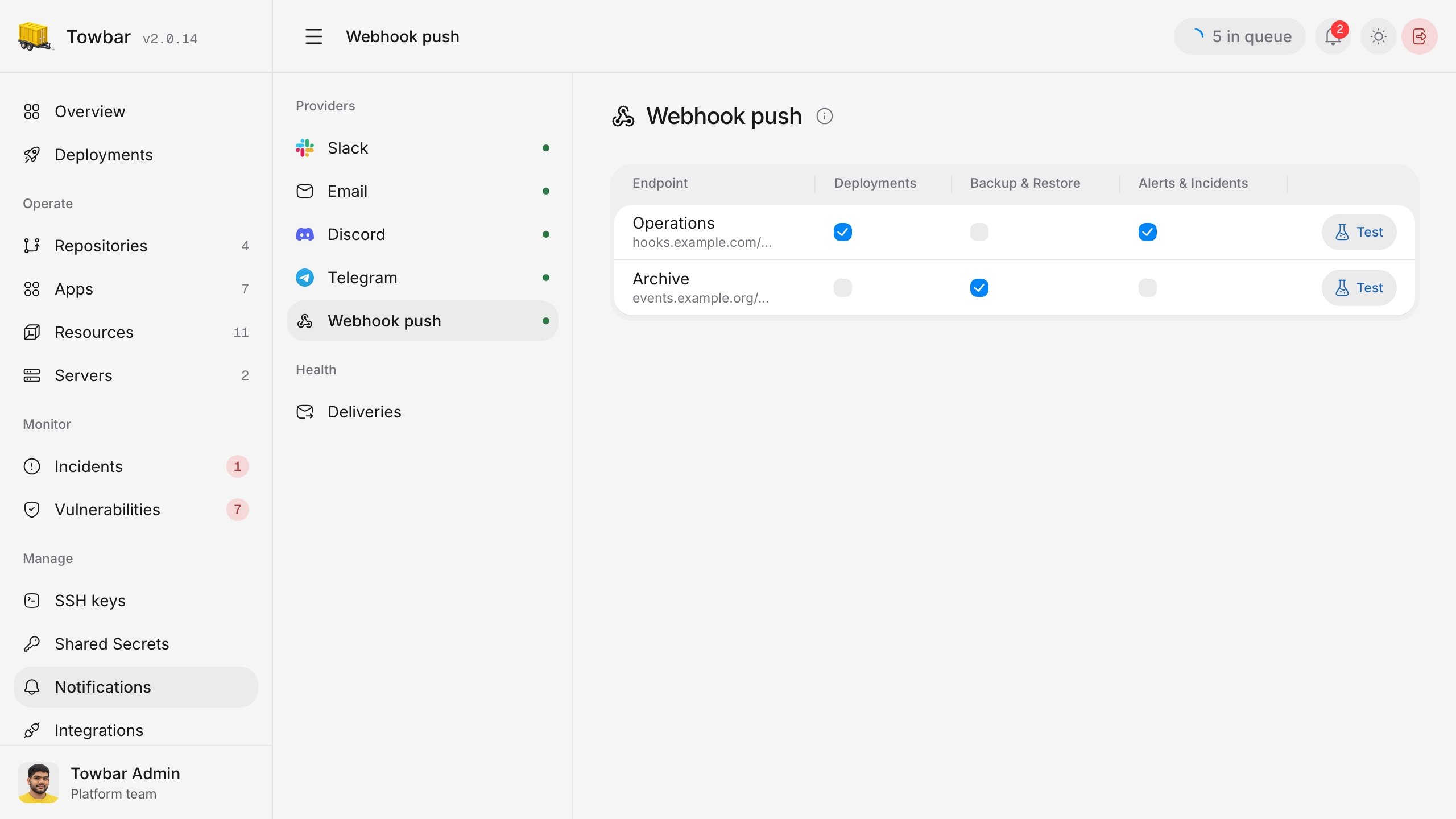
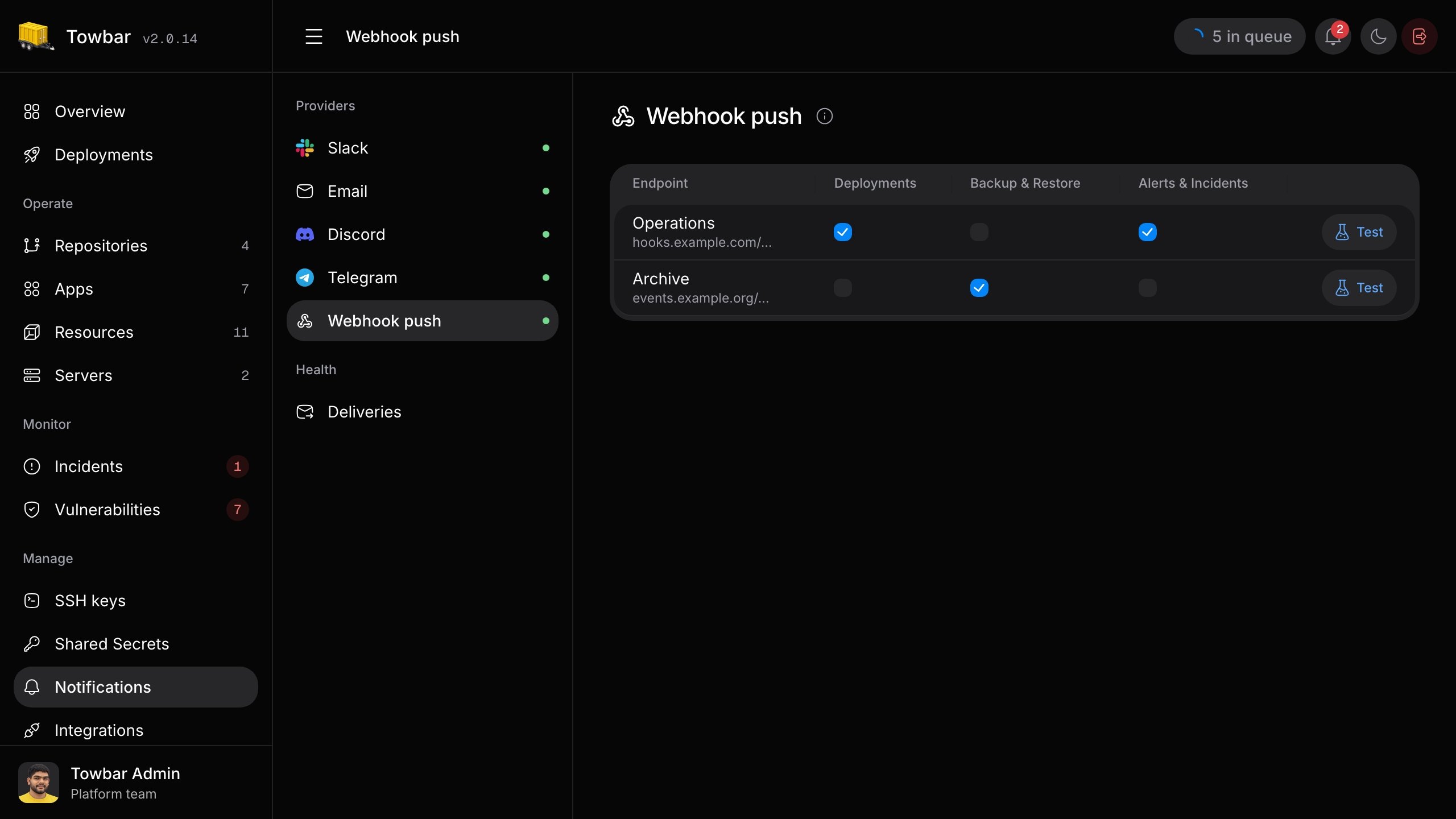
The endpoint list shows labels and hostnames while keeping full URLs and headers in the runtime configuration.