
/etc/towbar/towbar.yml
sudo towbar config validate and sudo towbar restart. Confirm that Doppler appears under Manage → Integrations → External secrets. A configured status does not test token access to a project or config. Follow the external-secret source guide and deploy a non-production workload to verify access.
If a deployment cannot load its secrets, check the project/configuration covered by the token and whether the token was revoked. Apply a replacement service token in YAML, restart, verify a test deployment, and then revoke the previous token.
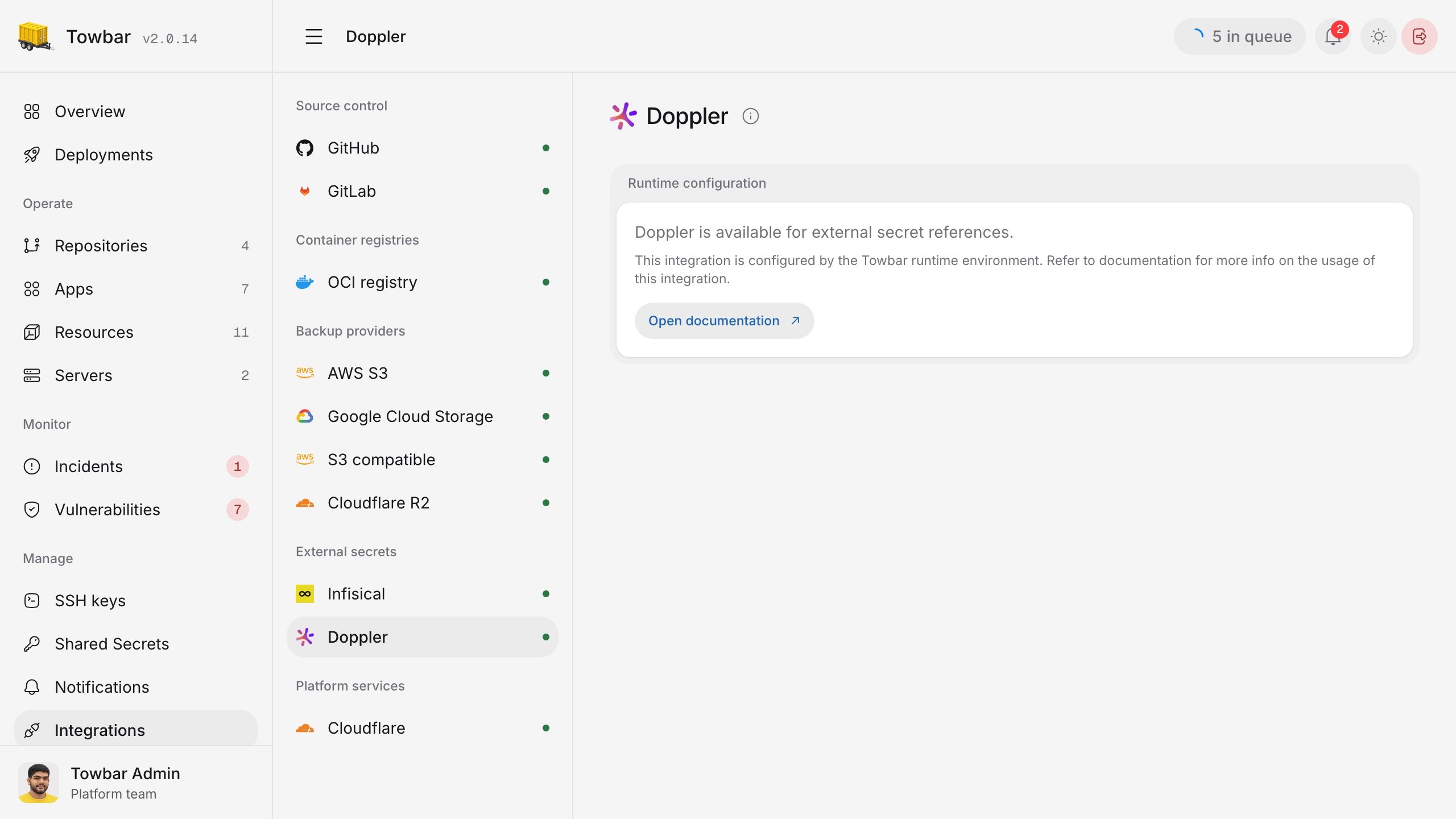
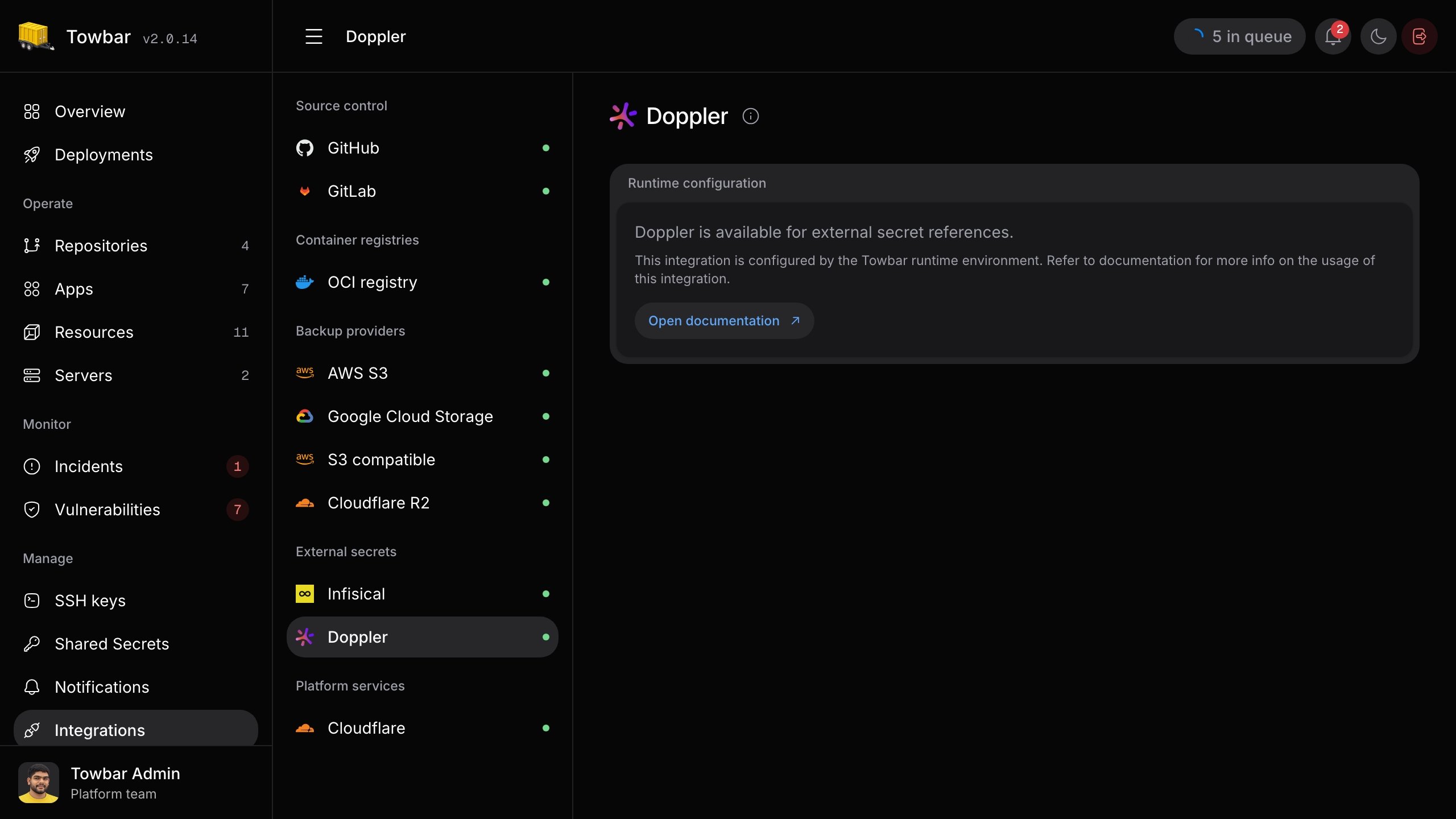
The Doppler page confirms that Towbar loaded the runtime configuration; test a reference to verify remote access.