
/etc/towbar/towbar.yml
zoneId is optional when the token can discover the required zone. Omit the field rather than leaving an empty value. Towbar supplies a reviewed digest-pinned cloudflaredImage by default; if you set it explicitly, use a Towbar-supported pinned image. Run sudo towbar config validate and sudo towbar restart, then confirm Cloudflare appears under Manage → Integrations → Platform services.
Use it from a manifest
For a public workload, configure its domain and choose the relevant DNS or tunnel mode in the Domains and TLS guide. The manifest refers to Cloudflare behavior but never contains the API token. A deployment that requests Cloudflare TLS is blocked when the integration is not configured; the configured status alone does not prove that the token can change a particular zone.Verify and troubleshoot
Deploy a non-production route in an authorized zone. Confirm the DNS record, certificate status, and actual HTTPS response. If an operation fails, compare the domain’s zone with the token scope, check zone discovery orzoneId, and inspect the route operation error. Rotate the token in YAML, restart, and verify an owned route before revoking the old token. Towbar manages only records it owns; review existing DNS before assigning a hostname.
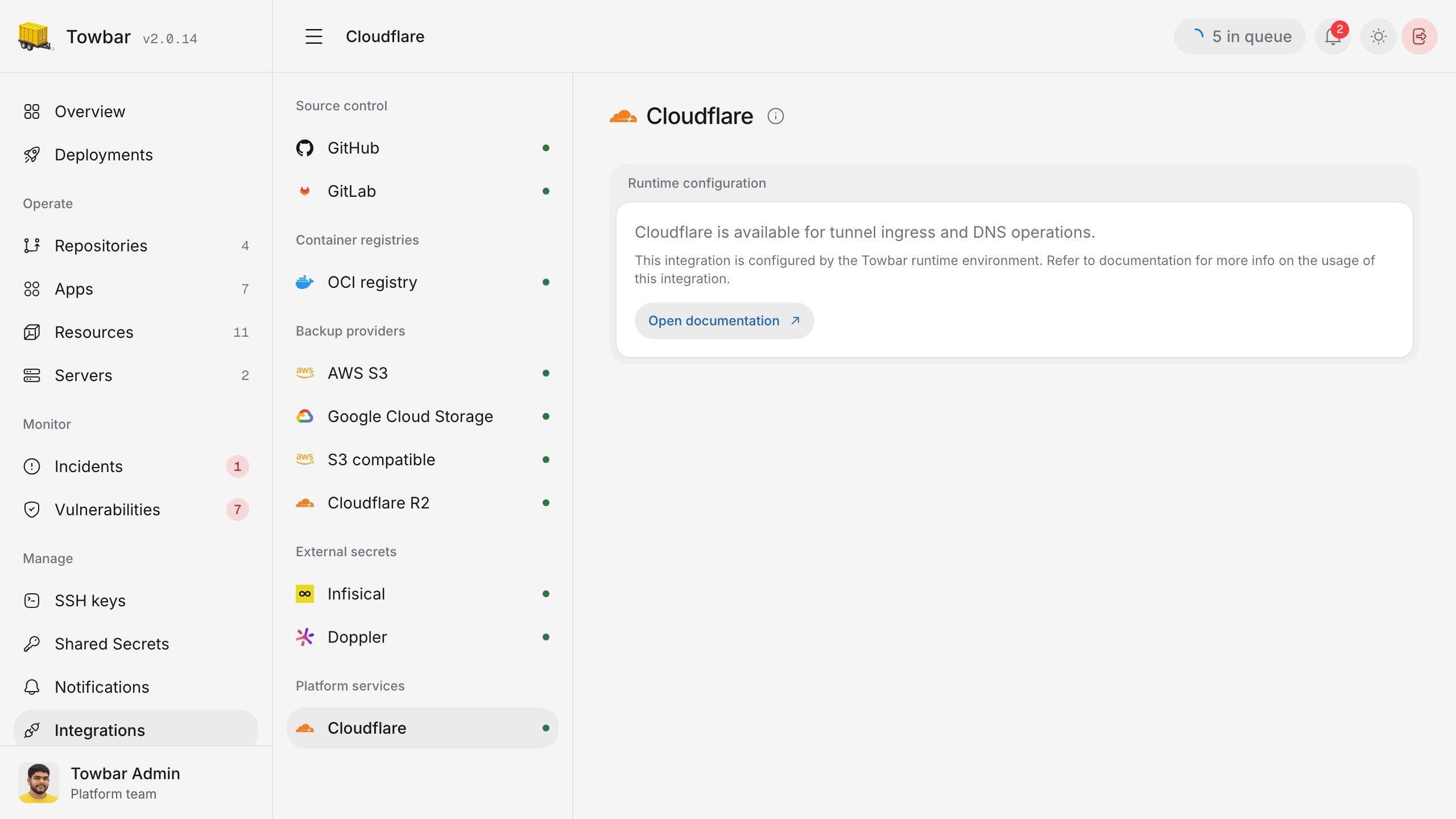
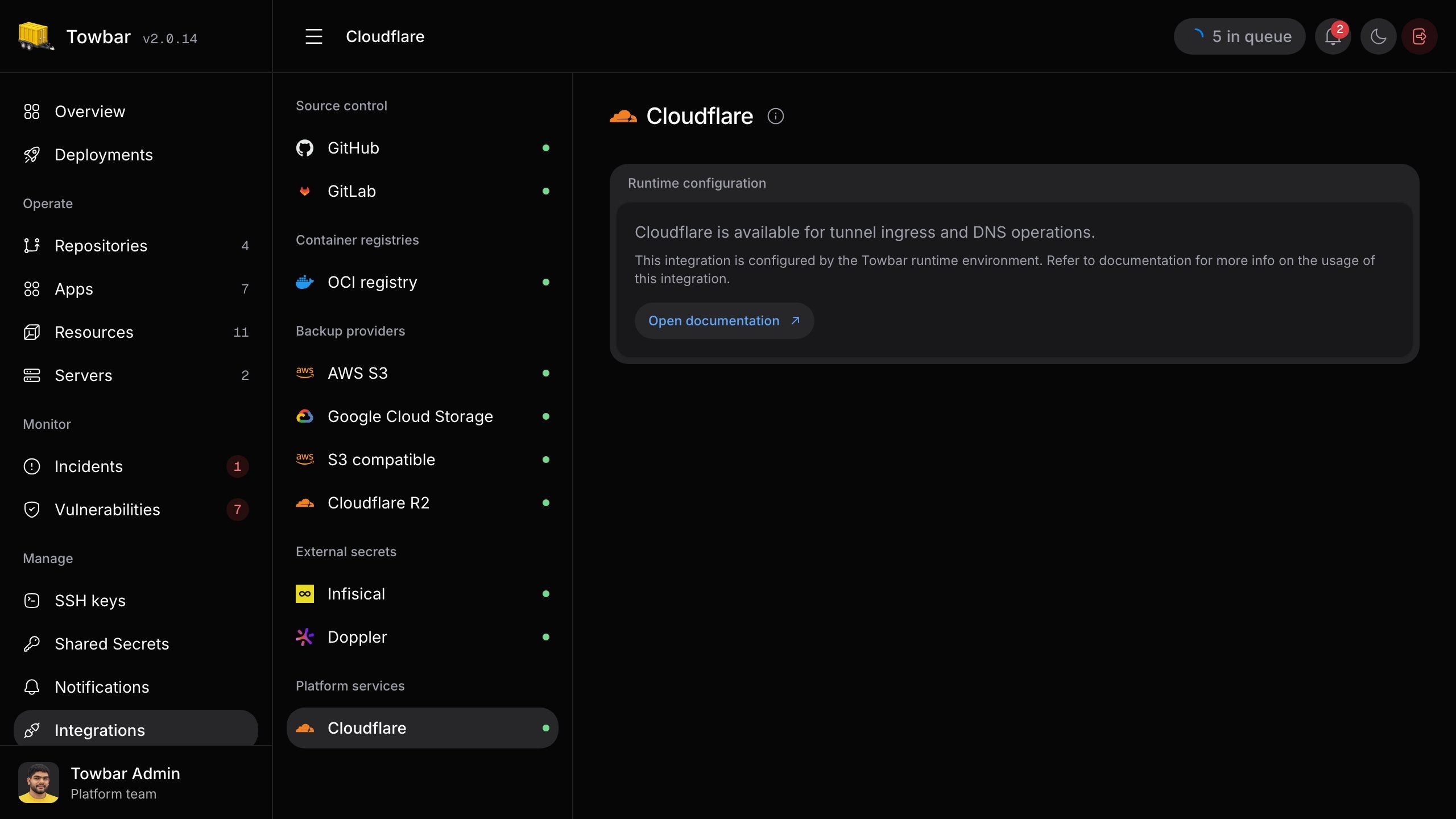
The Cloudflare page shows the runtime provider used for managed DNS, TLS, and tunnel ingress.