
Choose a TLS mode
Set the primary hostname without a scheme or path. A TLS declaration requires a primary domain. A publicly routed resource also needs a container port and an HTTP health check.
Direct TLS
Add the following fields to an app, replacing the example domain:Cloudflare TLS
SetTOWBAR_CLOUDFLARE_ENABLED=true, TOWBAR_CLOUDFLARE_ACCOUNT_ID, and TOWBAR_CLOUDFLARE_API_TOKEN on the API process, then restart Towbar. The Cloudflare integration and the per-server Cloudflare TLS toggle appear only after the complete environment configuration passes startup validation.
Create the token under Manage Account → Account API Tokens in Cloudflare. Grant Zone → Zone → Read, Zone → DNS → Edit, and Zone → Zone Settings → Read, restricted to the zones Towbar should manage. Zone Settings Read lets Towbar verify that SSL/TLS mode is Full (strict). Creating account tokens requires the Super Administrator role. See Cloudflare’s account-token guide.
Use a scoped account token rather than a personal or global API key. TOWBAR_CLOUDFLARE_ZONE_ID is optional when the token can discover the required zones. The prepared Caddy build must contain the Cloudflare DNS module.
Preview hostnames
Previews use a generated hostname beneathpreview.domain. Direct mode needs DNS routing for those generated names, typically a wildcard. Cloudflare DNS mode manages the exact preview records and removes them during cleanup.
For proxied nested hostnames, check Cloudflare’s certificate coverage as well as DNS. A resolving wildcard does not guarantee that the edge certificate covers every nested hostname.
Cloudflare Tunnel ingress
Useingress.type: cloudflare-tunnel when the workload server should not expose a public inbound application port. Create a named Cloudflare integration with a scoped account API token, account ID, optional zone ID, and Towbar’s reviewed cloudflared image digest. Reference its slug and optionally a dedicated tunnel name in the app or Compose service manifest.
Towbar creates or attaches only resources carrying its ownership identity, writes generated tunnel credentials to root-owned transient storage, starts cloudflared without a Docker socket or published administration port, and verifies the route before promotion. DNS and tunnel routes are reconciled on redeploy. Preview and removed routes are cleaned only when ownership matches; an uncertain provider response leaves a visible cleanup warning for later reconciliation.
Enabling Tunnel does not expose SSH, the Docker API, Towbar’s control plane, or another service on the host. Cloudflare Access is an explicit manifest choice. Credential rotation replaces the runtime configuration on the next reconciliation.
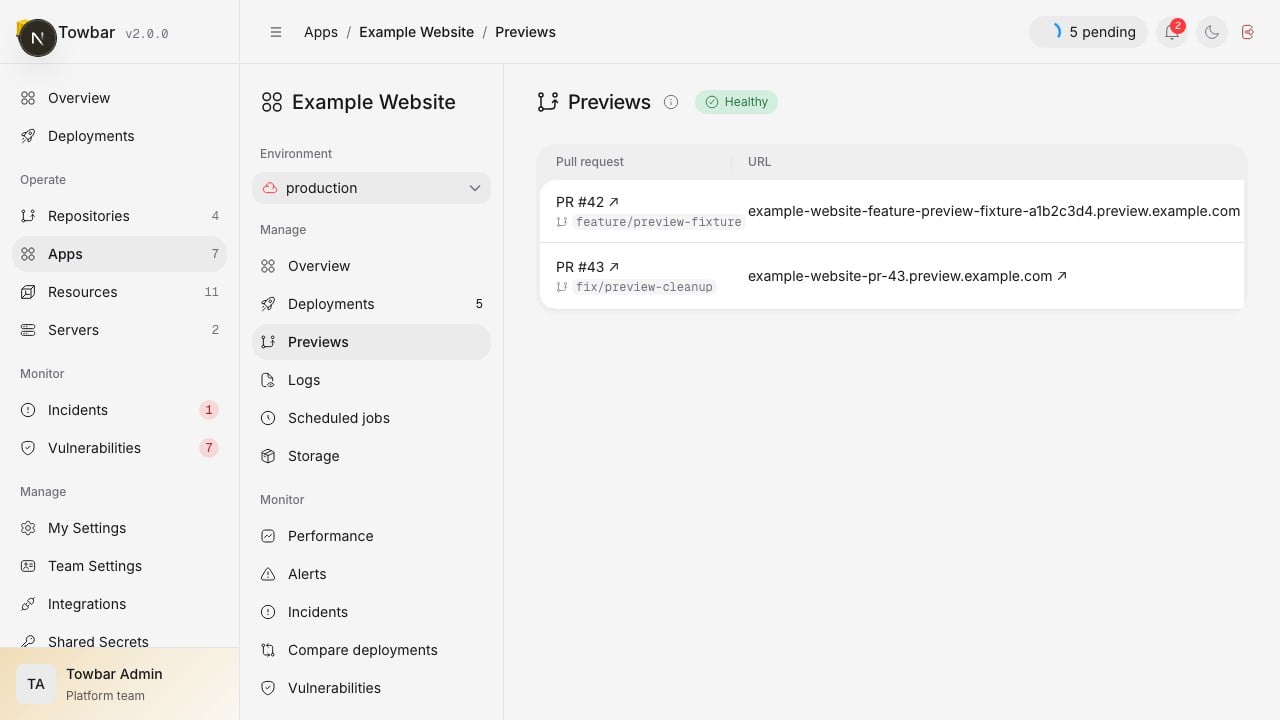
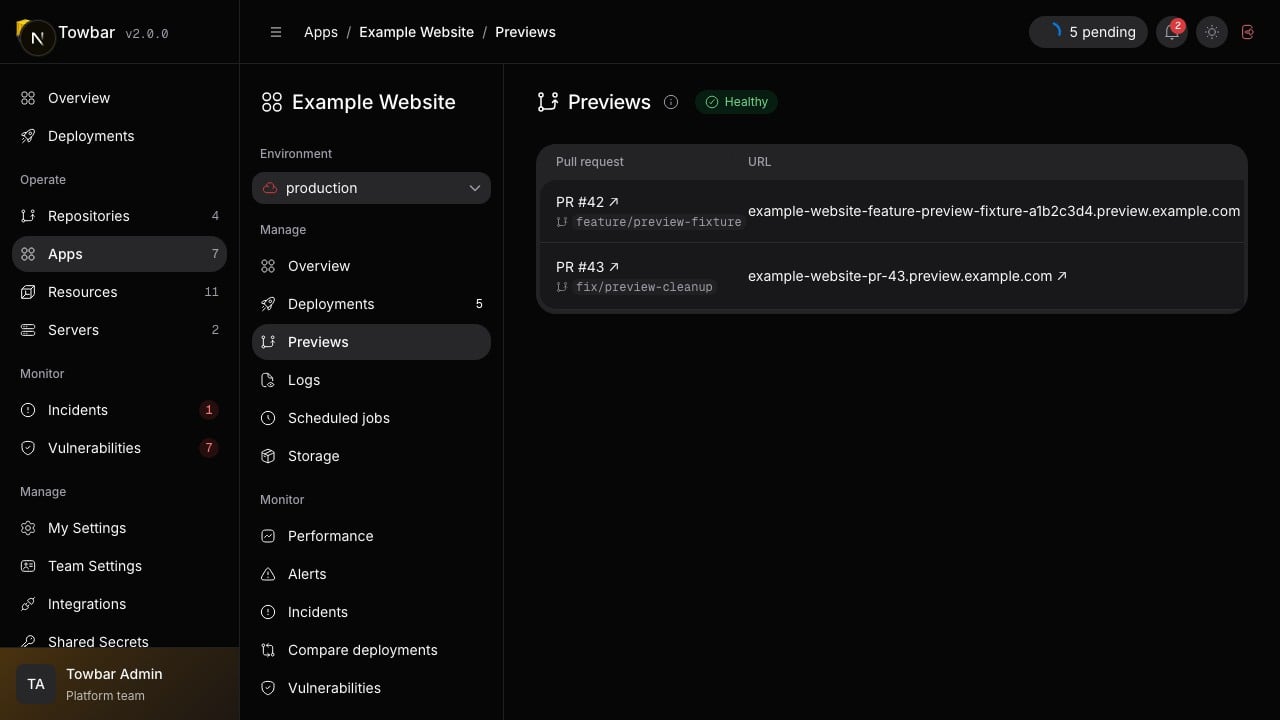
Preview environments show their URL, commit, expiry, and cleanup status.