
Infisical
Setproject to the Infisical project ID and, if needed, environmentSlug to the environment’s slug. secretPath selects a folder within that environment.
In an app or resource manifest
environmentSlug and secretPath are optional. If omitted, Towbar uses the prod environment and its root folder. The machine identity needs read access to the chosen project, environment, and folder.
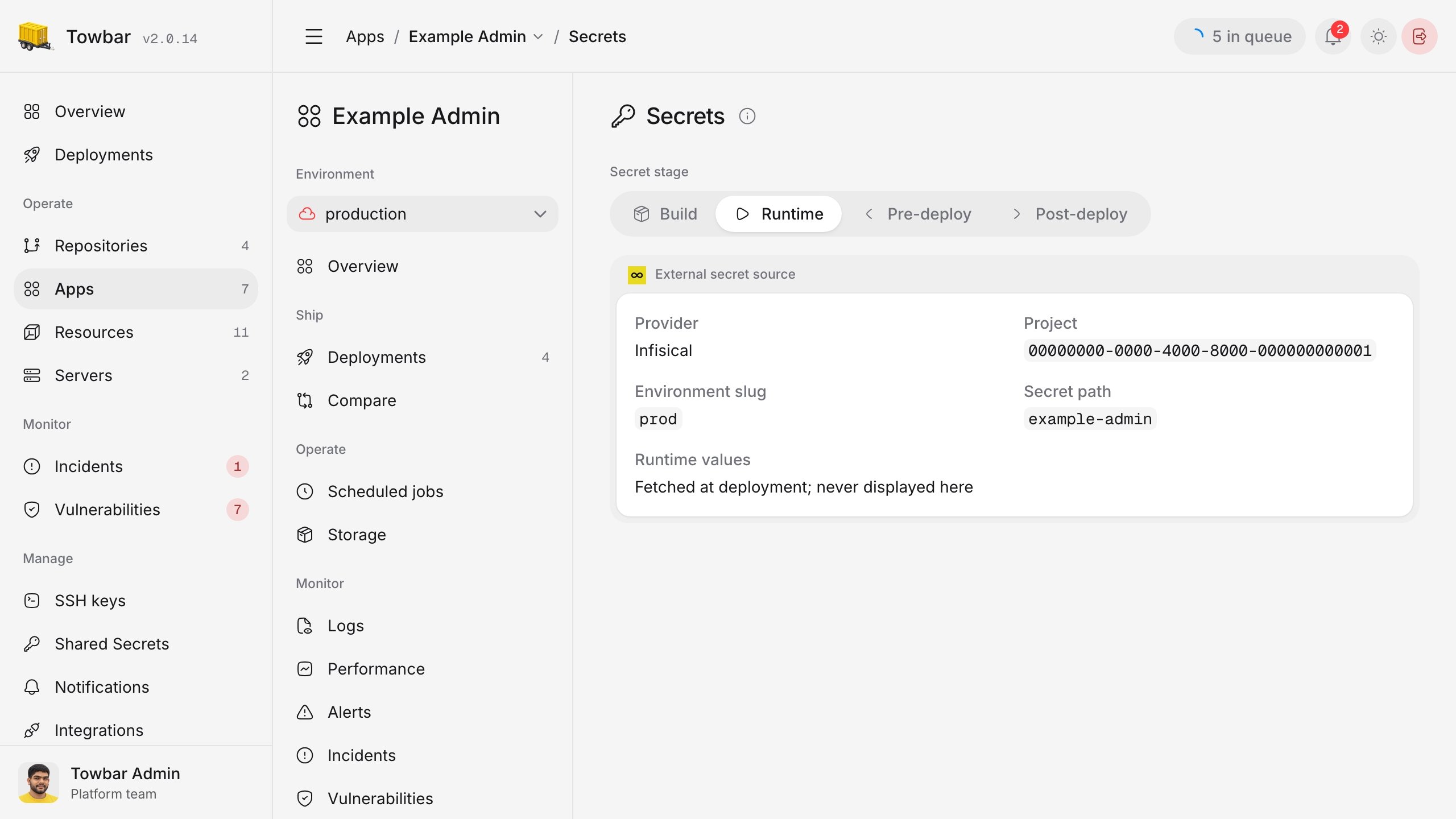
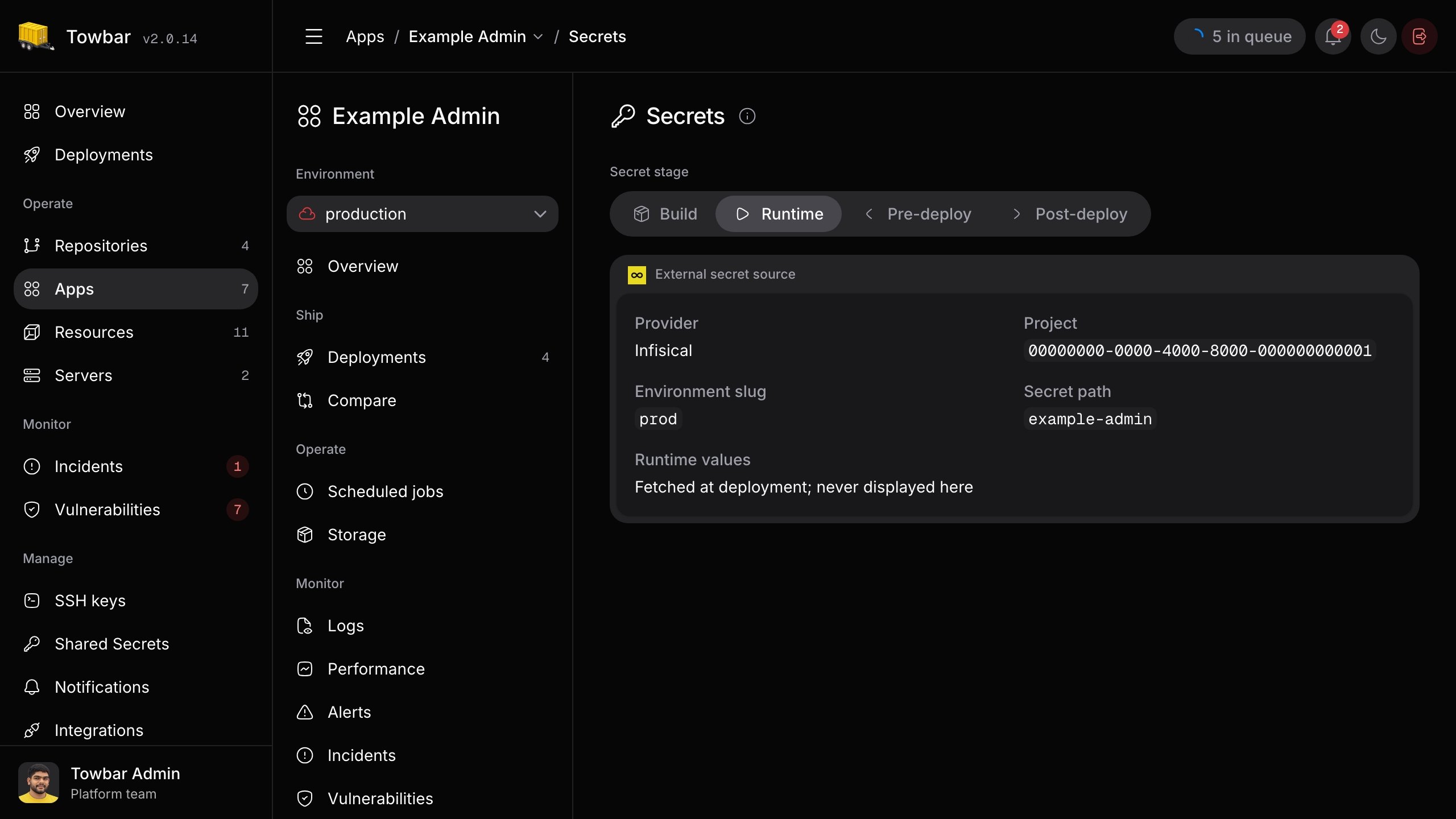
An app’s Runtime Secrets page shows the Infisical source selected by its manifest. Secret values remain with Infisical until deployment.
Doppler
Setproject to the Doppler project slug. config selects the config whose secrets you want to import.
In an app or resource manifest
config is optional when the configured service token is already bound to the intended config. Doppler has no folder path in this manifest form.
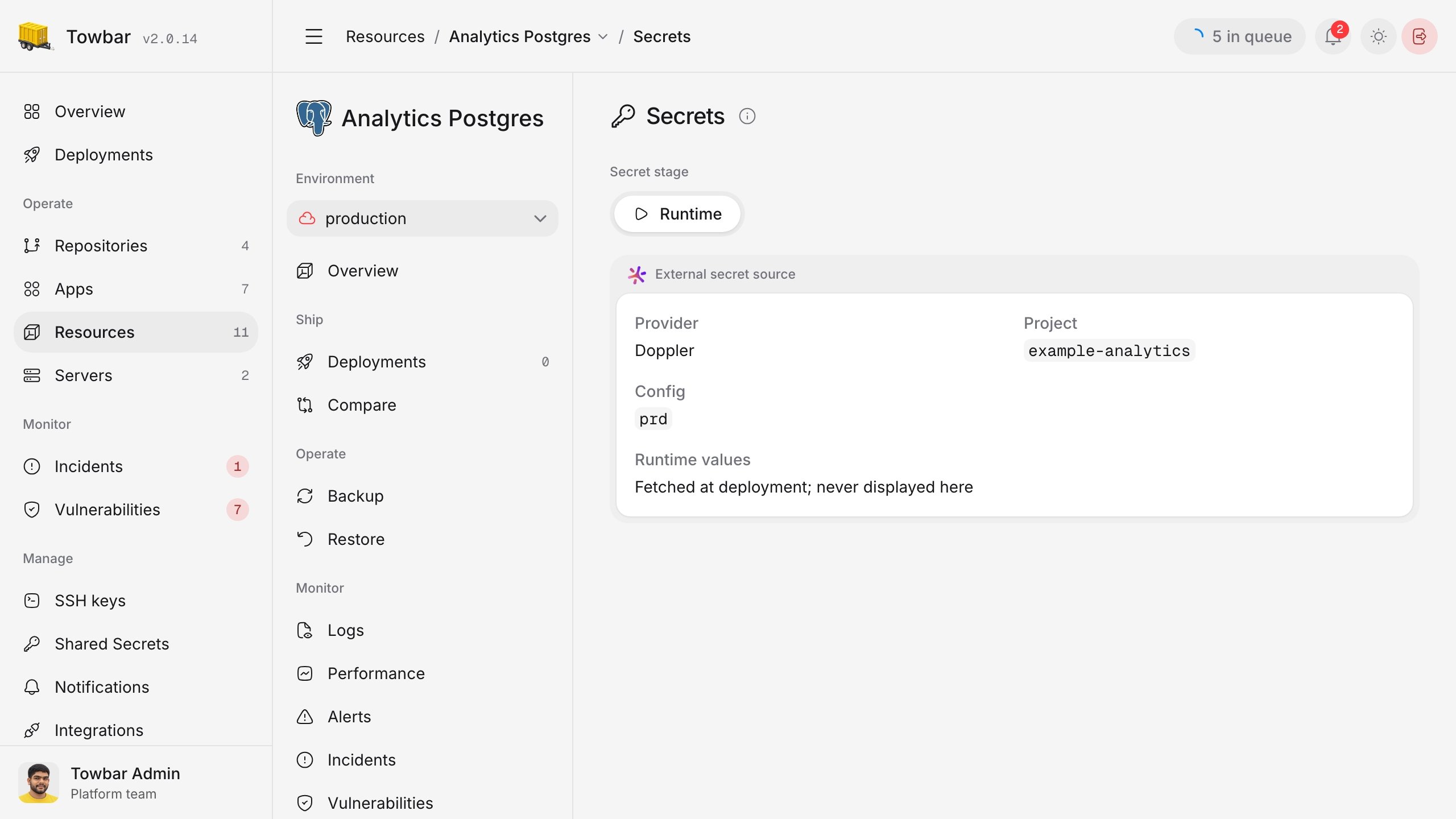
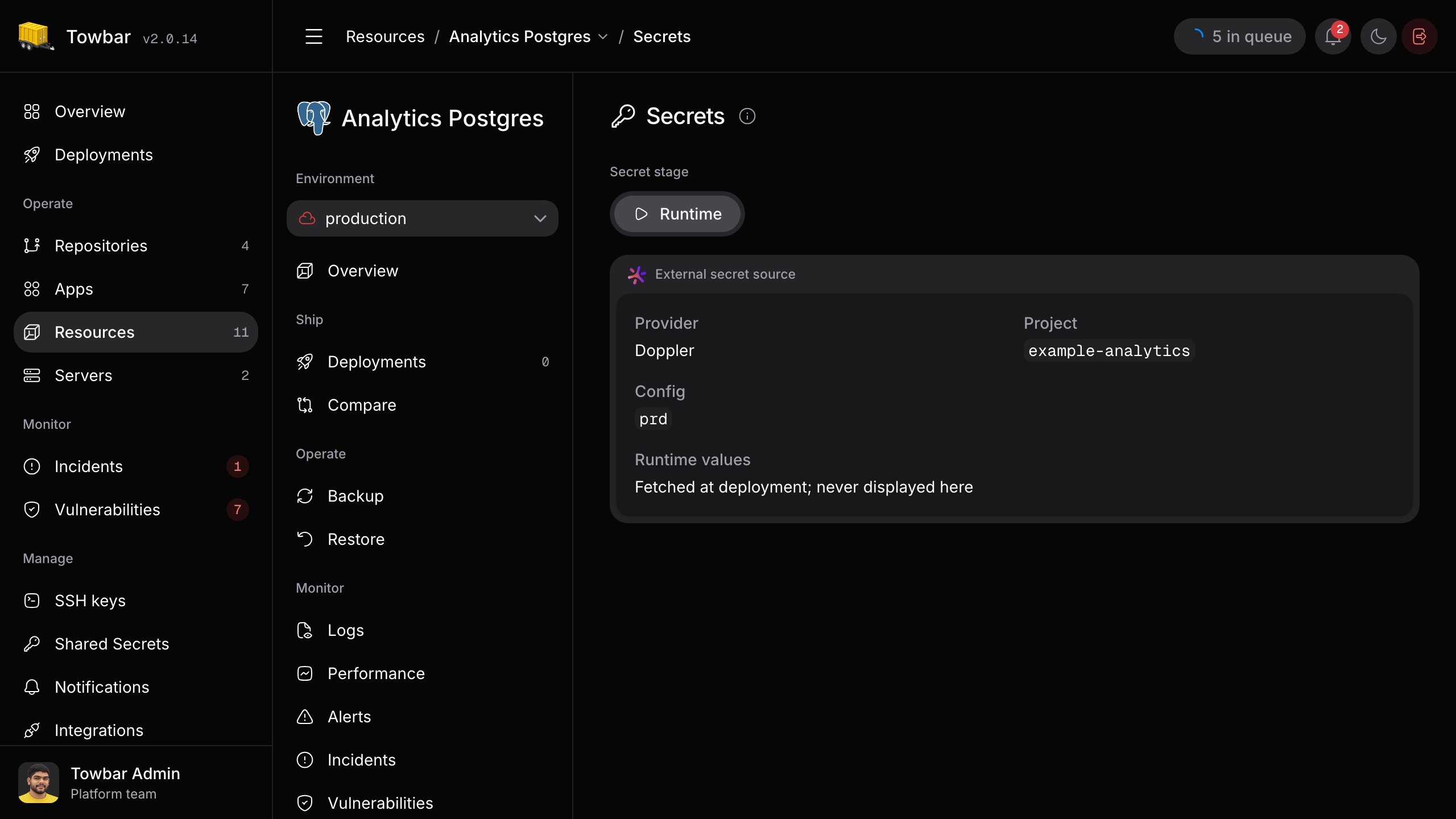
A resource’s Runtime Secrets page shows the Doppler source selected by its manifest. Secret values remain with Doppler until deployment.
Deploy with an external source
Sync the manifest, then deploy the workload. External values are resolved at deployment and supplied as runtime variables for apps, resources, and Compose workloads. They are not supplied to builds or deployment hooks; use Towbar-managed secrets for those stages. You can also list required variable names undersecrets.runtime. Towbar verifies those names after importing the external values. Deployment stops if a required name is missing, the provider cannot be reached or authorized, the selected scope is empty, or a name collides with a Towbar-managed value. A changed or disappeared external value also stops a deployment in progress. Test access with a non-production workload before relying on it in production.