
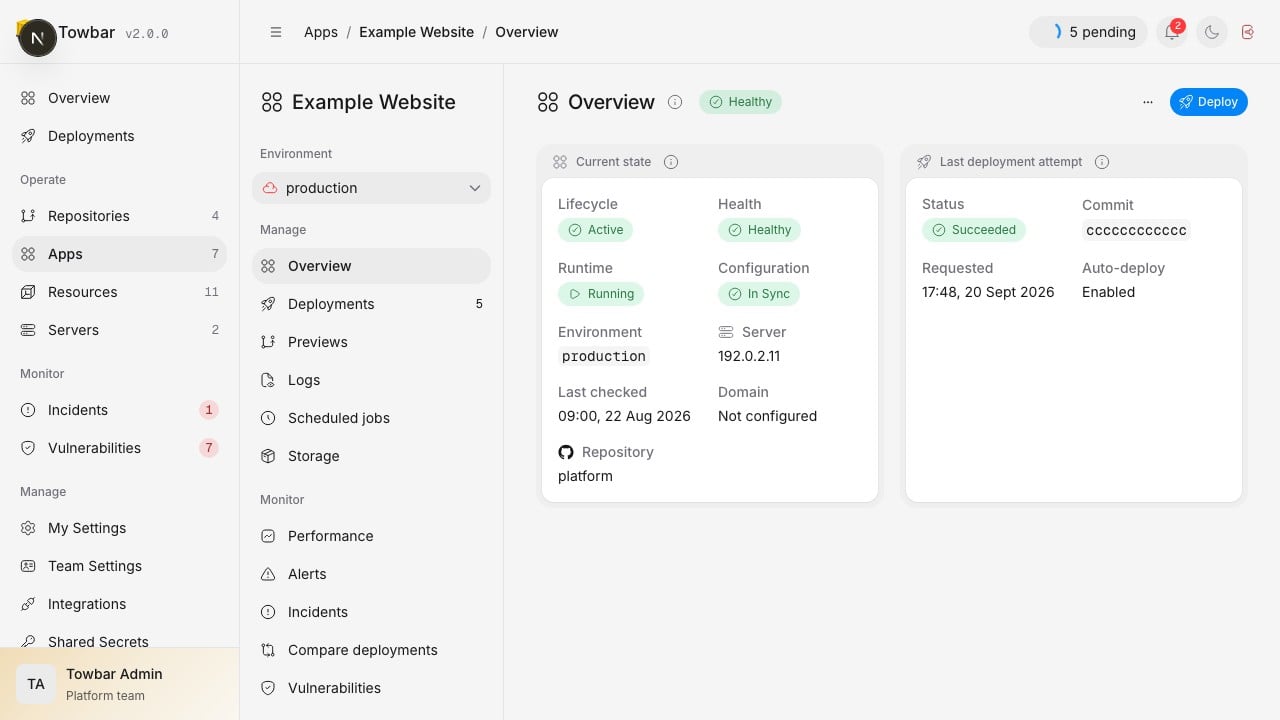
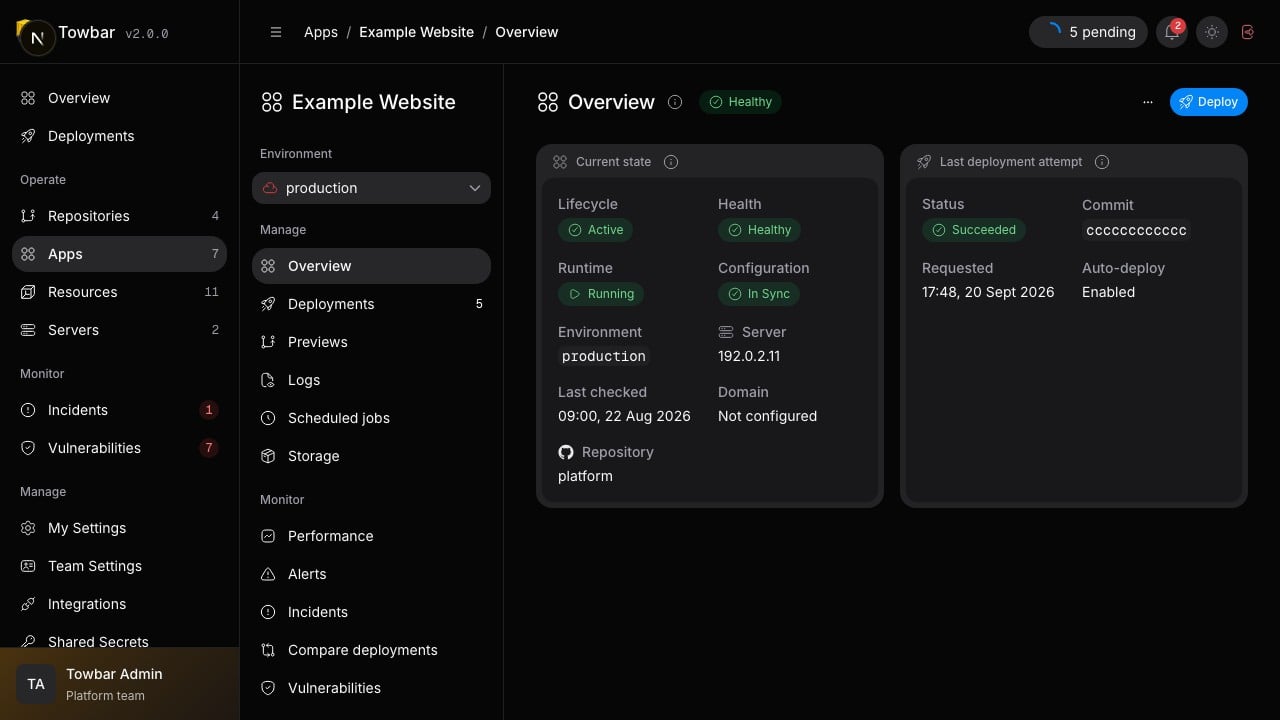
An app’s current state and latest deployment attempt appear in separate widgets.
Define an app
These files define a service that listens on port 3000 and responds at/health:
towbar.yml
.towbar/apps/web.app.yml
Choose a health endpoint
Use an HTTP path that can respond without interactive authentication. The health timeout must allow the service to start. A passing build alone does not make the candidate ready for traffic. Omitdomains and tls for an app that does not need public routing. The dashboard describes it as Not publicly exposed. Private connectivity still needs the appropriate Docker network and host network rules.
Supply configuration
Set build and runtime values in the app’s Secrets settings. Reference workspace or Repository values explicitly with{{globals.KEY}} or {{source.KEY}}; repository and workload values stay separate for production and previews. Global references intentionally reuse the workspace value. Use BuildKit secret mounts when a build needs credentials.
CPU and memory allocations are declared under container.resources. The inventory shows the configured capacity and observed usage relative to it; an unavailable measurement is not zero usage.
Deploy and verify
Open the app and choose Deploy. Follow its stages until it reaches a terminal result, then verify the actual service response. Enable automatic deployment after the manual path works. Use deployment hooks for required commands around promotion and previews for pull request environments.Scheduled jobs
Declare recurring commands in the app manifest. Each run uses a short-lived container from the deployed app image, with its runtime secrets, network, resource limits and persistent volumes. It does not publish the app’s ports or claim its network alias.["sh", "-c", "node report.js && node notify.js"].
The Scheduled jobs page shows configured jobs and the latest 100 runs.
Members with workload-operation access can use Run now; viewers can read
status and output. Output is bounded to 256 KiB and known runtime secret values
are redacted. Keep credentials out of command arguments and output.
Deploy after changing the app manifest. Jobs wait until that configuration is
deployed. A queued run is rejected if its release or declaration changes before
execution. Jobs share the app’s work queue with deployments and do not overlap
with another run of the same job. Commands that exceed their time limit are
stopped; failed or interrupted commands are not retried automatically. Make
commands idempotent if you intend to rerun them manually.
Repository and environment automation pauses also pause scheduled jobs. Preview
environments never schedule jobs. Missed schedules during pauses, outages or
longer runs are skipped; Towbar does not replay a backlog. Set enabled: false
or override jobs: [] in an environment to disable its scheduled work.