
Supported types
Images must have an explicit non-
latest tag or a digest. Managed engines have reviewed digest-pinned defaults. Custom managed images must use a digest and the supported major version. See Managed databases for versions, architectures, secrets, and restore boundaries.
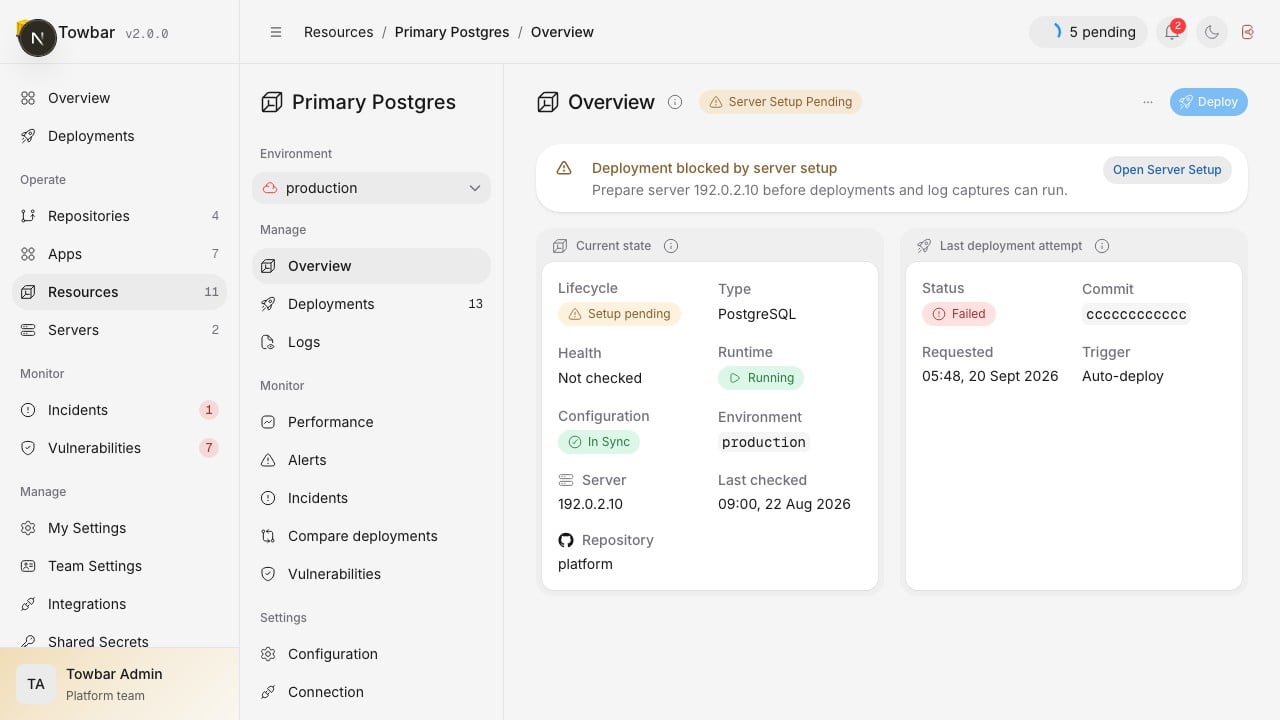
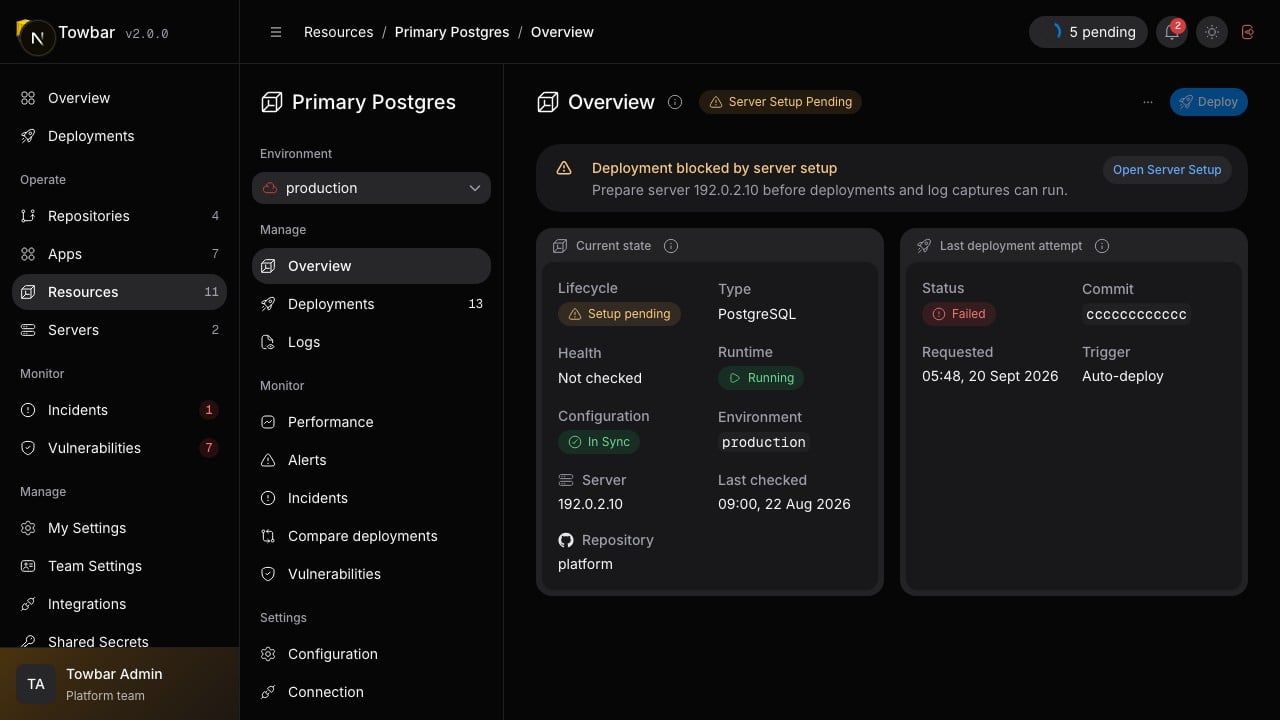
Resource state and the latest deployment attempt are shown separately.
Resource logos
Towbar recognizes products such as Temporal, Mailpit, Grafana, RabbitMQ, Keycloak, MinIO, and common databases from their configured container image. Recognized image resources show the product logo and name in resource lists. Tags and digests do not change the logo. Docker Hub shorthand and fully qualified names are recognized, while other registries require an explicit supported alias. Unknown images and private mirrors keep the Docker logo. Logos are bundled with Towbar and do not require an external lookup. This is a visual identifier, not a verification of image provenance or security.Add a database
towbar.yml
.towbar/resources/database.resource.yml
POSTGRES_PASSWORD under Resource → Settings → Secrets. Redis resources use REDIS_PASSWORD. These values are runtime secrets for the selected environment and never belong in YAML.
Deploy the resource, wait for its health check to pass, and verify connectivity from the intended client.
Connect privately
Apps and resources on the same host can share a namedcontainer.network. Towbar reuses the network when it exists and creates a bridge network when it is missing. A resource’s networkAlias defaults to its ID, so the example database is reachable as database from containers on app-network.
access.sshTunnel.hostPort binds only to the server’s 127.0.0.1. Forward that port over SSH for a local database client. It does not create a public Caddy route or Cloudflare record.
Persist data
Every managed engine receives a managed data volume. Generic image resources can declare named volumes and mount paths. Deployment and image rollback are not database migration tools: plan engine upgrades and schema compatibility separately. ChangingPOSTGRES_PASSWORD in Towbar does not rotate the password already stored inside an existing database. Coordinate that change with the database before replacing the running resource.