
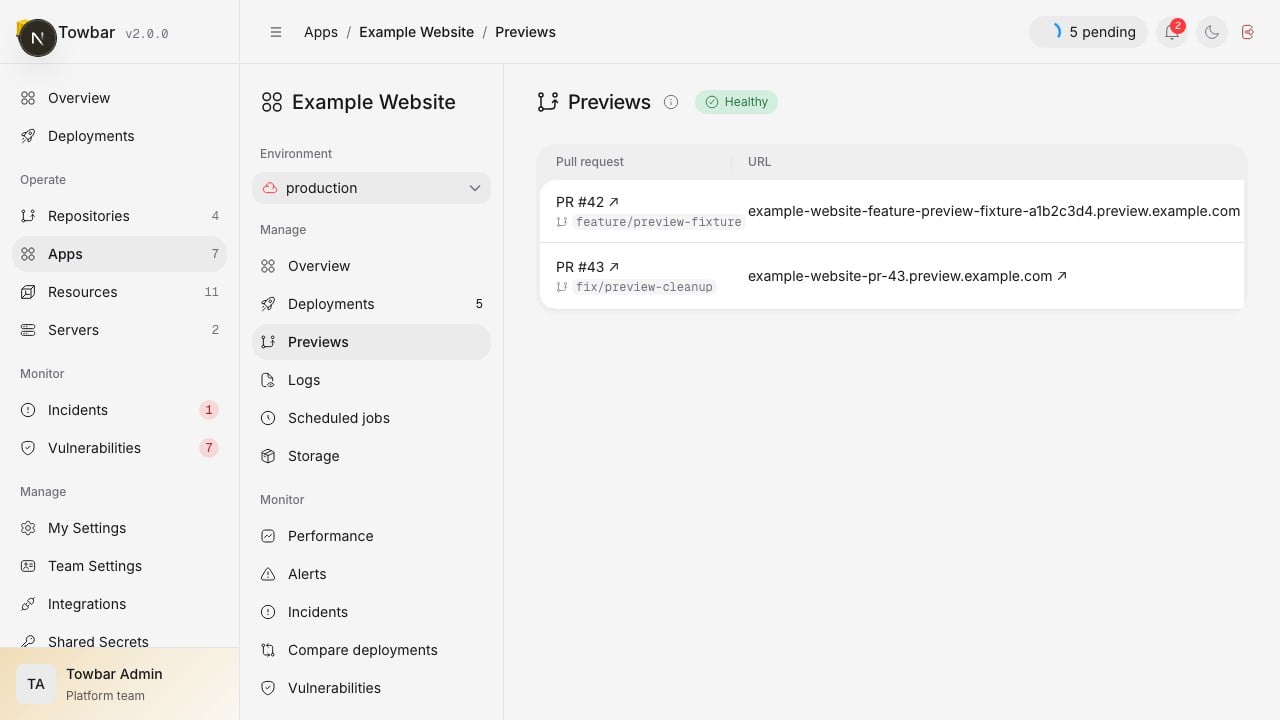
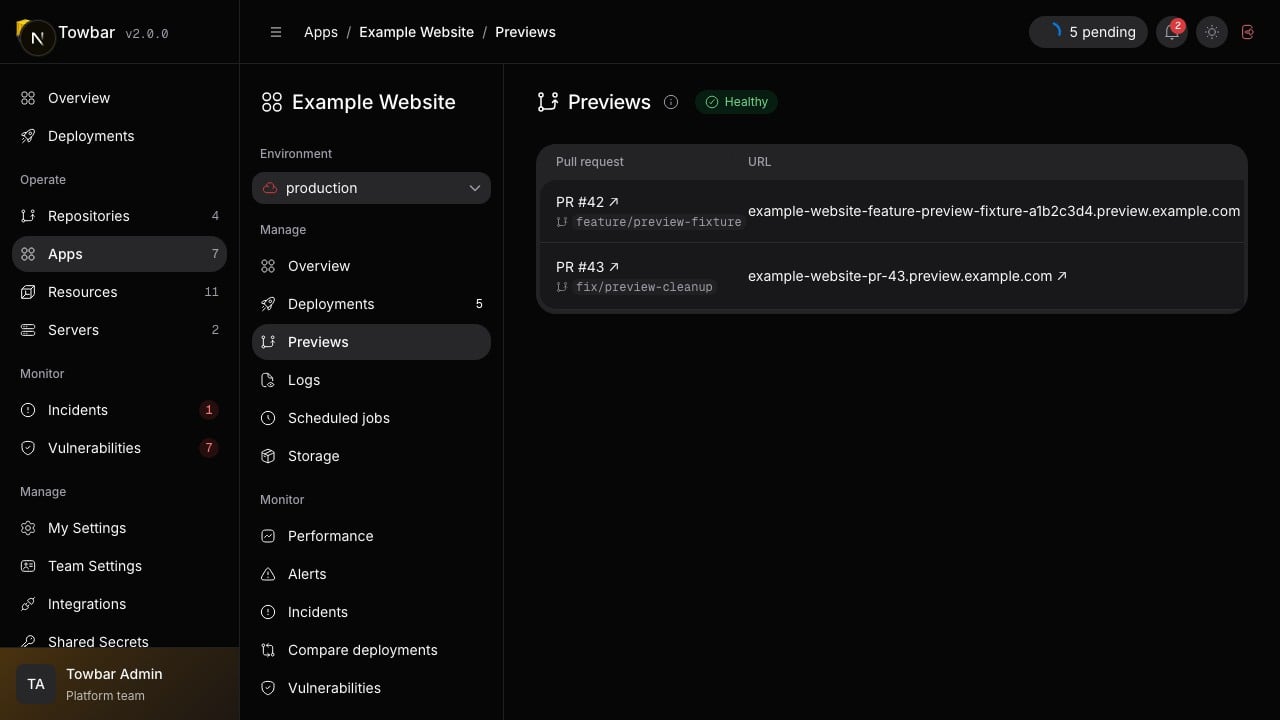
Preview environments show their URL, commit, expiry, and cleanup status.
Enable previews
Previews are opt-in per app. Opening a same-repository pull request that targets a connected environment’s mapped branch with previews enabled builds its immutable head commit and promotes it to one stable PR URL. Draft pull requests are supported. Resources are not cloned, and production shared or App secrets are never inherited..towbar/apps/hello-towbar.app.yml
Set up DNS
The generated hostname includes the App ID, pull request number, and a stable Repository/PR hash, for examplehello-towbar-pr-42-a1b2c3d4.preview.example.com. With
tls.mode: cloudflare-dns, Towbar creates and removes the exact proxied DNS
record. With tls.mode: direct, route the Preview base domain to the target
server yourself, normally through wildcard DNS. If Cloudflare proxies a nested
Preview wildcard, confirm that the zone’s certificate covers that hostname;
DNS wildcard support does not by itself extend Universal SSL certificate
coverage to every nested level.
Control concurrency and cleanup
ConfigurebuildConcurrency and previewBuildConcurrency under Server →
Settings. Preview concurrency defaults to 1, cannot exceed total build
concurrency, and is capped at 4. Preview builds have lower queue priority
than production, Resource, cleanup, and server operations. A newer PR commit supersedes only
queued work for that App and PR. A failed build leaves the last healthy Preview
live. Merging or closing the pull request, retargeting it away from
the target environment’s branch mapping, disabling Preview in the next successful Repository sync,
manually deleting it in Towbar, or reaching ttlHours queues targeted
container, image, route, and DNS cleanup; persistent volumes and Resources are
never removed. Reopening an eligible pull request recreates its Preview.
Pull request eligibility
Towbar reconcilesopened, reopened, synchronize, edited, and closed
webhooks against the pull request’s current GitHub state. This makes duplicate,
delayed, and out-of-order deliveries safe and keeps branch renames under the
same PR identity. Pull requests from forks and pull requests targeting another
base branch are not deployed. When an App configures autoDeploy.inputs,
Preview admission uses those same expanded path patterns against the pull
request’s complete changed-file list. An unrelated pull request does not create
a Preview, and reverting all matching changes cleans up an existing Preview.
An incomplete GitHub changed-file response remains eligible rather than risking
a false skip. Apps using plain autoDeploy: true remain commit-sensitive and
Preview every eligible pull request. A successful Sync now also reconciles
open eligible pull requests and existing Preview environments, so enabling
Preview after a PR opens or recovering a missed webhook does not require a new
commit.
GitHub status
GitHub groups preview deployments under one environment per App, namedApp name · Preview. The PR number appears in the deployment description.
Each preview keeps its own URL and status; deploying one PR does not deactivate
another PR’s preview. Older environments with PR numbers in their names remain
in GitHub until you remove them there.
Towbar also maintains one comment per Repository and pull request with every App’s
build status, Preview URL, and deployment details link. A hidden stable marker
lets Towbar update the same GitHub comment instead of posting a new comment for
each state change.
Separate secrets and trust
Treat Preview pull requests as executable deployment input. Use separate, least-privilege Preview values with disposable or non-production credentials. Production branch, target server, domains, Resource configuration remain controlled by the production manifest. Secret assignments are controlled only by the Towbar editor.Verify a preview
- Create a same-repository pull request against the preview-enabled environment’s mapped branch.
- Change a file included by the app’s deployment inputs.
- Open the preview in Towbar and wait for deployment to succeed.
- Open its URL and verify the expected change.
- Close the pull request and confirm cleanup completes.