
Prerequisites
Enable the storage provider in.env, restart the API, and confirm it appears under Manage → Integrations → Backup providers. Grant the runtime identity access to the buckets, containers, prefixes, and encryption keys used by workload policies.
- AWS, generic S3, or R2 for S3-compatible storage.
- Google Cloud for Google Cloud Storage.
- Azure for Azure Blob Storage.
Runtime provider configuration
The compact policy below references the enabled AWS runtime integration by its provider name. Uses3, r2, gcs, or azureBlob for the other providers. restoreFrom is derived and must not be supplied with this form:
Legacy multi-provider configuration
The original three-provider object remains accepted within the clean-break v2 manifest while teams move to provider configurations. A resource must declare at least one destination:- AWS S3 (
s3): Declarebucket, optionalprefix(defaults totowbar), optionalregion(defaults to the runtime AWS integration region), and optionalencryption(AES256oraws:kms). When usingencryption: aws:kms, supplykmsKeyId. - Google Cloud Storage (
gcs): Declarebucket, optionalprefix(defaults totowbar), and optionalregion. Encryption uses Google-managed keys or Cloud KMS keys (CMEK) configured on the bucket. - Azure Blob Storage (
azureBlob): Declarecontainer,storageAccount, and optionalprefix(defaults totowbar). Encryption uses Microsoft-managed keys.
Multi-destination backups
To store backups across multiple clouds simultaneously, declare more than one destination block (s3, gcs, azureBlob). Towbar executes backups to all declared destinations concurrently and verifies restore-readiness on each.
When multiple destinations are declared, specify restoreFrom (s3, gcs, or azureBlob) to identify which provider serves as the authoritative source for database restores. If only one destination is declared, restoreFrom defaults to that provider automatically.
A retained recovery point keeps its original storage provider and location. Changing the manifest’s restoreFrom later affects new backups; it does not redirect an older backup to another cloud. Keep credentials for the retained provider available until those recovery points expire. If retention cannot delete every stored copy, Towbar keeps the recovery point eligible for another cleanup attempt.
Define a database policy
This complete manifest creates a PostgreSQL resource with daily backups at 03:00 UTC, retains the latest 14 recovery points, and replicates backups to AWS S3 and Google Cloud Storage:towbar.yml
.towbar/resources/database.resource.yml
towbar.yml
.towbar/resources/cache.resource.yml
POSTGRES_PASSWORD in the resource’s runtime secrets. Sync the Repository and open Resource → Settings → Backup.
Schedules use five-field UTC cron expressions and cannot run more frequently than hourly. Retention accepts 1–100 backups and defaults to 7. Omitting schedule leaves backups manual.
Backup management UI
In the secondary sidebar under Resource → Settings → Backup, Towbar provides an operational dashboard for your database backups:- Credentials & health alert: Displays an immediate warning if a manifest destination is not enabled by the Towbar runtime environment.
- Provider destination tabs: Each configured destination (
AWS S3,Cloudflare R2, generic S3-compatible storage,Google Cloud Storage, orAzure Blob Storage) appears with its provider identity and exact object location. - Provider configuration card: Inside each tab, view the destination URI, encryption mode, credentials status, backup schedule, and retention limit. The schedule shows cron notation; hover or focus it for a plain-language description.
- Retained backups table: Positioned directly beneath the configuration card, listing recovery points with creation timestamp, size, engine version, format, and object key.
Verify a recovery point
Choose Back up now to trigger an immediate backup run. Towbar performs a 3-stage verification pipeline:- Backup run: Executes the engine-native export for PostgreSQL, MySQL, MariaDB, MongoDB, Redis, Dragonfly, KeyDB, or ClickHouse inside the owned container and validates the resulting archive.
- Saved copy: Uploads the archive to all configured destinations with SHA-256 checksum metadata.
- Restore check: Verifies object existence, size, checksum metadata, encryption, engine compatibility, and format across all destinations.
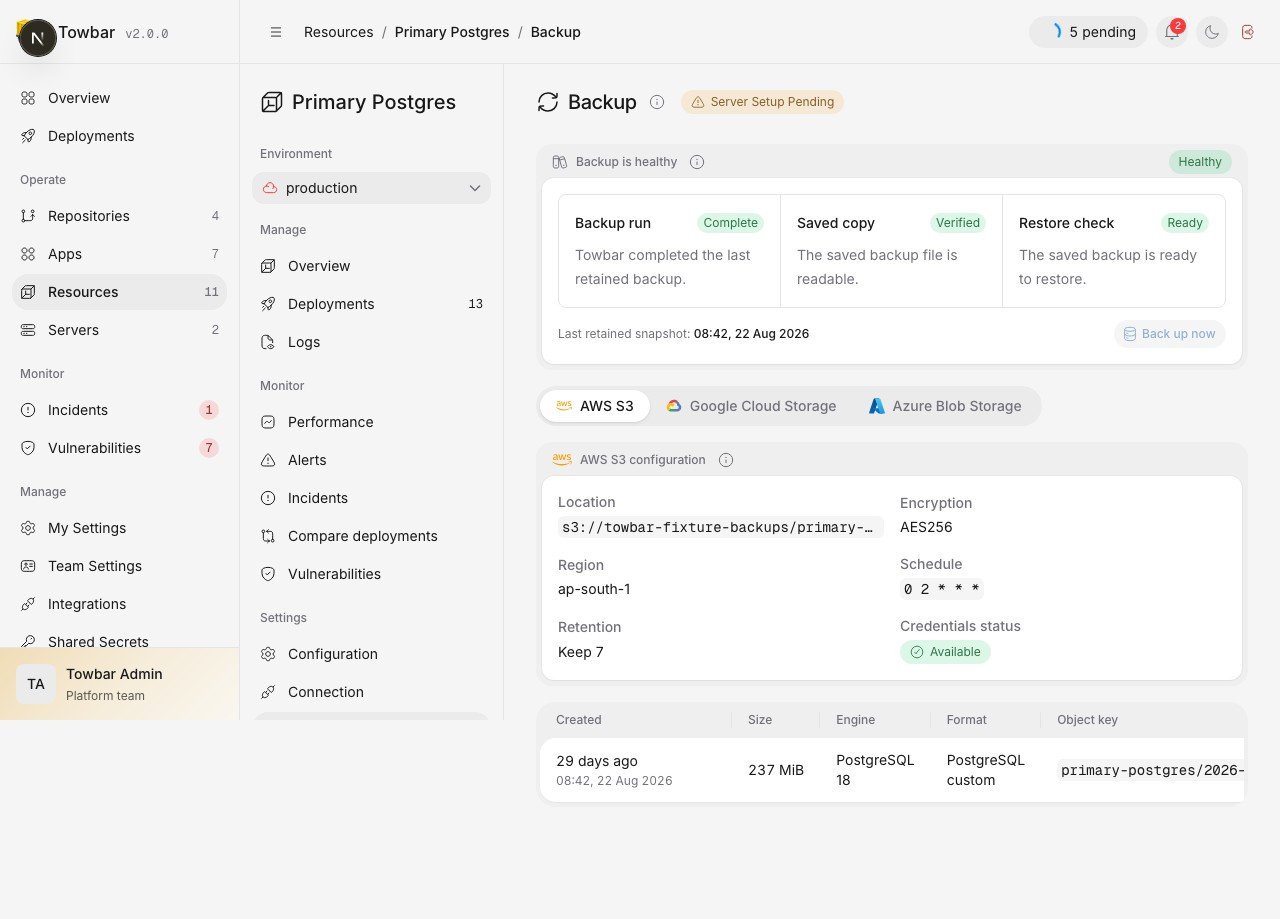
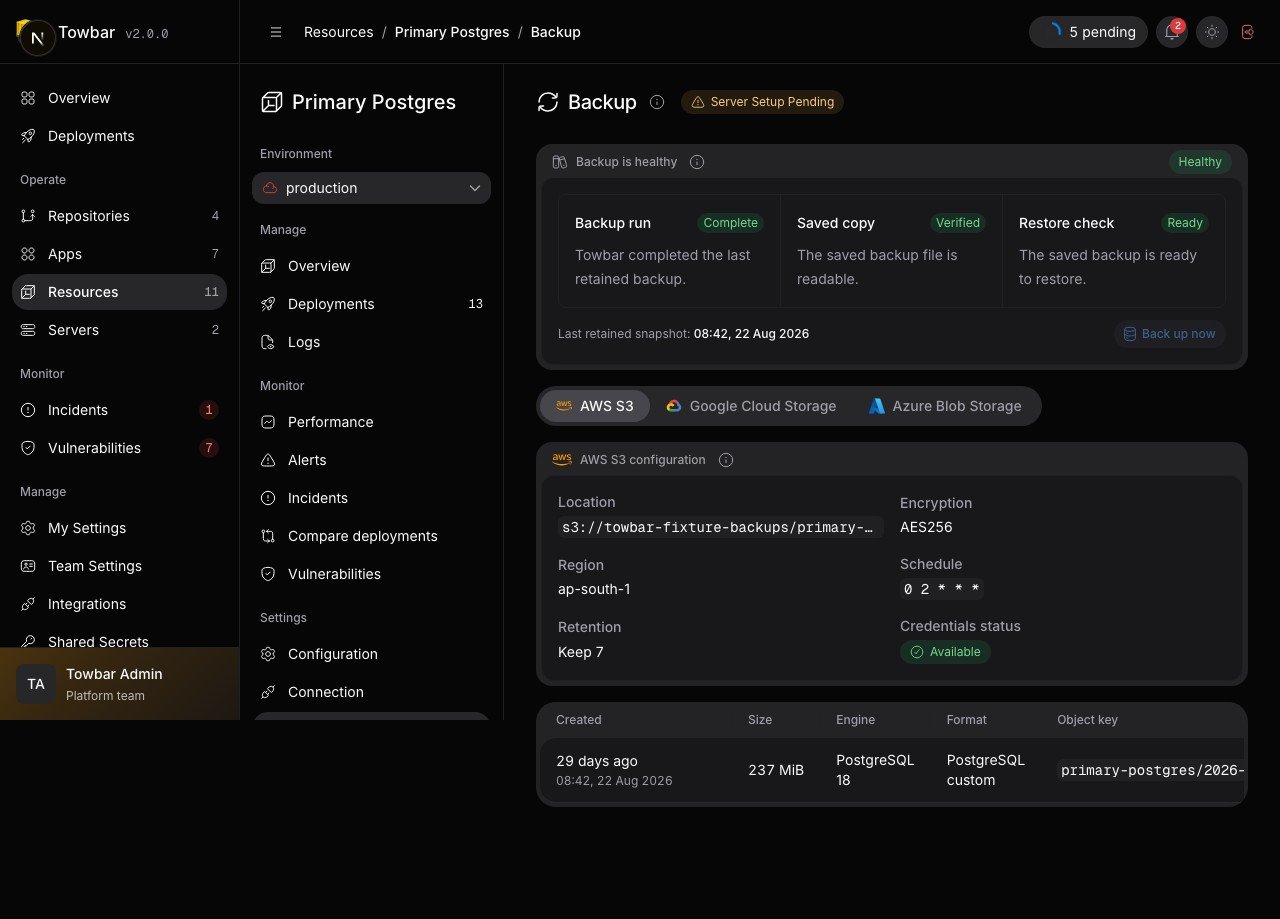
Backup configuration shows the location, retention, cron schedule, and provider credential status.
Practice recovery
A completed upload is not proof that your application can recover. Follow the restore guide in a controlled environment and verify the restored data with the application. These features protect managed workload data. Back up Towbar’s own PostgreSQL database and.env with your infrastructure tooling; the dashboard does not provide control-plane backup or restore operations.