
Enable scanning
- Enable
TOWBAR_VULNERABILITY_SCANNING_ENABLED=trueon your installation and recreate the API and worker. See scanner configuration. - Add
vulnerabilityScanning: trueto the app entity file under.towbar/apps/and sync the Repository. - Deploy the app. Towbar queues a scan after a successful production or preview deployment.
.towbar/apps/web.app.yml
Browse workspace findings
Open Monitor → Vulnerabilities. The secondary sidebar filters by severity, and the URL preserves that selection. On mobile, use Page menu. The table shows advisory IDs, packages, installed and fixed versions, affected apps, targets, and scan timestamps. Select the app link to open the deployment’s scan details. Select a CVE ID to open its record on CVE.org. Other supported advisory IDs link to their advisory source. The workspace view uses the latest requested scan for each app, rather than combining every historical deployment. Its table contains stored findings from completed scans with findings. The severity totals summarize the full scan results, so they can exceed the number of rows: Towbar retains a bounded set of critical, high, or fixable findings. An empty filtered table alone does not establish that every image is clean; review the scan states and individual deployment details.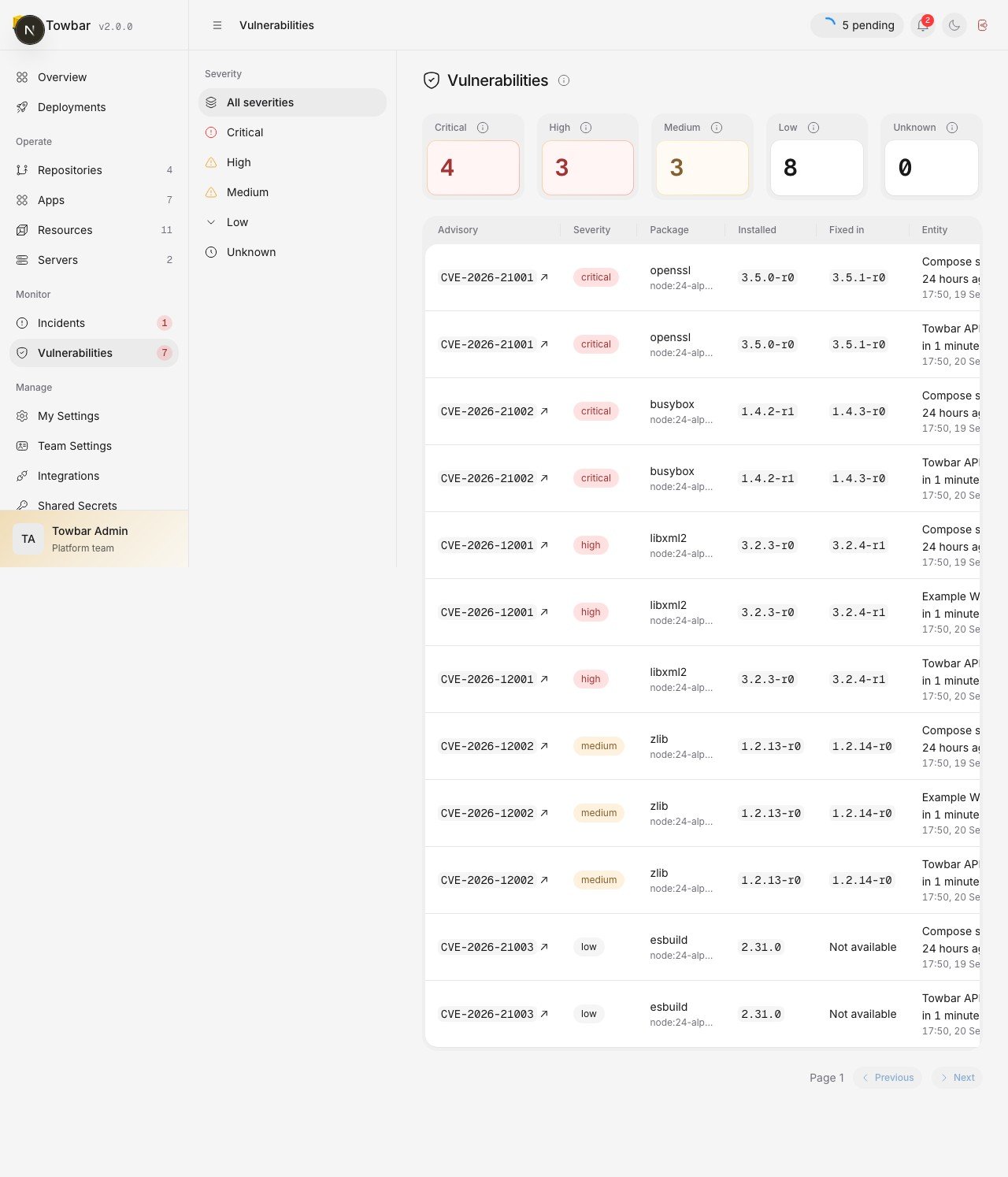
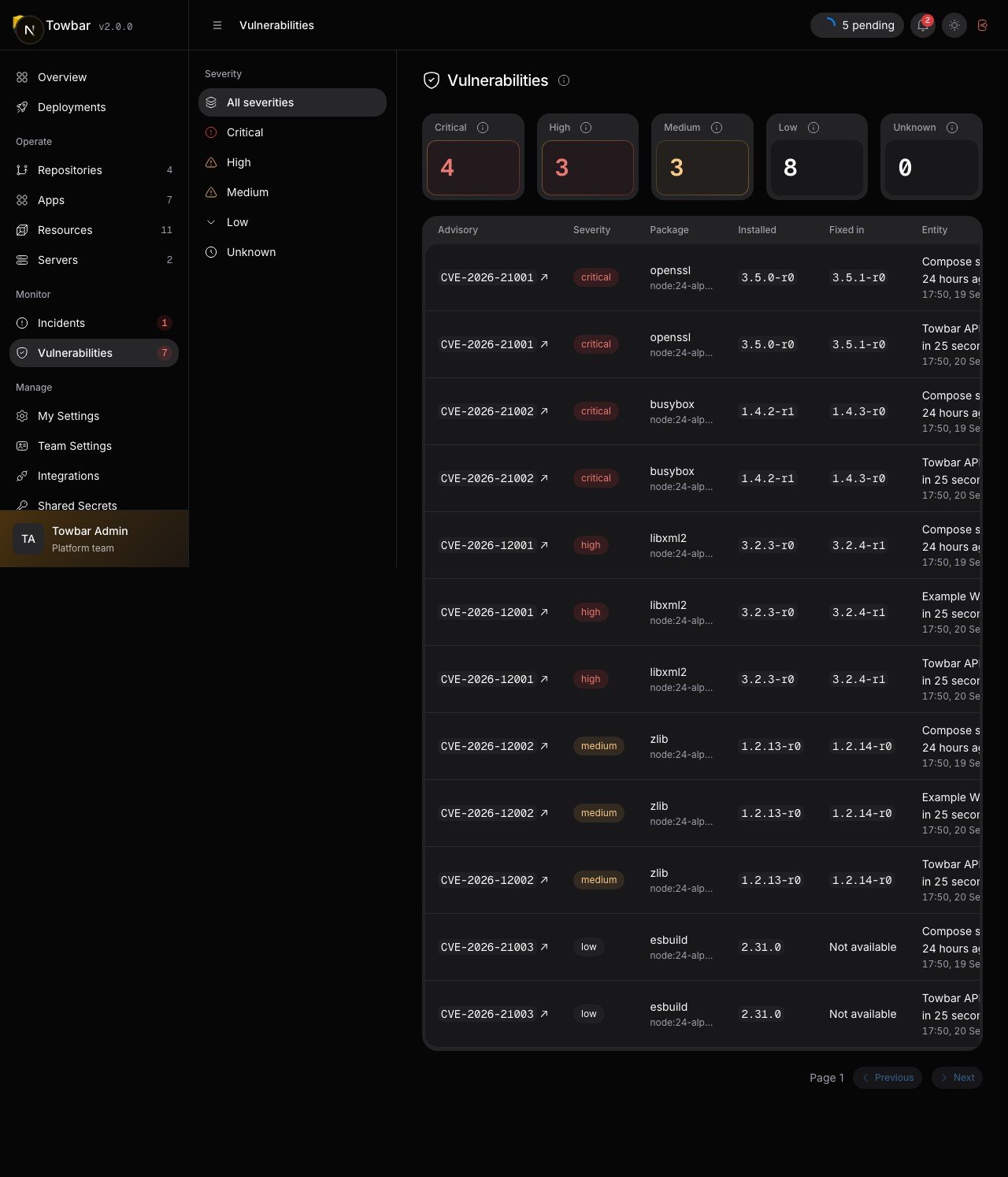
Workspace findings link to CVE records and the affected deployment.
Inspect a deployment
Open Vulnerabilities in a deployment’s secondary sidebar to see its scan state, severity totals, package findings, scanner version, and vulnerability database timestamp. Scan results are shared for the same immutable image digest within a workspace.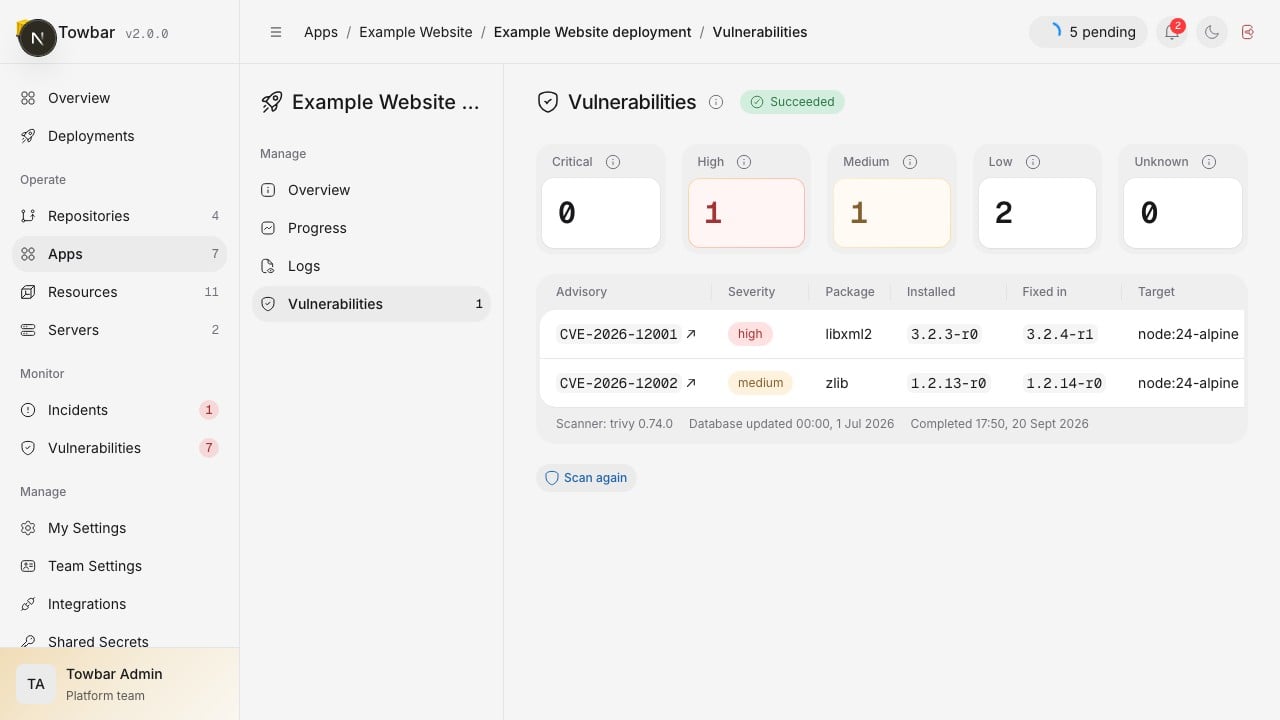
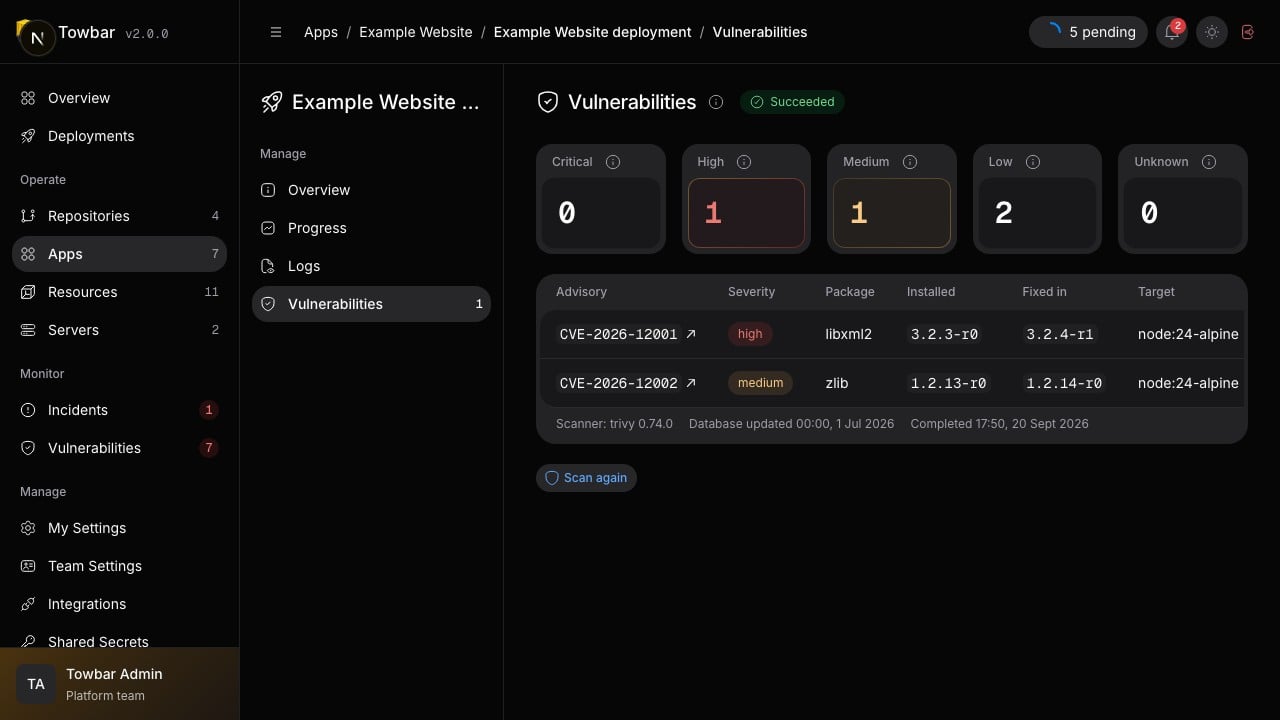
Deployment findings identify the package, installed version, and available fixed version.
A clean result reflects the scanner’s database at the time of the scan. It is not a guarantee that the application has no security issues. Scanning does not inspect running host configuration or application behavior.
Rescan and remediate
An Admin can choose Scan again on an eligible deployment and confirm the action. The app and installation must still have scanning enabled. A rescan refreshes the result for the same image; it does not rebuild or redeploy it. A running scan cannot be queued again. Use Fixed in to identify a package version that addresses a finding. Update the dependency or base image in the repository, build and deploy a new image, then inspect that image’s result. When no fixed version is listed, review the advisory and upstream package guidance. Completed results become stale based on the vulnerability database timestamp. The default maximum age is 168 hours, configurable withTOWBAR_VULNERABILITY_SCAN_MAX_AGE_HOURS.