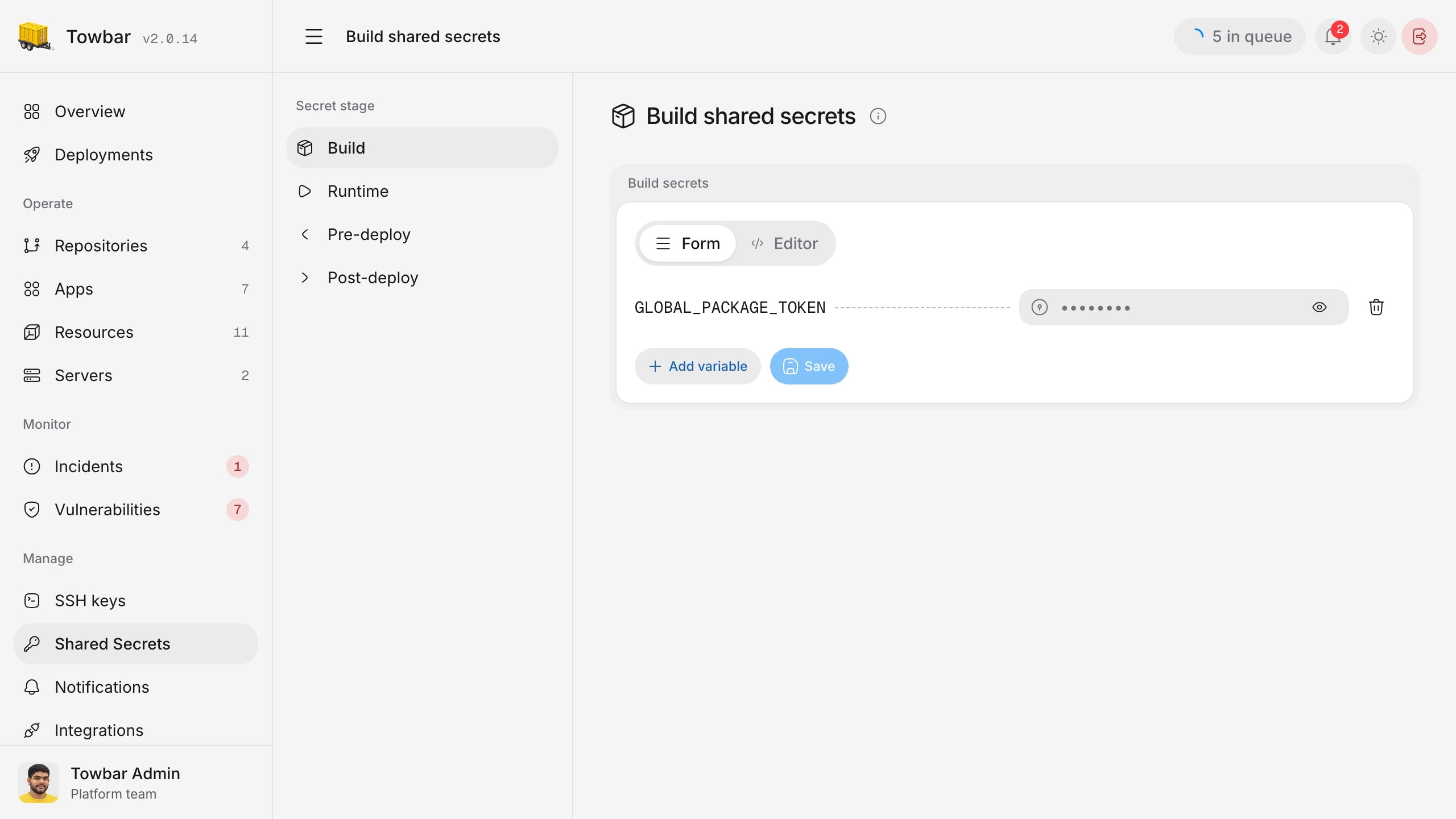
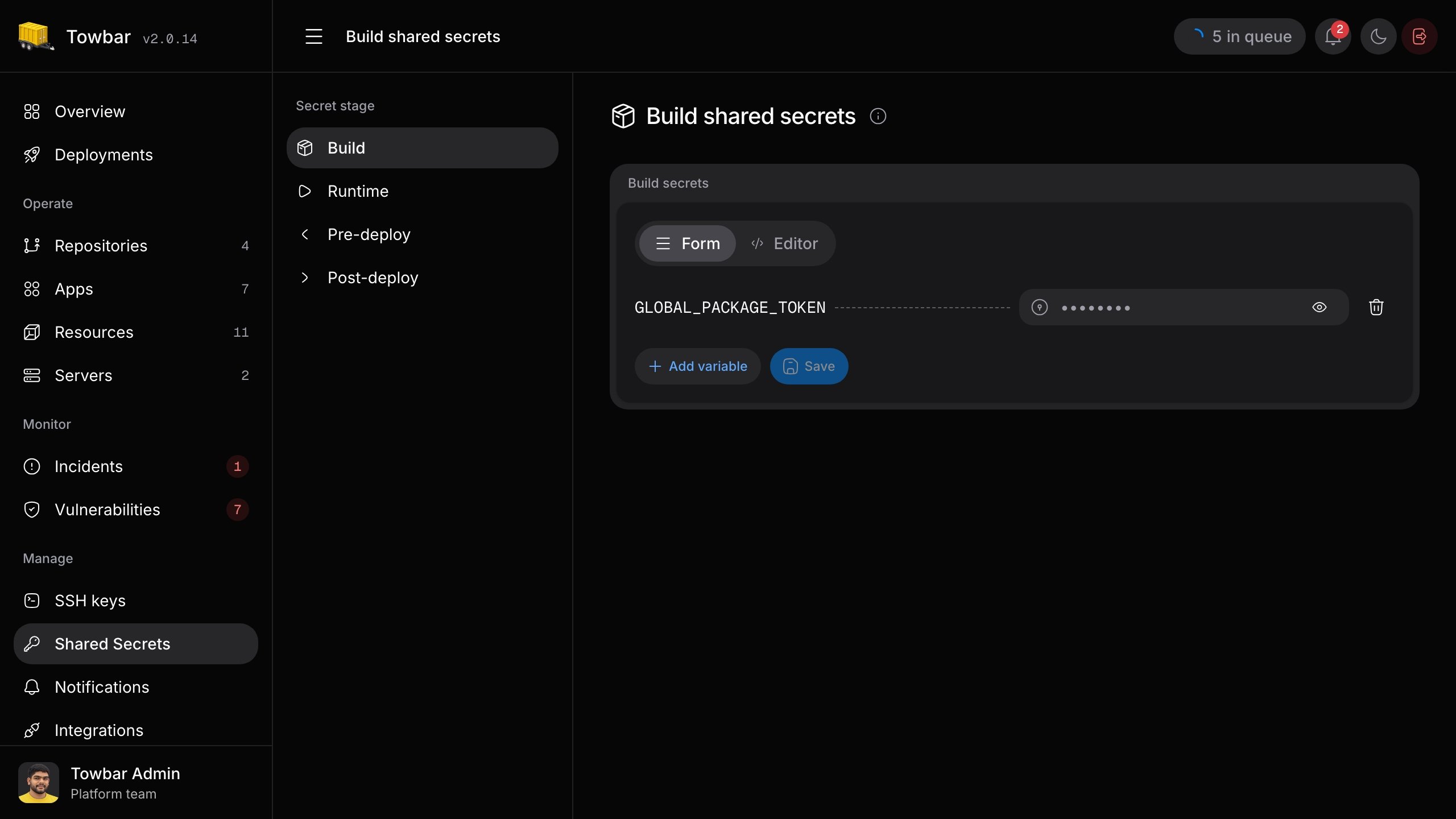
Choose when a value is used
The stage controls when Towbar supplies a value. Declare only the stages your app needs:
Resources support runtime secrets only. Hook values are supplied only when that hook is configured. External-service imports use runtime only; see Secrets from external services.
Declare and save a secret
Add the names an app needs to its manifest. For example, an app that only needs values while running declaresruntime:
.towbar/apps/api.app.yml
DATABASE_URL and API_TOKEN, and click Save. For a resource, use Resource → Settings → Secrets. Newly declared keys appear unset; they must have a value before deployment. A missing value blocks deployment, not repository sync.
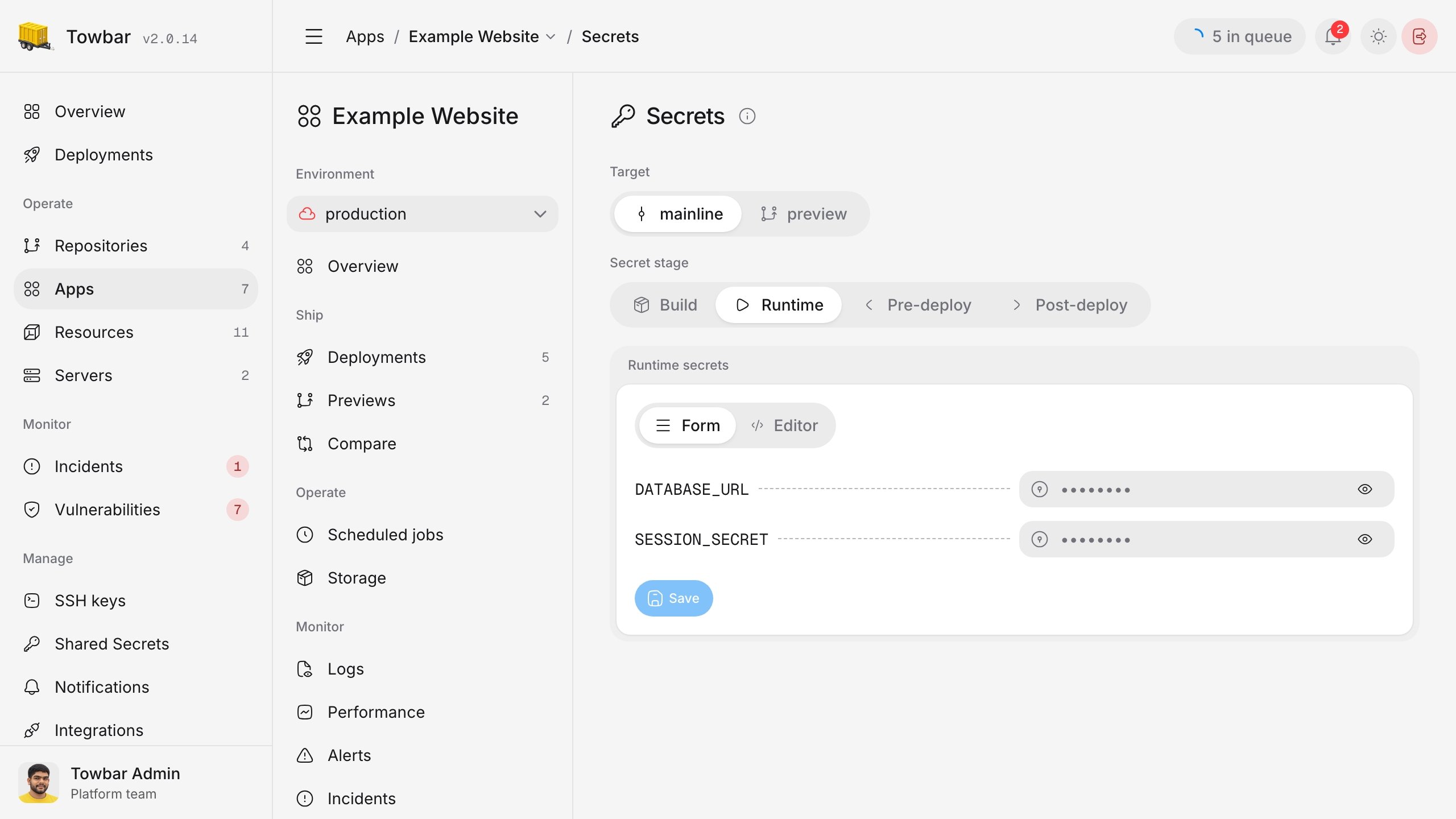
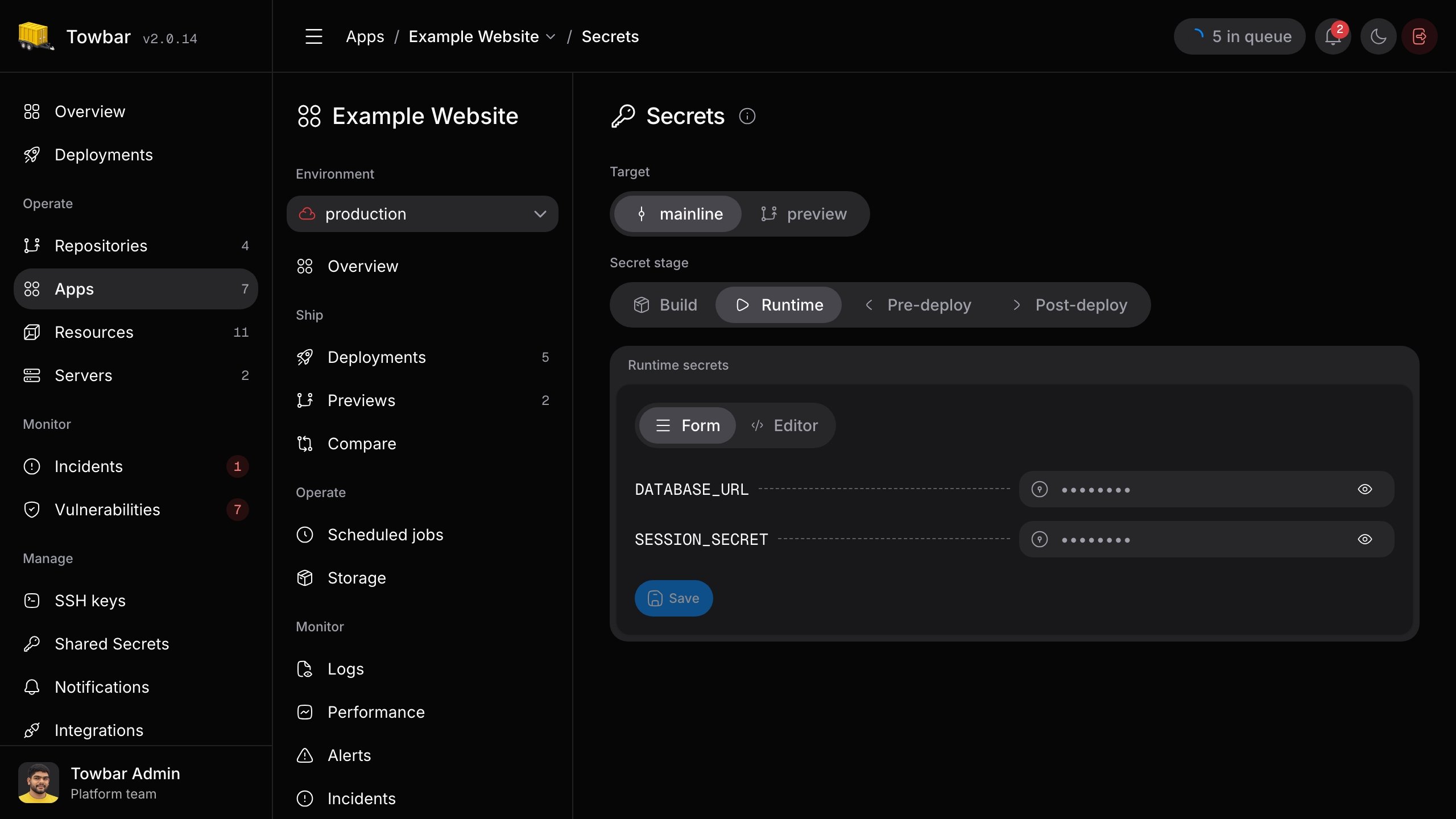
The Runtime stage for an example app. Saved values stay masked until revealed by an authorized Admin.
KEY=value lines for the selected stage. It accepts quoted values, comments, and multiline quoted strings. An unchanged value stays saved. Removing a declared key from the manifest removes its saved value on the next successful sync of that environment.
Reuse a shared value
If several workloads need the same value, save it once under Manage → Shared secrets for the appropriate stage. KeepAPI_TOKEN declared in each workload manifest, then set its workload value to a reference:
App → Settings → Secrets → Runtime
API_TOKEN when the workload runs. Shared values are not injected into workloads automatically. A reference can also appear within a larger value, such as Bearer {{globals.API_TOKEN}}. A missing reference stops deployment. Shared values are stage-specific but available across environments, including previews, so use distinct workspace keys when environments need different credentials.
Only an authorized Admin can reveal a saved value. Hovering over a visible {{globals.KEY}} expression can preview its referenced shared value; hovering over a variable name does not reveal a secret.